Can I use background videos and images on LandingRabbit pages?
Add a background image or video
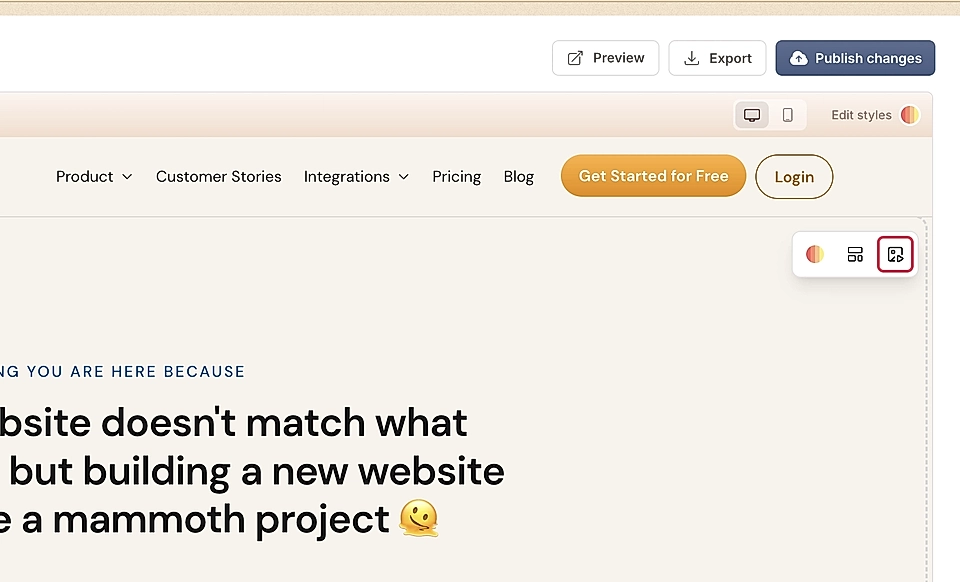
Hover over any section in the page preview and click the background icon.
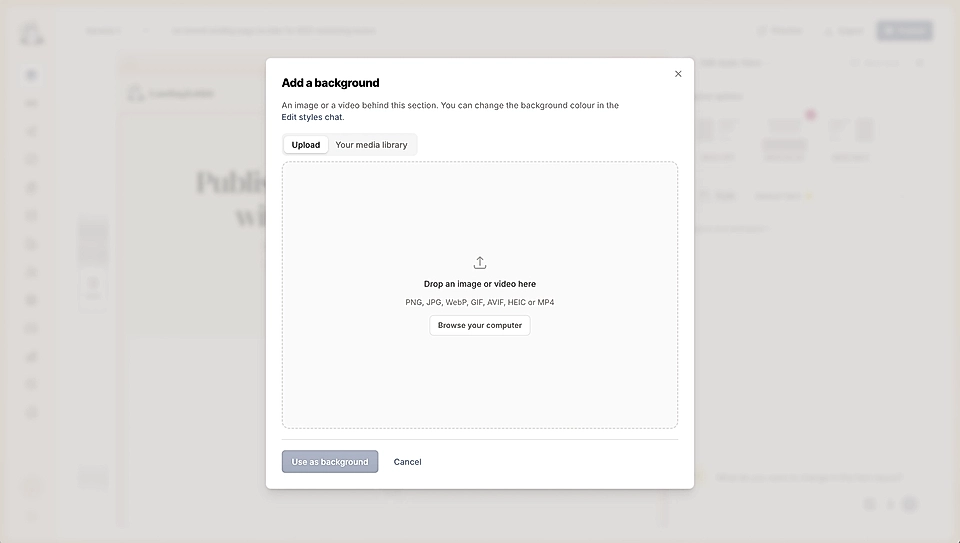
Upload an image or video (PNG, JPG, WebP, GIF, AVIF, HEIC or MP4)…
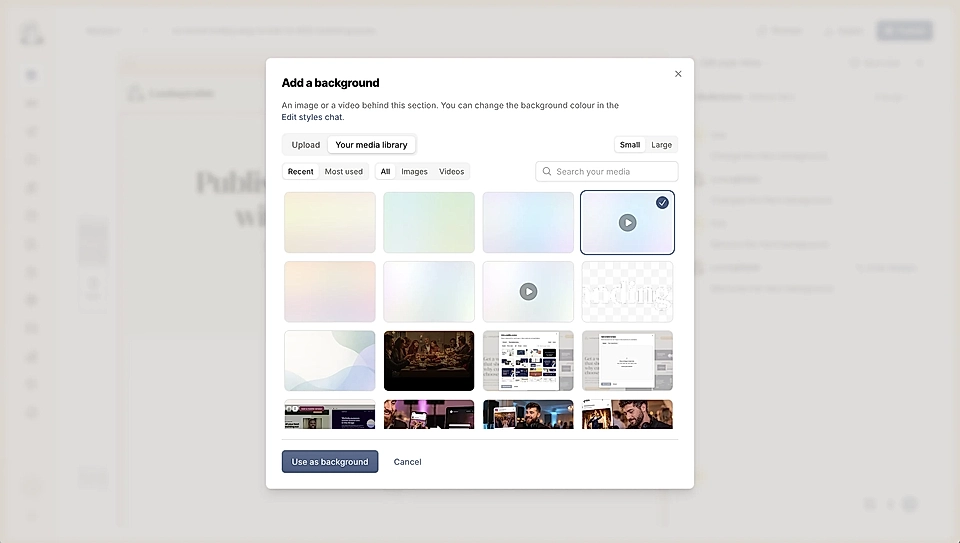
…or pick one from your media library and click Use as background.
Add a fallback image for videos
Sometimes a browser won't play the video, for example in low power mode, with autoplay turned off or with reduced motion on. Add a fallback image and visitors will see that instead.
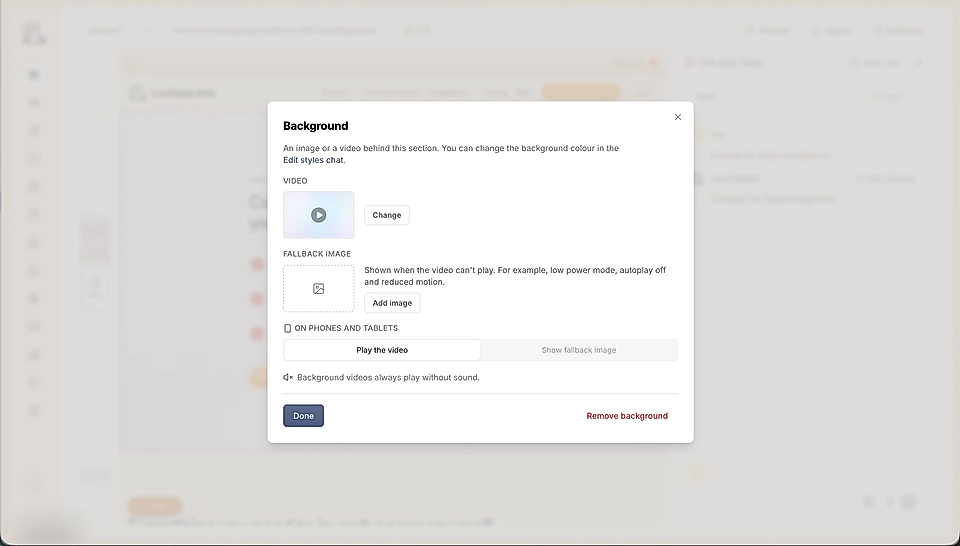
You can also choose what shows on phones and tablets: the video or the fallback image.
Background videos always play without sound.
Change the background colour
To change a section's background colour, including gradients, use the Edit styles chat, or ask ChatGPT or Claude.