AI chatbot for websites

The AI chatbot that’s an expert on your services and books meetings

Instantly answer visitors’ questions with a chatbot trained on your website content and uploaded materials. Capture qualified leads and book meetings in the same chat.

Give visitors answers. Get more meetings booked.

The chat widget pulls answers straight from your LandingRabbit website, then asks interested visitors pick a time with your team.
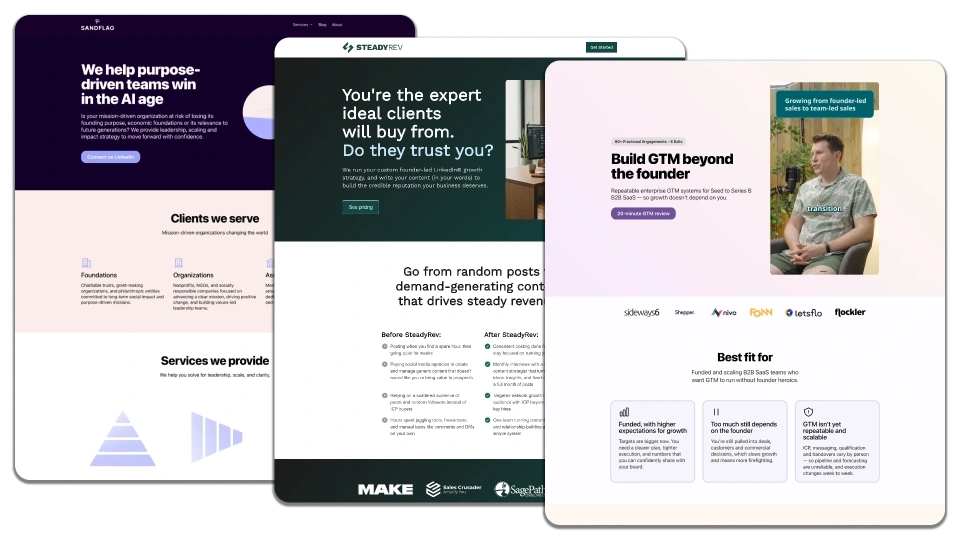
Three LandingRabbit-powered websites showcasing B2B services: mission-driven teams, expert client engagement, and GTM strategies.

Give answers you can trust

The chat uses your LandingRabbit-powered website and your uploaded PDFs, and notes, not the wider internet. If it cannot find an answer, it will not make one up.

No need to train and maintain a separate chatbot software. The chatbot is integrated with your LandingRabbit website.
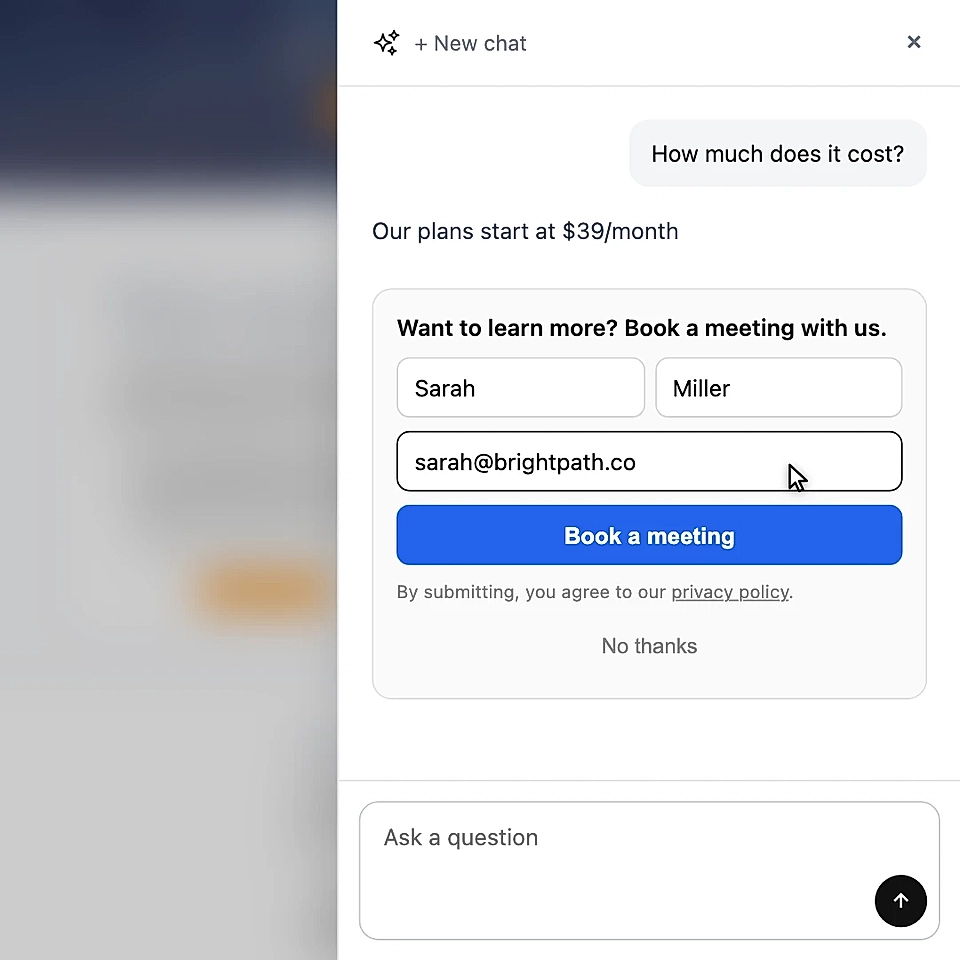
Chat widget with pricing message and meeting booking form fields

Capture leads at the right moment

Show the lead form only when someone is interested or asks to talk. No interrupting every conversation with a form or being pushy.

Man on a phone call beside a laptop with Cal, HubSpot, and Calendly logos

Connect with your favourite meeting calendar

Connect Calendly, Cal, or HubSpot so visitors can pick a time in the chat. You get their booking details and questions so you are better prepared for the meeting.

Get started in three easy steps

Create a website with LandingRabbit

LandingRabbit interviews you and helps you write the best pages with you.

Turn on the Ask AI chatbot for your site

Once you've got website live and materials uploaded, turn on the Ask AI widget for your site.

Answer questions and book meetings

Connect your favourite meeting calendar to book meetings with those who show interest.

Frequently Asked Questions

What does the Ask AI chat widget answer from?

Ask AI answers using your website content and any PDFs, documents, or notes you upload to LandingRabbit. It does not use the internet, so it will not make up an answer when the information is not there.

Can visitors book a meeting through the chat?

Yes. When someone wants to talk to your team, Ask AI can show a lead form and then open your Calendly, Cal, or HubSpot calendar. They can choose a time without emailing back and forth.

Will the lead form interrupt every conversation?

No. The form only appears when a visitor shows interest in your product or asks to speak to your team. It is shown once, not during every chat.

Can I change how the chat widget looks and behaves?

Yes. Choose whether it appears in the bottom right or left corner, add an intro message, decide whether answers include page images, and set what it says when someone asks for your team.

Can I use Ask AI even if my website content is not finished?

Yes. Upload documents, PDFs, and notes with the details you want Ask AI to know. This is useful when important product and service information is not on your site yet.

Can I see what visitors asked in the chat?

Yes. You can review and export every question and answer inside LandingRabbit. You can also export leads with the questions they asked, so you have more context before a meeting.

Can I use this with other website builders?

Unfortunately not. The AI chatbot is integrated with LandingRabbit websites to make sure answers are always 100% based on the latest information on your site.

Get a website that answers prospect questions

Create a website with LandingRabbit and give visitors instant answers from your content and uploaded materials. Capture interested leads and let them book a time while you are busy serving customers.