Can I edit the look and feel of the Alternate section?
Yes, you can.
You can change colors, adjust spacing, control how big the image is, and much more.
Hover over the Alternate section in the page preview and click 'Edit Styles' to get started.
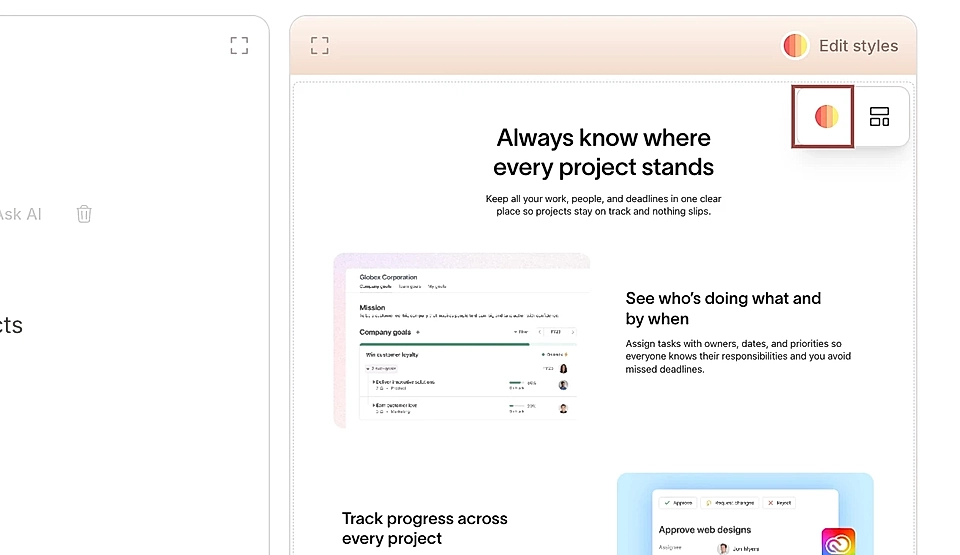
Let's have a closer look 👇
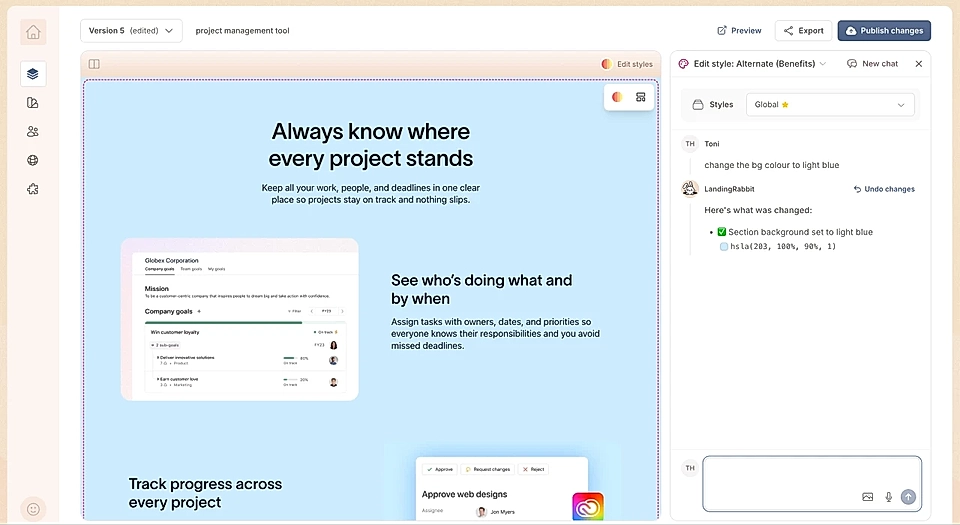
Change background colors
You can change the background color of the entire section to a flat color or gradient.
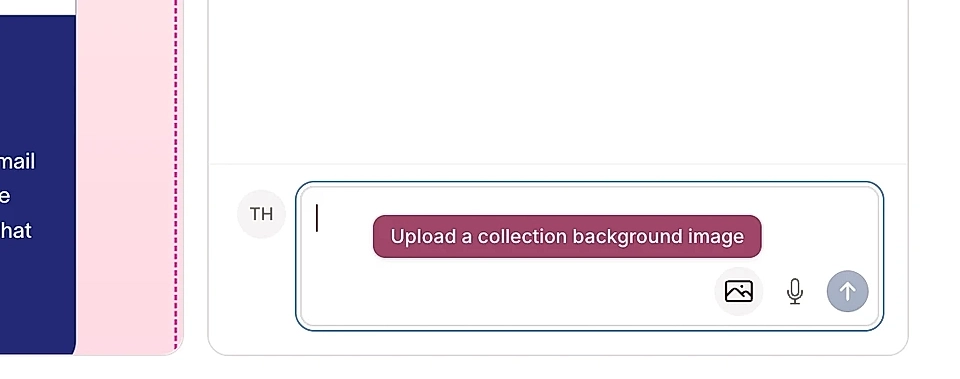
Or upload a background image.
You can add a border to items if you want to make them stand out more.
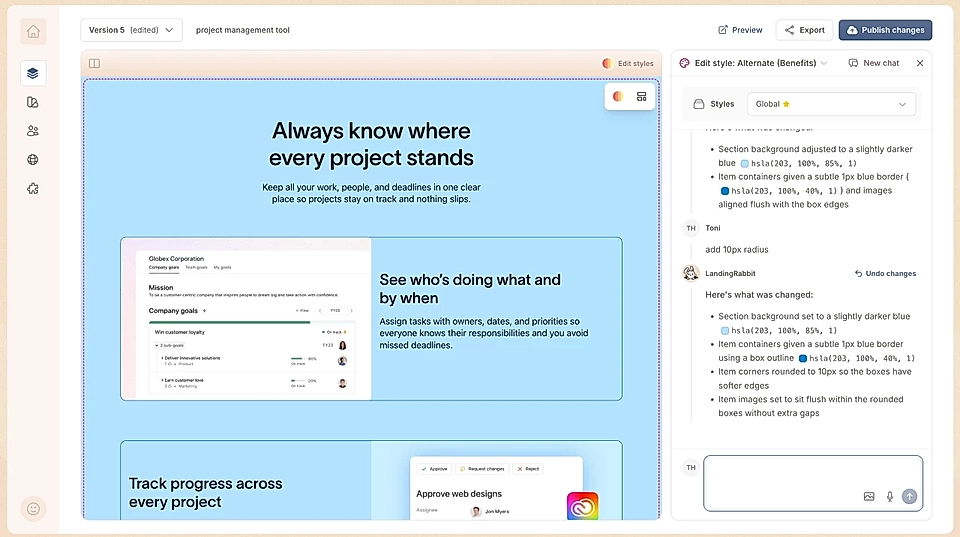
You can also change the background color of the Alternate items.
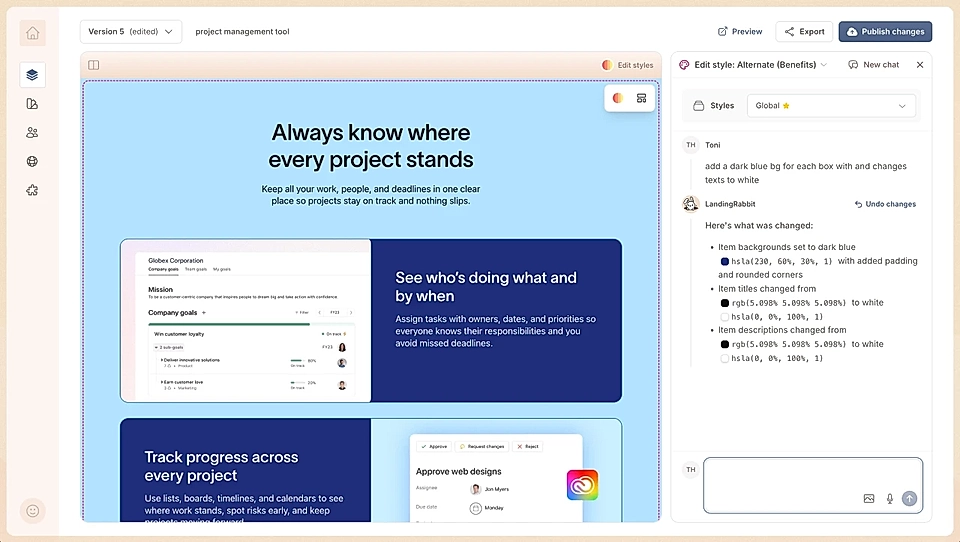
Adjust alternate layout and spacing
You can control:
Padding top and bottom
The width of the whole section
The width of the section title and subtitle
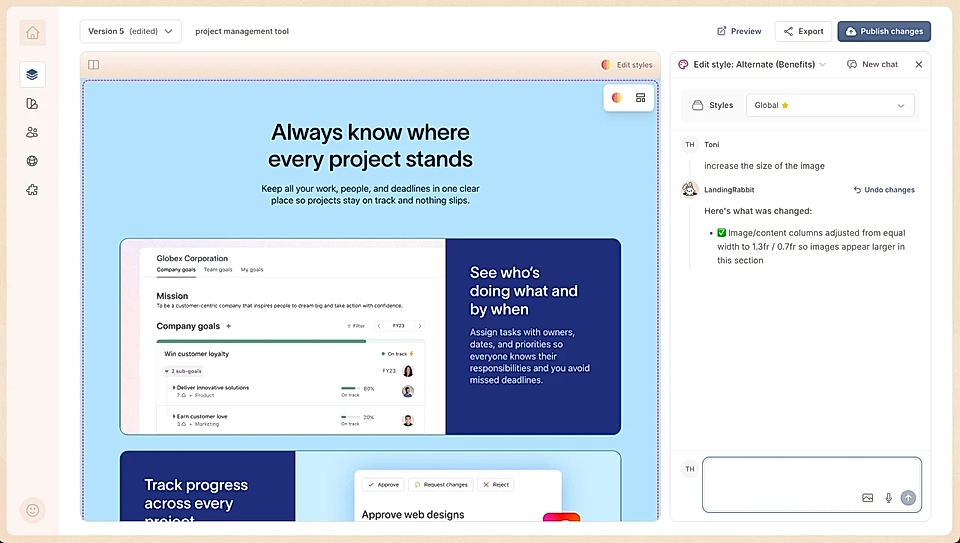
How much width the image and text get
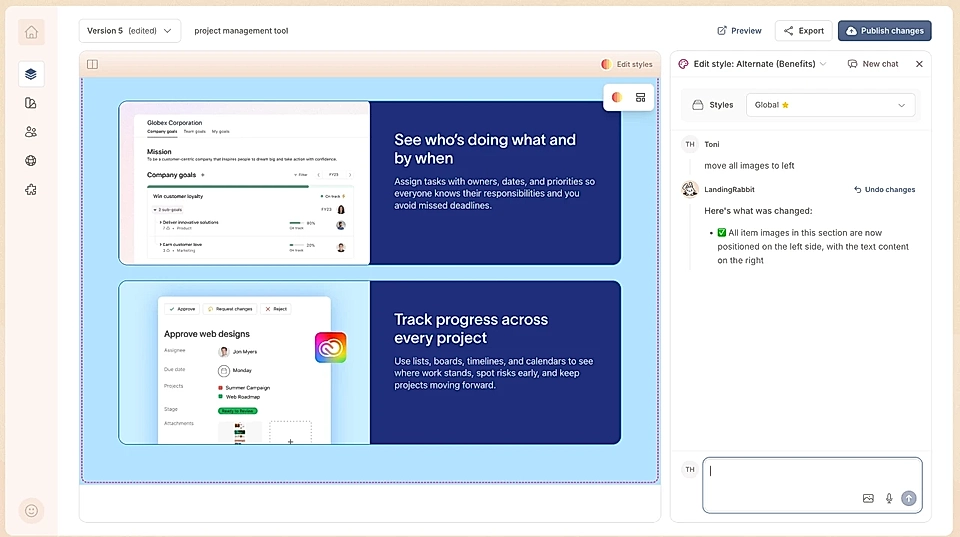
If images appear on side or alternate
The spacing between items
Just describe what you want in natural language, and LandingRabbit will adjust the layout for you.
Here's an example with images on side.
In this example, we asked to give images more space.
Add more content items
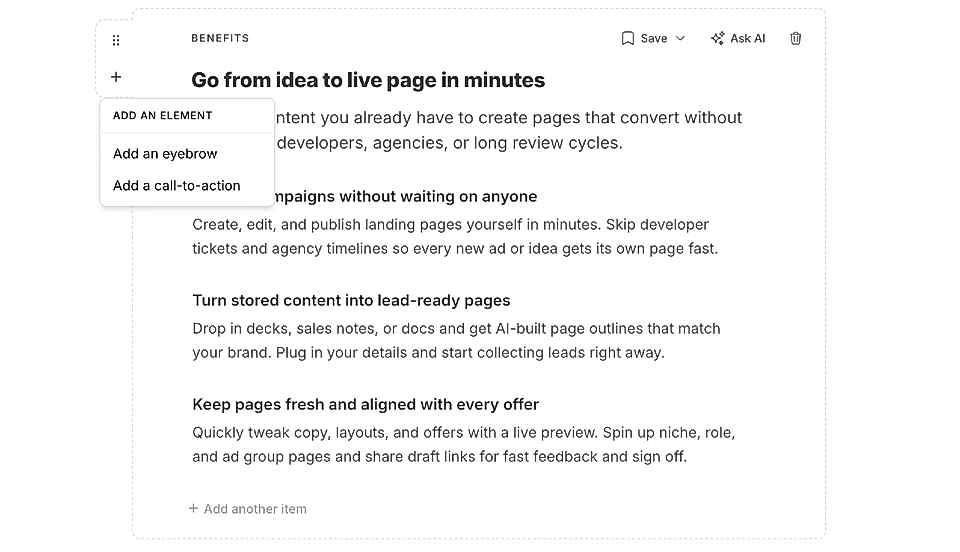
In addition to style changes, you can customize what content fields are displayed in this section.
In the section heading, click the plus icon to add an eyebrow and CTA buttons.
To each alternate item, you can add:
Eyebrows
Heading (H3)
Text block
Boxes
Testimonial
CTA buttons
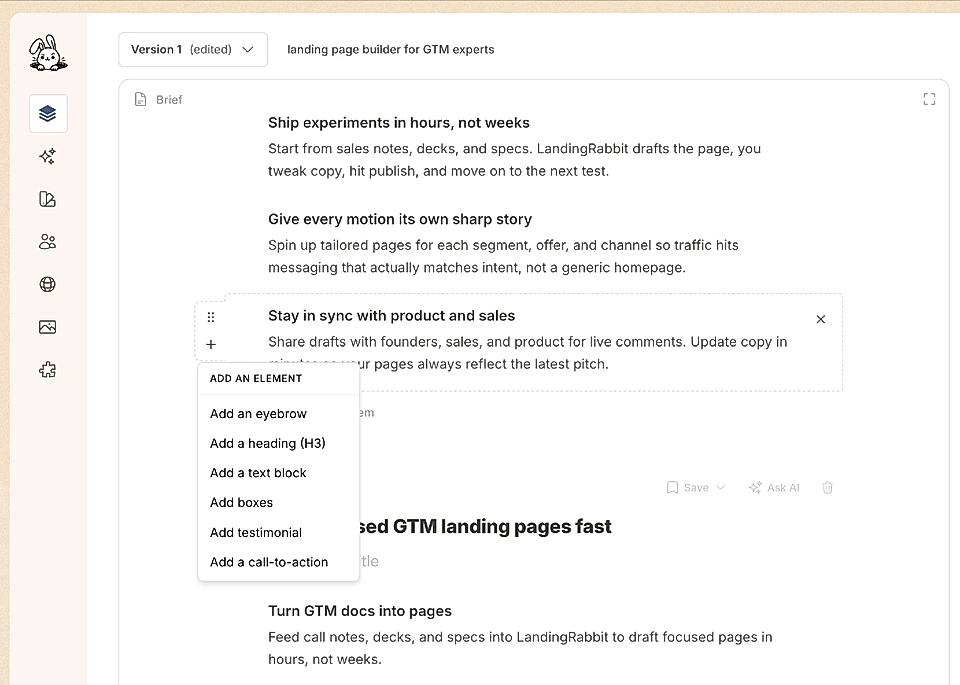
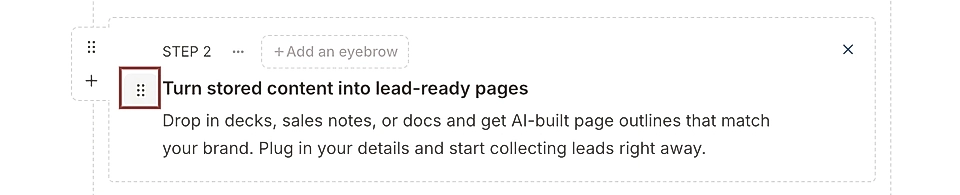
You can add as many as you like and also drag n drop their order.
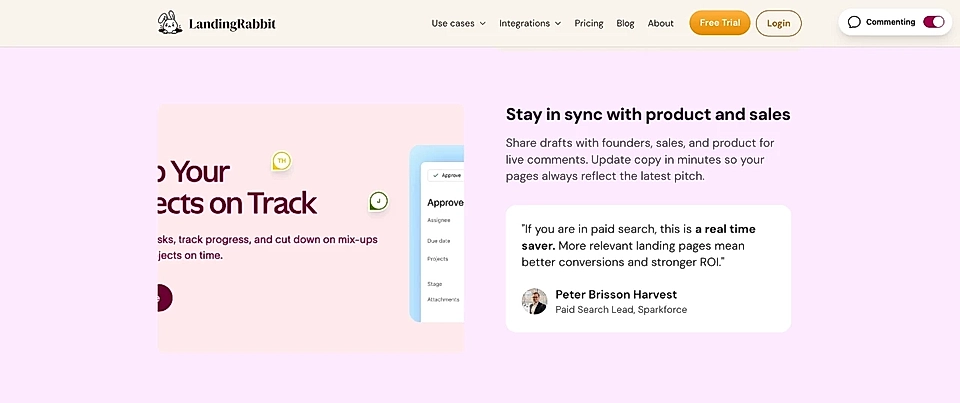
A testimonial can make your message stronger.
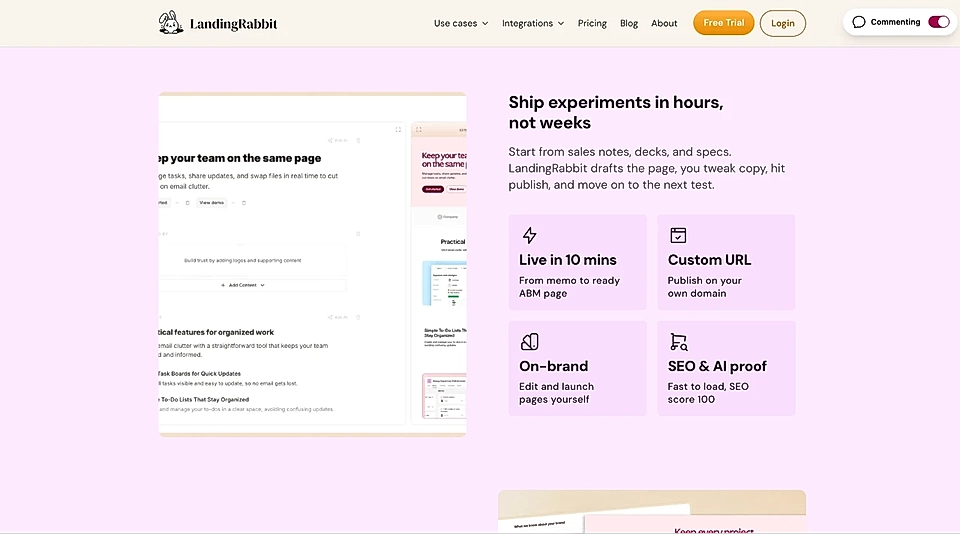
Boxes can help you show key facts, features, and achievements in an easy-to-digest format.
This article is only a snapshot of what you can customize. If you need any help, don‘t hesitate to send us a message via [email protected]