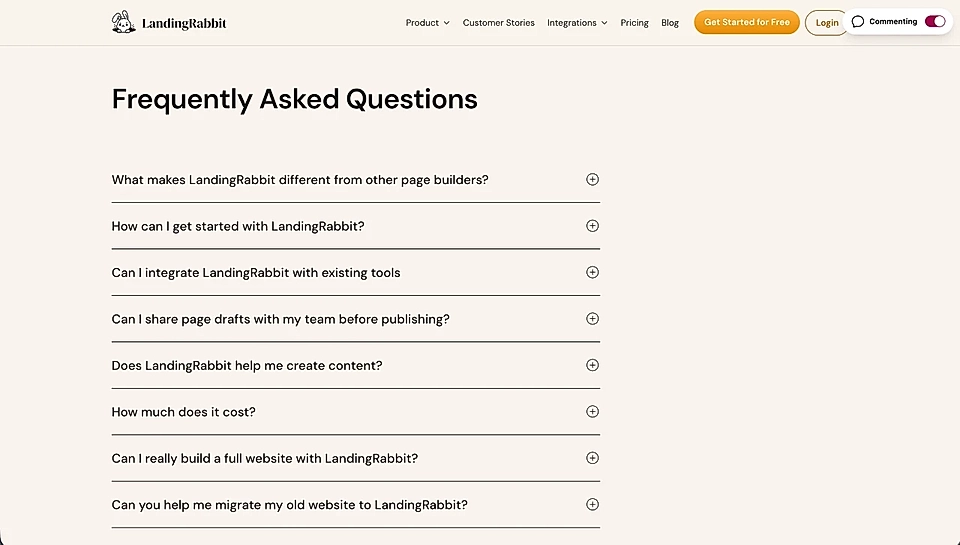
Can I edit the FAQ section look and feel?
Yes, you can.
In the page editor, you can add a section title, section subtitle, section eyebrow, section CTA button(s), and questions and answers.
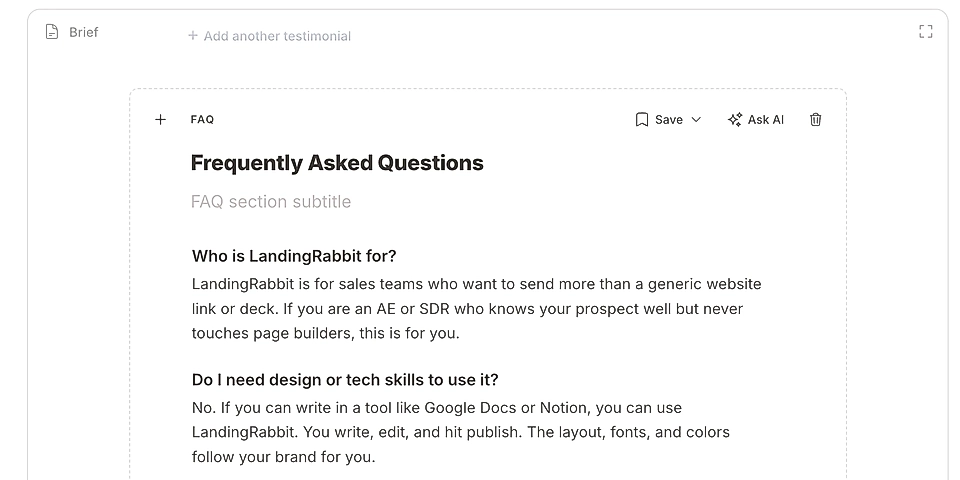
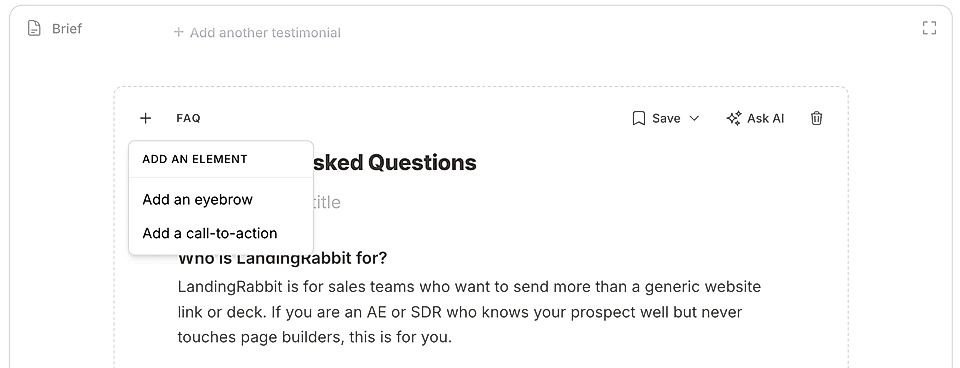
Change the FAQ section layout
Hover over the page preview and you'll find the layout options icon.
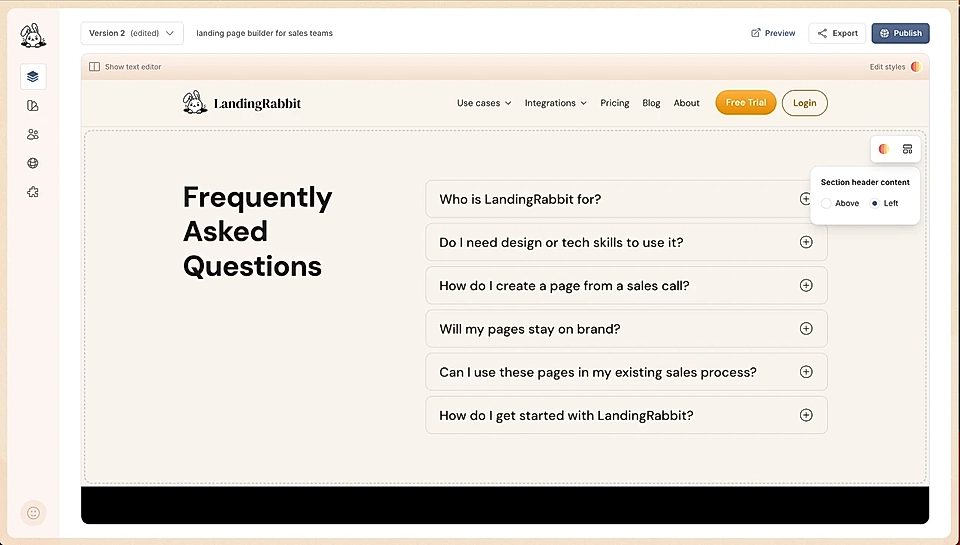
Choose "Left" to move the section header (title, subtitle, eyebrow, and CTA buttons) from above to left. The section header will be shown side-by-side with questions and answers.
If you'd rather keep the header above the items but move it to left, you can do so via Edit styles 👇
Edit FAQ section styles
Click the Edit styles button to ask LandingRabbit to make changes to colours and styles.
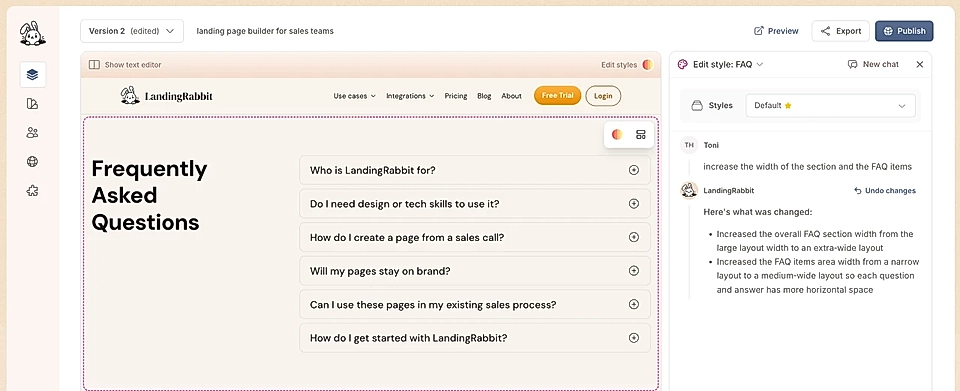
You can ask LandingRabbit to:
Change the section background colour and padding above and below
Change the font sizes and colours
Change the vertical spacing between items
Change the vertical and horizontal padding inside the FAQ items
Change the item border colour and thickness (width)
Change the width of the whole section and elements like the header and questions & answers
Align the header and items to left
You can also choose to show the border on any of the sides (e.g., top or bottom) to make the look & feel like a list with a divider.
Here's an example of a FAQ section with a bottom border for items and the header and items aligned to left.