LandingRabbit for website design agencies

Create client websites from brand guidelines

Upload brand guidelines, get 65 branded components, and give clients an easy way to create and edit pages.

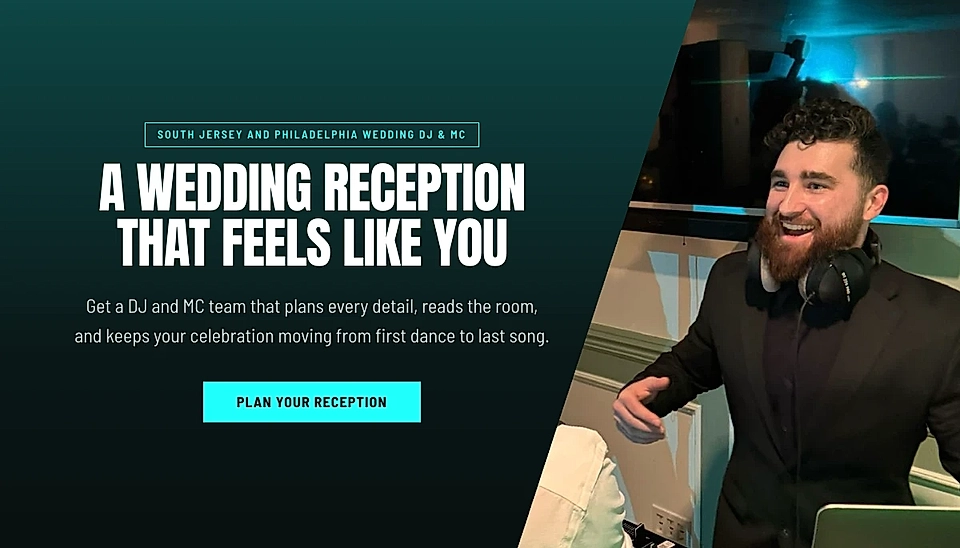
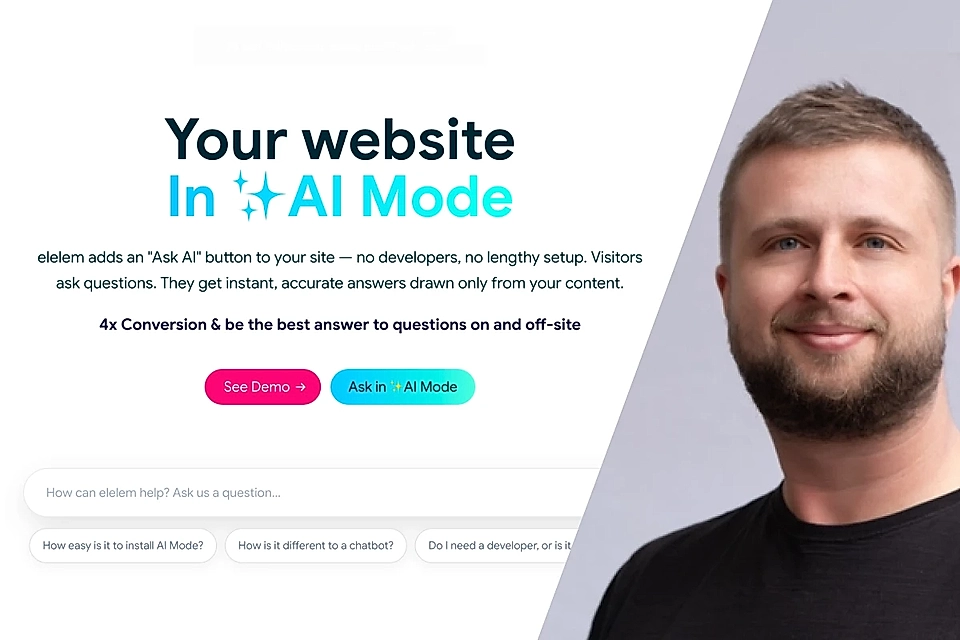
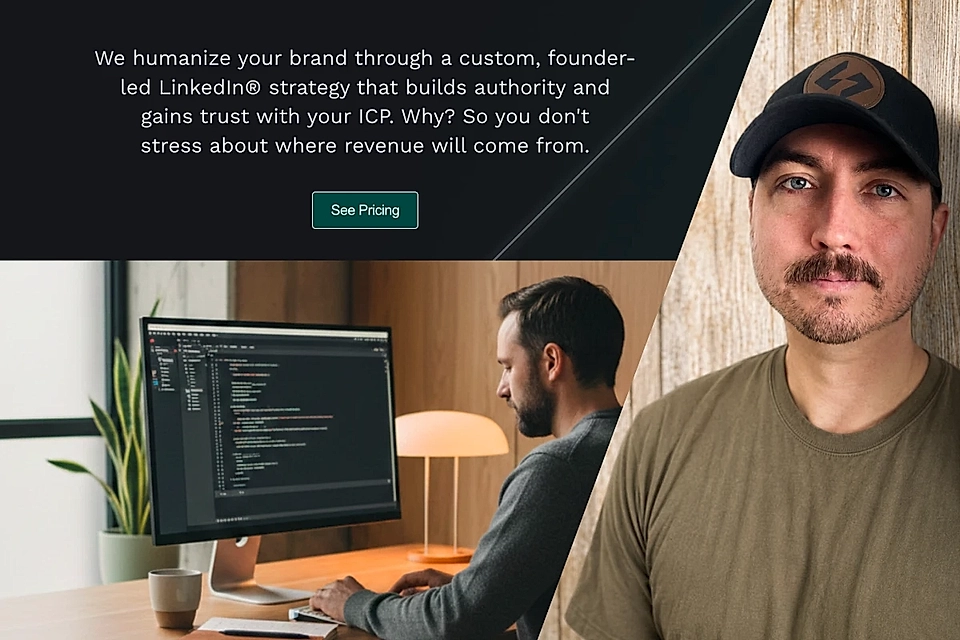
Three LandingRabbit-powered websites showcasing B2B services: mission-driven teams, expert client engagement, and GTM strategies.

From client brand to websites

Sign up today and create your first LandingRabbit websites

Add a client brand

Upload their guidelines and get 65 ready-made components styled to match.

Share your design with the client

Your client gets a preview link and can create a website in a few clicks.

Manage every client in one view

You can access each brand and workspace without switching between accounts.
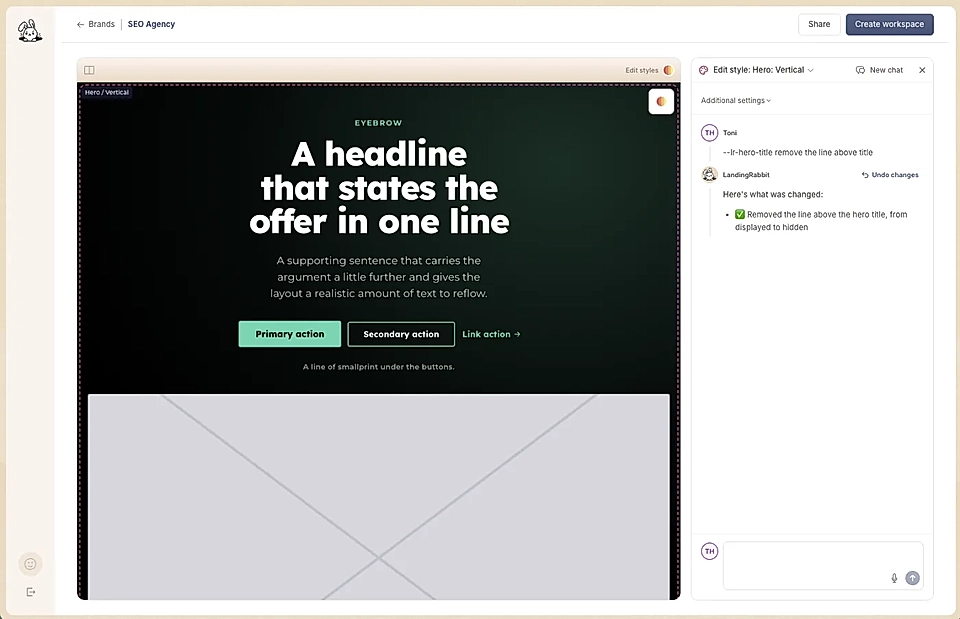
Happier clients, stronger websites

Give clients a clear view of their website layout before they approve it, plus the tools to shape pages without breaking the design.

Web page editor showing a hero section preview with headline, buttons, and a right-side style settings panel.

Stay focused on design

Spend your time on the creative work, not building and hosting every page by hand.

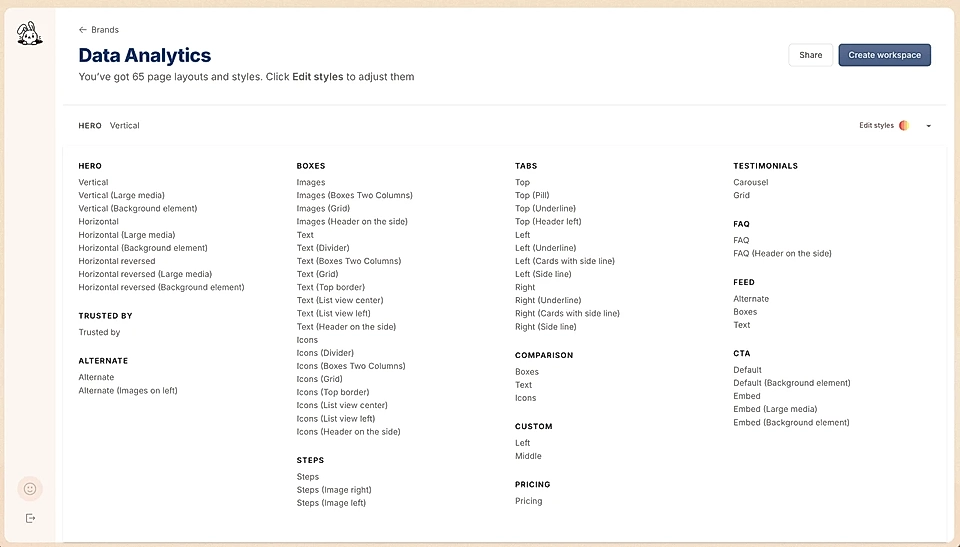
A list of website components in the agency view

Let clients see the full system first

Share 65 ready components so clients can instantly see what their website looks like before creating pages.

Document editor with article text and a dark preview panel showing the same layout.

Give clients a better way to create pages

With LandingRabbit, your clients only need to share the page idea and LandingRabbit plans and writes the best possible page to edit in a Notion-like editor.

See how teams put their ideas on the website faster

LandingRabbit helps teams turn what they already know into pages that stay current.

Wealth planning landing page with call-to-action button and smiling man in blue blazer

Turn video insights into useful pages

Tailored Wealth moved from generating HTML and manually rebuilding it in WordPress to turning video insights into ready-to-edit pages.

Website landing page promoting AI mode with CTA buttons, search bar, and portrait of a smiling man on right.

Turn research into pages, not more copy-and-paste work

elelem uses AI search data and founder knowledge to decide what their site should cover, then turns those insights into editable landing page drafts instead of rebuilding pages in Wix.

Founder-led LinkedIn marketing banner with laptop coder, portrait, and a See Pricing button

Keep your message current and make each pitch feel personal

SteadyRev updates its website as the offer evolves and creates dedicated sales pages for individual prospects instead of sending generic pages or PDFs.

Frequently Asked Questions

What do I need to set up a client brand?

Start with your client’s colours and font choice. You can also add details like font sizes, button styles, borders, and section backgrounds if you want more control.

What components does LandingRabbit create?

LandingRabbit creates 65 page components styled around your client’s brand guidelines. Hero, boxes, FAQ, ect.

You can preview and edit them, or add your own custom components to the library.

See design examples.

Can clients create and edit their own pages?

Yes. Send your client a branded preview link with all the components.

From there, they can describe the page they need, get a first draft, and edit the content without breaking the layout or brand styles.

Can I manage several clients in one account?

Yes. Your agency view keeps your client brands and workspaces in one place, so you can move between projects without juggling separate accounts.

Is the LandingRabbit agency account free?

Yes. Your agency account is free to run. You can add client brands and set up their website experience without another tool cost for your agency.

Launch your next client site faster

Create a free agency account, set the brand, and give clients a ready-to-edit website without redrawing every component for every project.