LandingRabbit Slack App

Create landing pages and blog posts straight from Slack

With LandingRabbit, anyone in your team can kick off pages with a Slack message, get a draft in minutes, and ask for comments from their team without jumping between tools.

Go from ideas to marketing pages via Slack in three steps
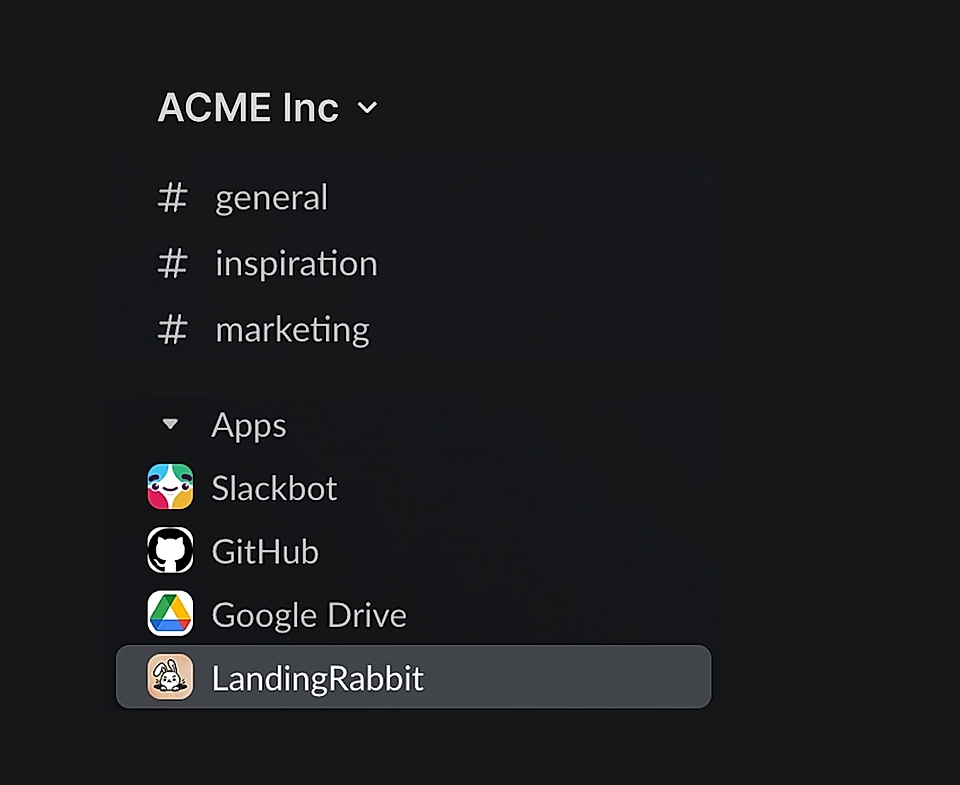
Screenshot of a Slack workspace sidebar showing channels and apps, including ACME Inc, Slackbot, GitHub, Google Drive, and LandingRabbit.
STEP 1

Install the LandingRabbit Slack app

Follow a few simple steps to install the Slack app and connect it with your LandingRabbit workspace.

Add to Slack
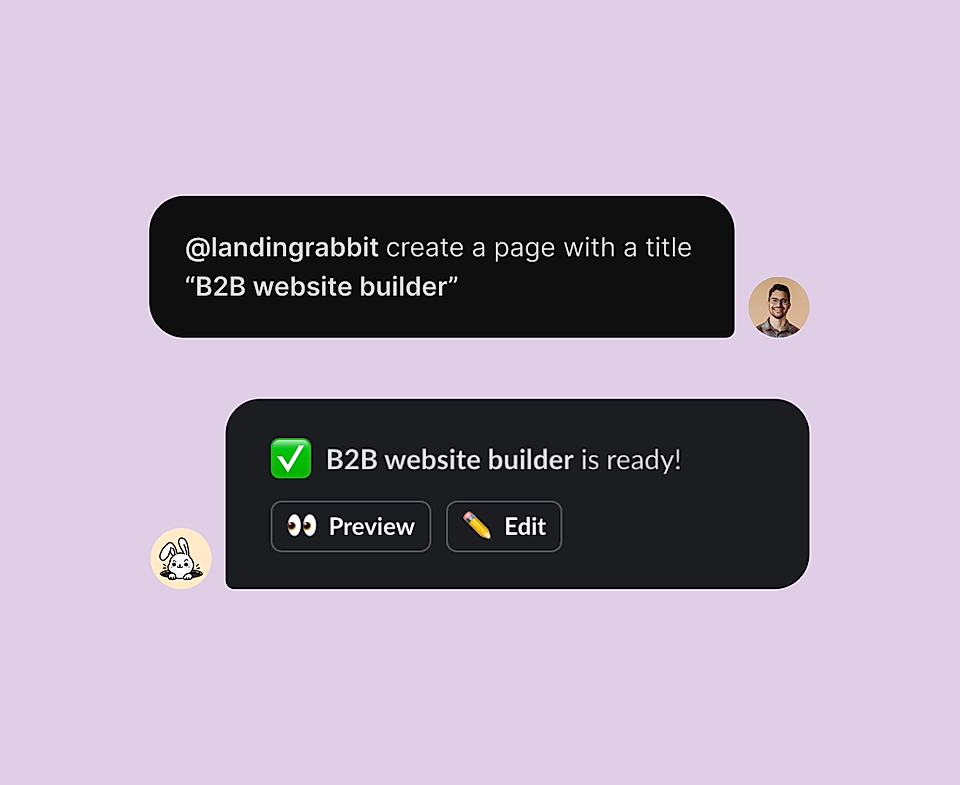
Chat interface showing a user requesting a 'B2B website builder' page, with confirmation of completion below.
STEP 2

Use /landingrabbit in channels or mention @landingrabbit in threads

LandingRabbit already knows your business, and all you need is a page idea or a campaign keyword for LandingRabbit to work on.
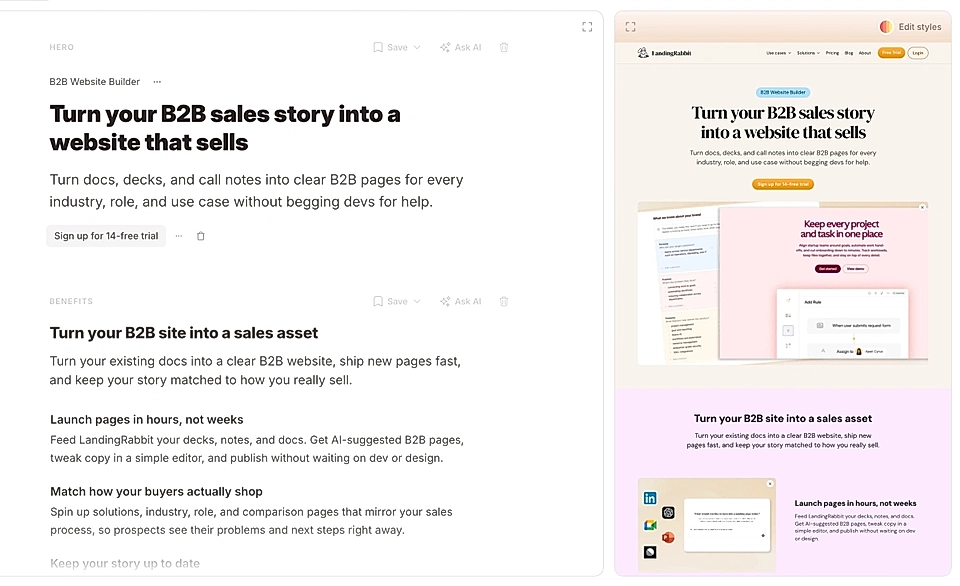
Screenshot of a B2B website builder with a text editor and page preview
STEP 3

Get a ready page to preview, edit, and publish

No need to ask your team to log in to another app to see what you are working on. Get feedback, make changes in our Notion-like editor, and go live in 15 minutes.

With LandingRabbit, B2B teams turn their ideas into marketing pages

Townbase avatar

Mikko switched Townbase from custom to LandingRabbit

Townbase landing page screenshot

Did someone in your team say "I wish we had a page for that"

With the LandingRabbit Slack app, you can go from ideas to live pages in 15 minutes 👇

Frequently Asked Questions

How does the LandingRabbit Slack app actually work?

You type /landingrabbit or mention the @landingrabbit app in any channel, write what kind of page you want and paste any notes or content you already have.

A few minutes later you get a preview link and an edit link right in the same thread so your team can review and improve it together.

What kind of pages can I create from Slack?

You can create all pages you need for a B2B site: product pages, feature pages, campaign or demo sign-up pages, and blog posts. If you can describe the idea in Slack, LandingRabbit can turn it into a draft page for you.

Can I publish pages created with the Slack app?

Of course! With LandingRabbit, you can publish pages in a custom domain, or import your work into Figma, Webflow, custom websites, and more.

Who on my team should use this?

Anyone who talks about website and page ideas in Slack can use it.

Marketing can kick off and refine pages, founders and sales can share raw ideas or call notes, and designers or developers can jump in to review layouts and share feedback in the same thread.

Do I still need to log into another tool to edit the page?

You start and discuss the page in Slack. When you are ready to tweak copy or layout, you open the edit link that LandingRabbit posts in the thread. You can edit there, then share new versions back to Slack for more comments.

What happens to all the feedback in Slack?

All comments stay in the same Slack thread as the page preview link. You do not have to hunt through channels or separate docs. Your marketing team can read the thread, update the page, and share a fresh version in that same place.

How much does the LandingRabbit Slack app cost?

Our pricing starts from $39/month. You can find more information on our pricing page.

Go from ideas to live pages in 15 minutes

Send any idea to the Slack app and get a ready-to-edit landing page in minutes for your team to comment without switching context and losing momentum.