SEO Dashboard

Find the topics your competitors already rank for

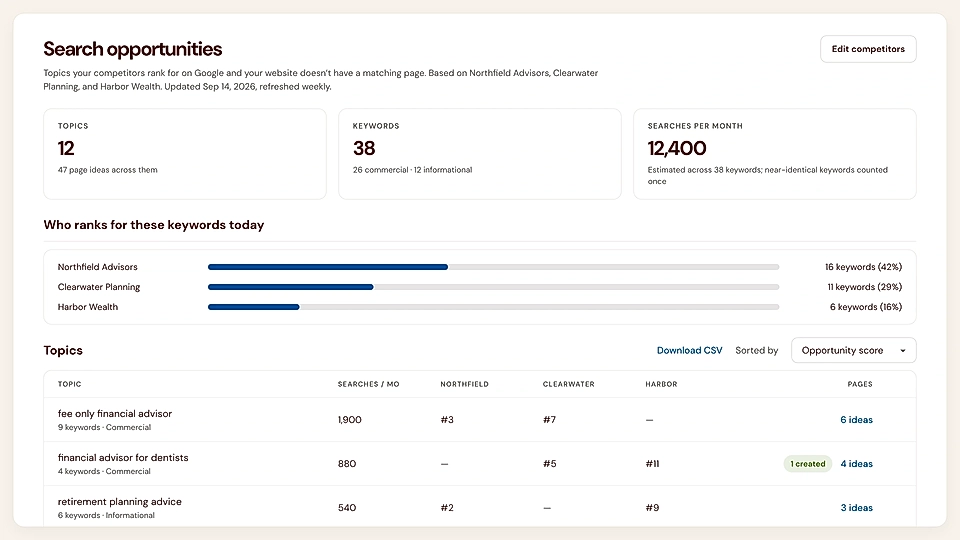
LandingRabbit finds content gaps between your site and competitors and helps you create pages to close them.

SEO search opportunities dashboard with keyword metrics, competitor rankings, and topic table.

Know what to write next

You are busy serving customers. Let LandingRabbit find the best opportunities for you to work on every week

Find gaps, not endless keywords

Compare your site with top competitors and see the topics and buyer questions you do not fully cover yet.
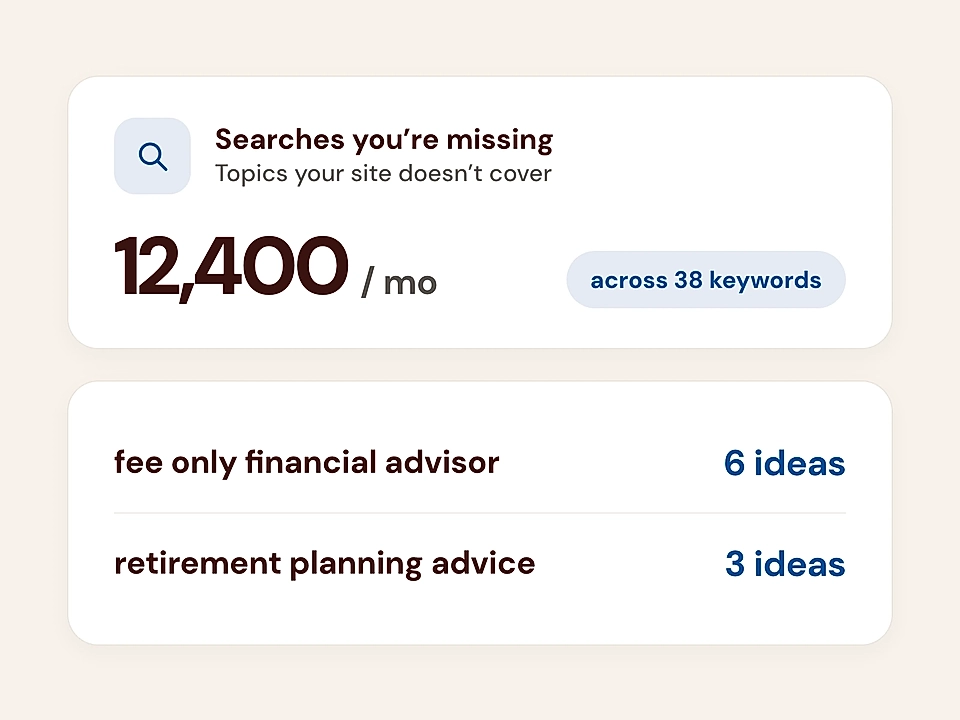
SEO keyword opportunity dashboard showing missing searches, 12,400 monthly volume, and suggested ideas for financial advisor topics.

Prioritize pages with real potential

Get weekly recommendations based on your existing content, so you can focus on pages that could earn more relevant search traffic.
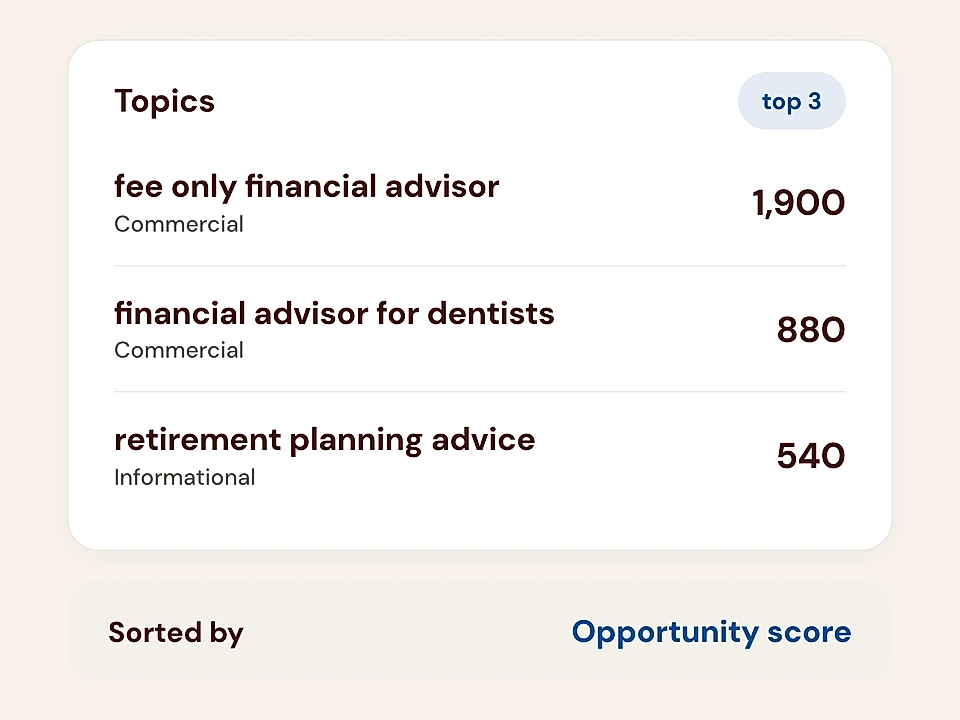
Topics dashboard showing top 3 queries with opportunity scores and commercial labels.

Go from insight to published page

Choose a blog post or landing page idea, create it from the dashboard, or take the brief to Claude or ChatGPT.
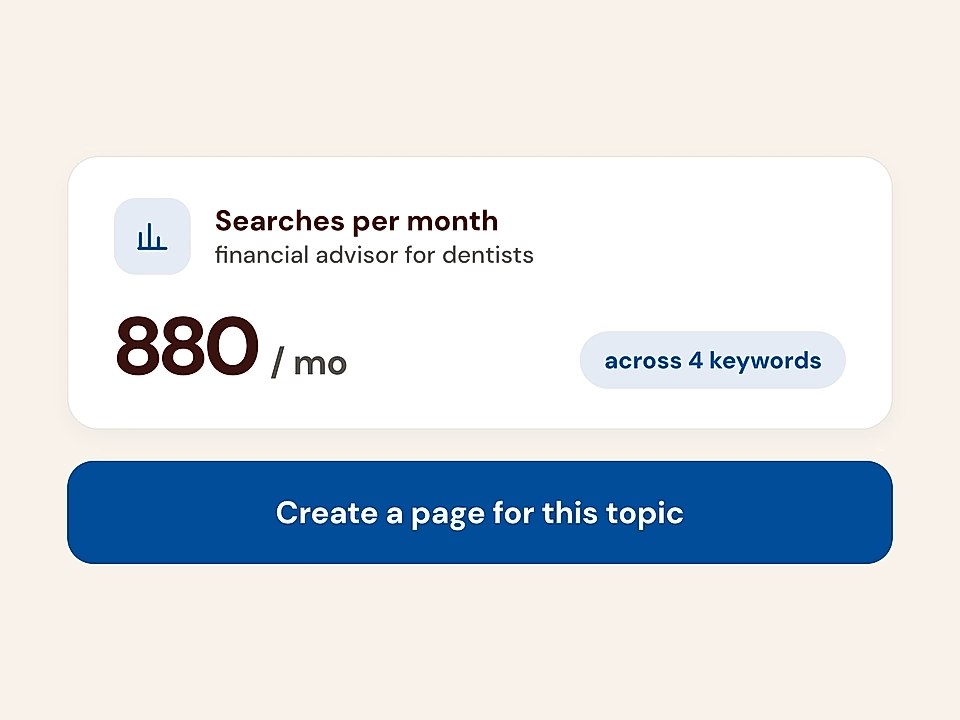
Keyword search volume card with 880/mo and a create page button
How it works

Go from content gaps to your next page

Find the topics your site is missing, then turn the best opportunities into pages that bring the right people to you.

Choose your competitors

You add up to three competitors, so your recommendations compare their content with the pages you already have.

Review weekly page ideas

You get weekly topic and page ideas based on real gaps, with the keywords behind each recommendation.

Write pages from ideas

You choose an idea and LandingRabbit writes a new landing page or blog post started from the SEO insight.

Turn content gaps into pages worth creating

Weekly gap checks vs competitors

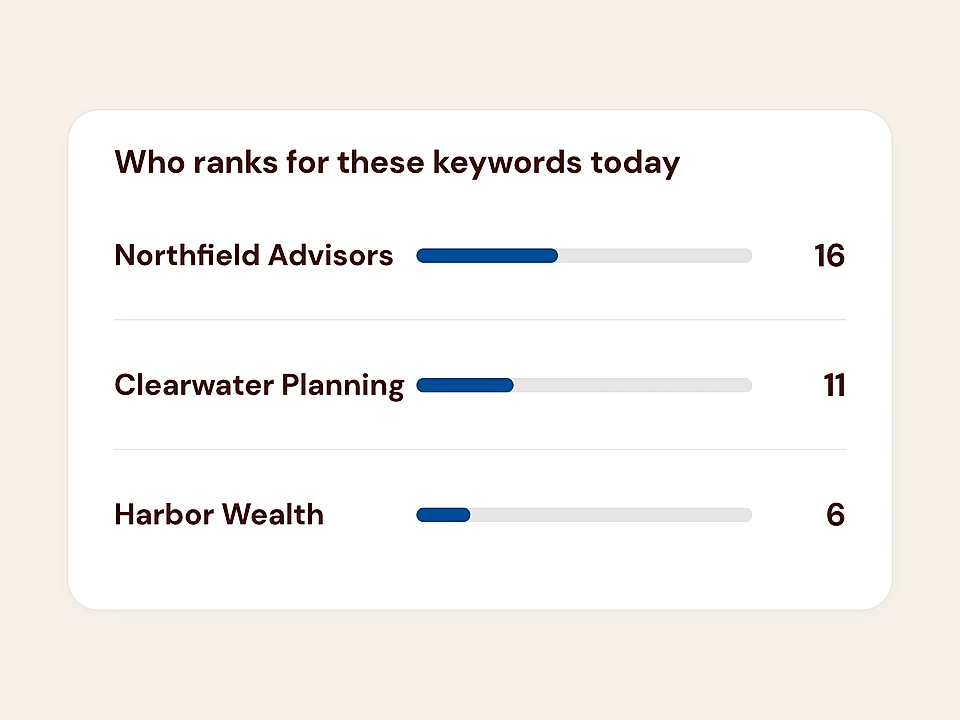
Compare your site with three competitors each week and spot topics you do not fully cover.

Keyword ranking dashboard showing three firms with horizontal progress bars and scores

Find topic clusters with multiple ideas

Get focused themes based on your existing content, not thousands of disconnected keyword suggestions.

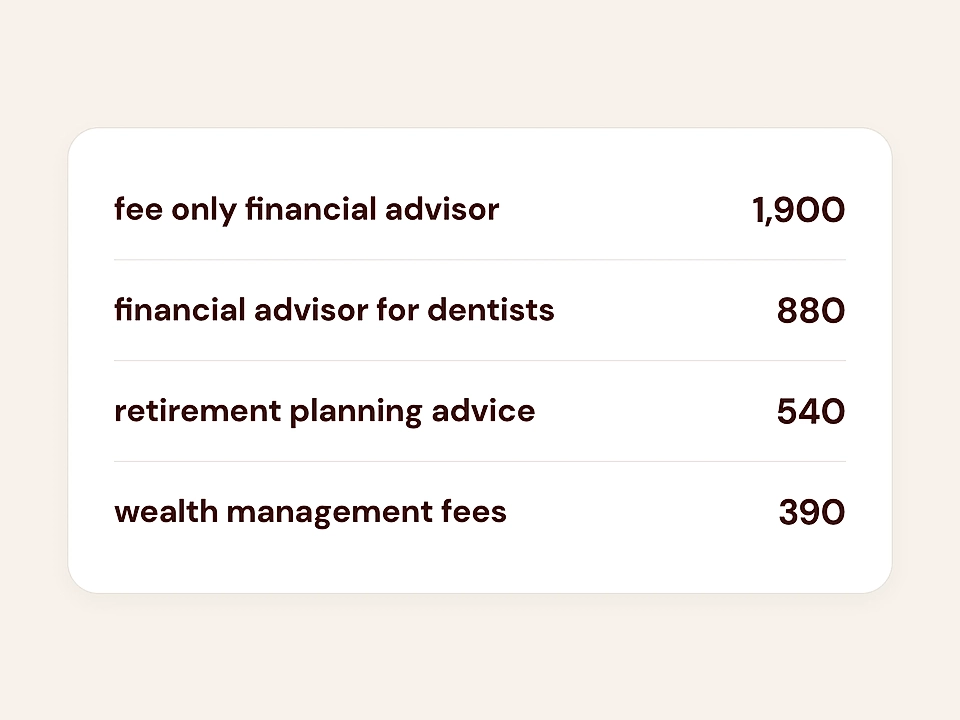
Keyword list showing finance-related search terms with counts in a clean card layout

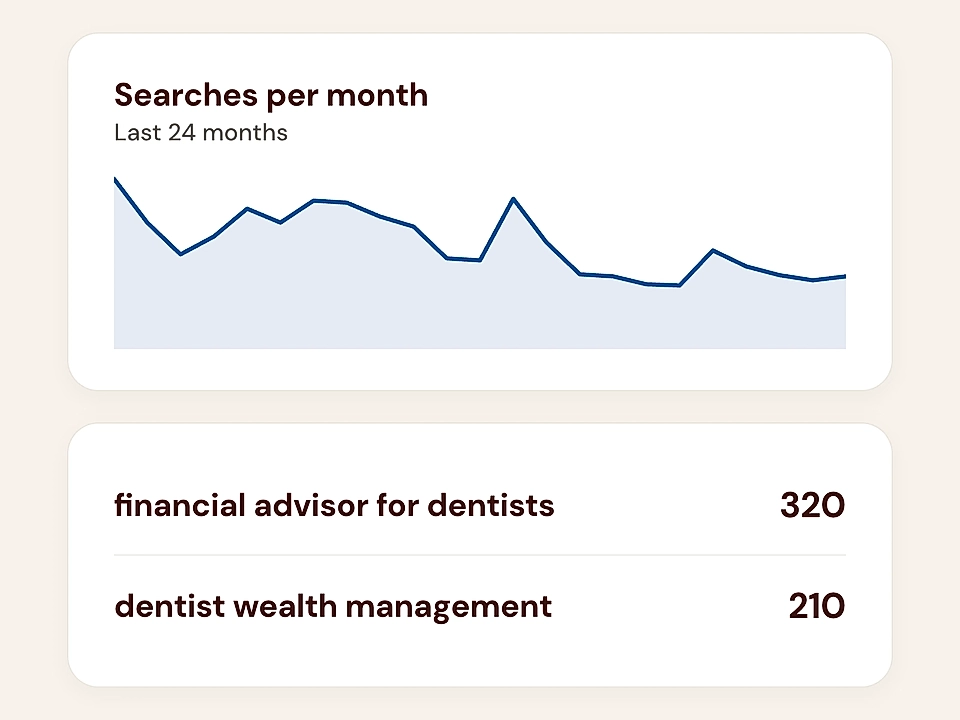
See keyword details and opportunities

Open any theme to see its connected keywords and the search data behind each opportunity.

Search trend dashboard with a line chart and keyword list with counts.

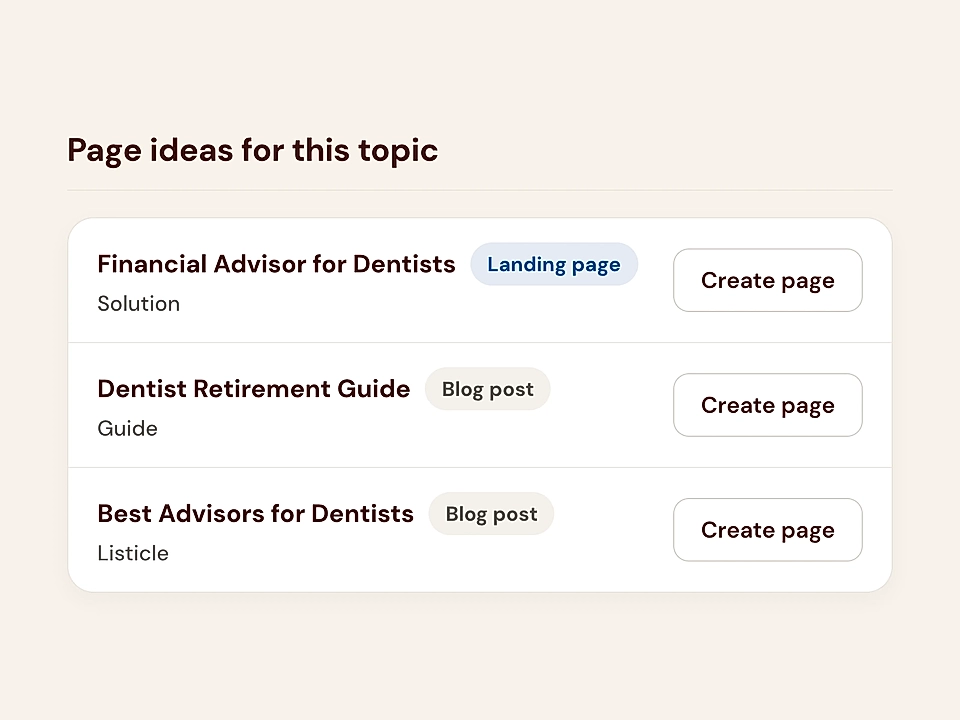
Get page ideas that move the needle

Review suggested blog posts and landing pages built around the gaps that matter most.

Topic page ideas list with landing page and blog post suggestions, each with a Create page button.

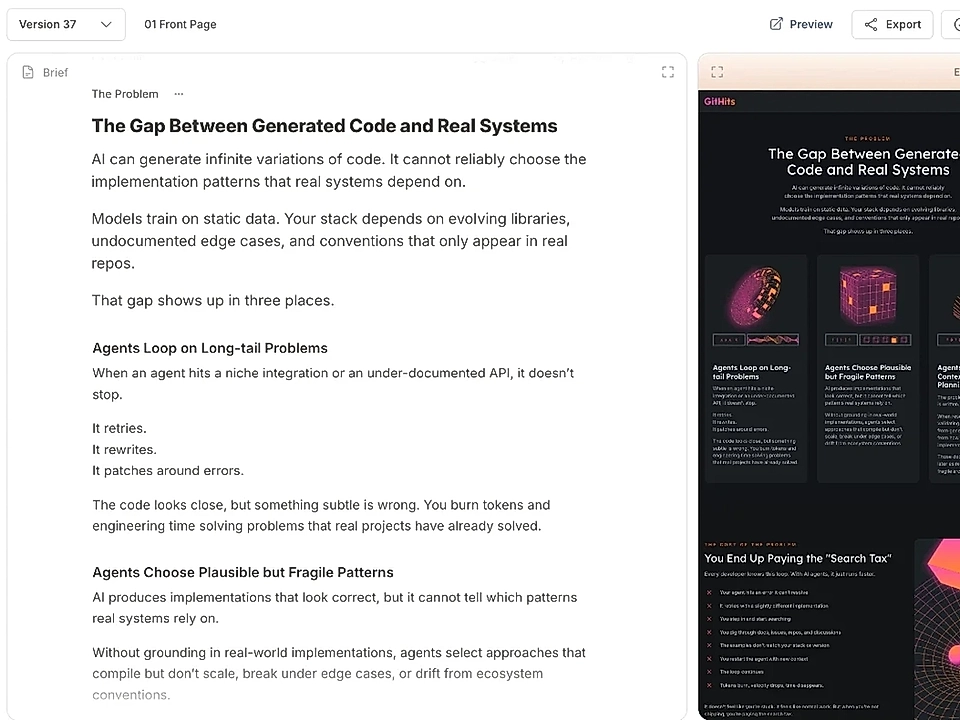
Ask LandingRabbit to write

Choose an idea and ask LandingRabbit to create a new page from the recommendation.

Document editor with article text and a dark preview panel showing the same layout.

Take insights to Claude and ChatGPT

Connect findings with Claude or ChatGPT, or use them in your wider content planning.

Minimal graphic with two app-style icons on a beige background: OpenAI logo and an orange starburst symbol.

Frequently Asked Questions

Which competitors should I add?

Add up to three companies whose websites compete with yours in search results. Choose businesses that sell to a similar audience and write about similar topics frequently.

How often do I get new recommendations?

LandingRabbit checks your site and your top three competitors every week. Your recommendations update as your content and competitor content change.

Does the dashboard look at my existing content?

Yes. LandingRabbit reviews the pages you have published and finds topics your site does not fully cover yet. That means you get real gaps to work on, not a huge list of random keywords.

Is the SEO dashboard included in my subscription?

Yes. Once you have published your first pages and subscribed to LandingRabbit, you can use the SEO dashboard and its page recommendations at no extra cost.

Can LandingRabbit create pages from the recommendations?

Yes. Open a topic, choose a blog post or landing page idea, and ask LandingRabbit to create the page. You can then edit it, add your own details, and publish when you are ready.

Can I use the insights outside LandingRabbit?

Yes. You can take your topic, keyword, and page ideas to Claude, ChatGPT, or any other tool you use. Or keep everything in LandingRabbit and create the page there.

Cover the buyer questions your competitors already answer in search

Get weekly recommendations based on your site and competitors, then turn the best ideas into pages.