Can I edit the Testimonial section look and feel?
Yes, you can.
In the page editor, you can add title, subtitle, eyebrow, and CTA button(s) to your header and unlimited testimonials.
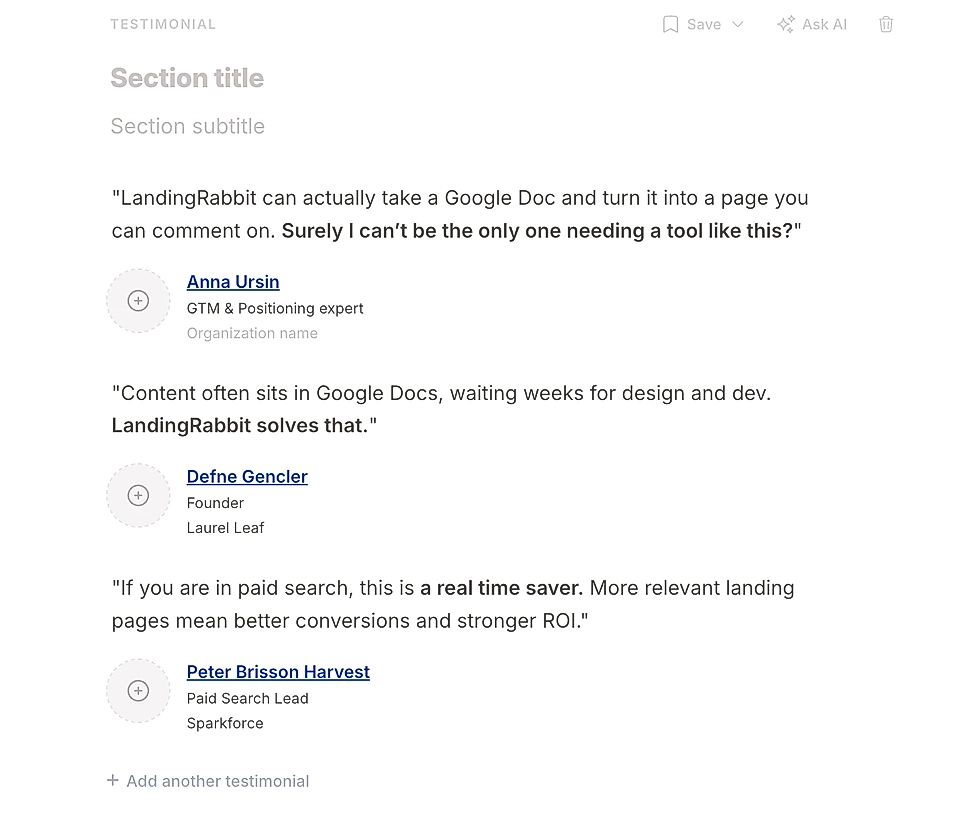
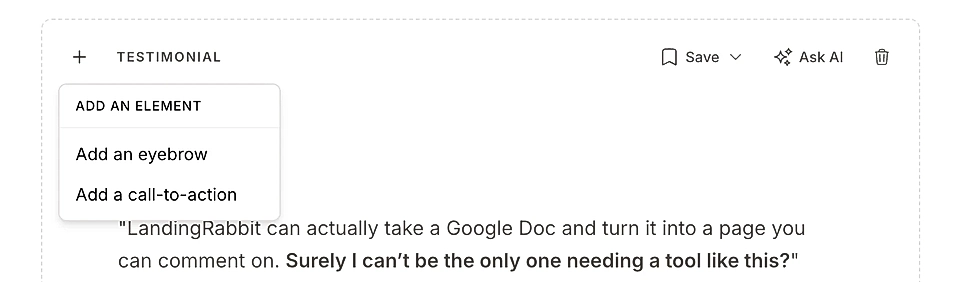
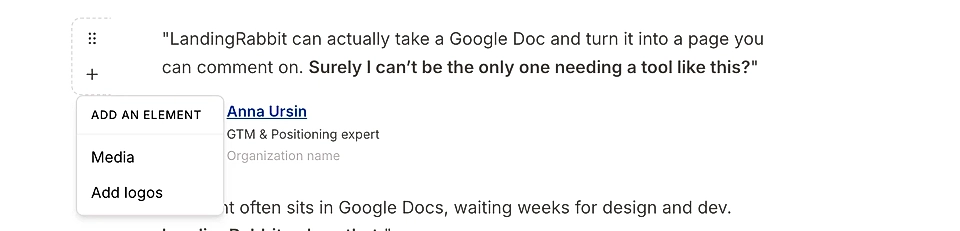
To each testimonial, you can add:
Quote text
Profile image
Image/video (Media)
Logo
Person's name, job title, and organization
An image in the testimonial makes the element really stand out.
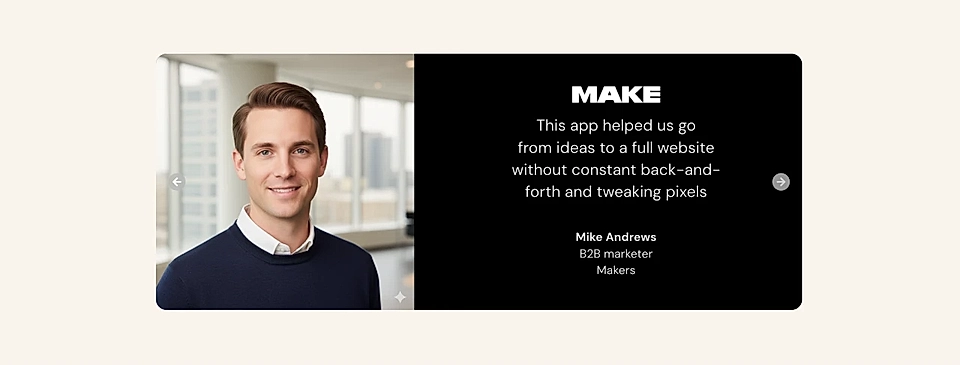
Edit Testimonials layout structure
Hover over the page preview on the right to find layout options for the Testimonial section.
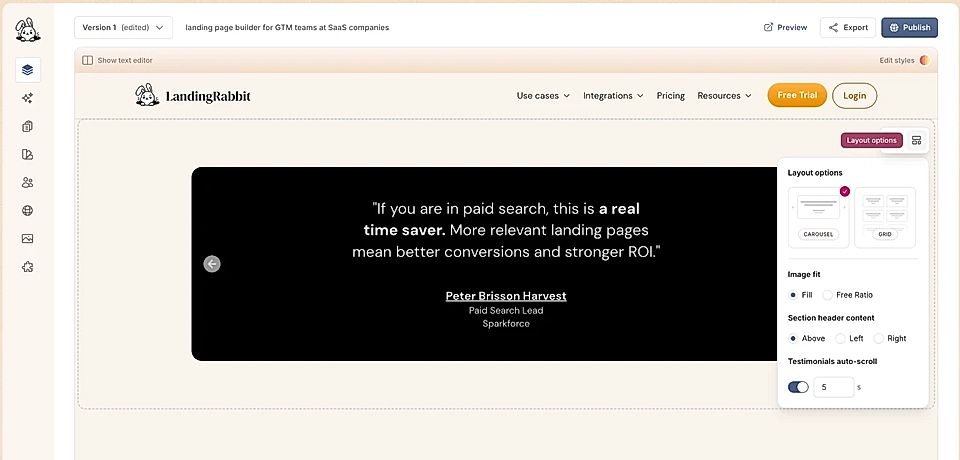
You can switch between a Carousel or Grid layout.
You can also change the position of the section header from above the testimonials to the left and right side.
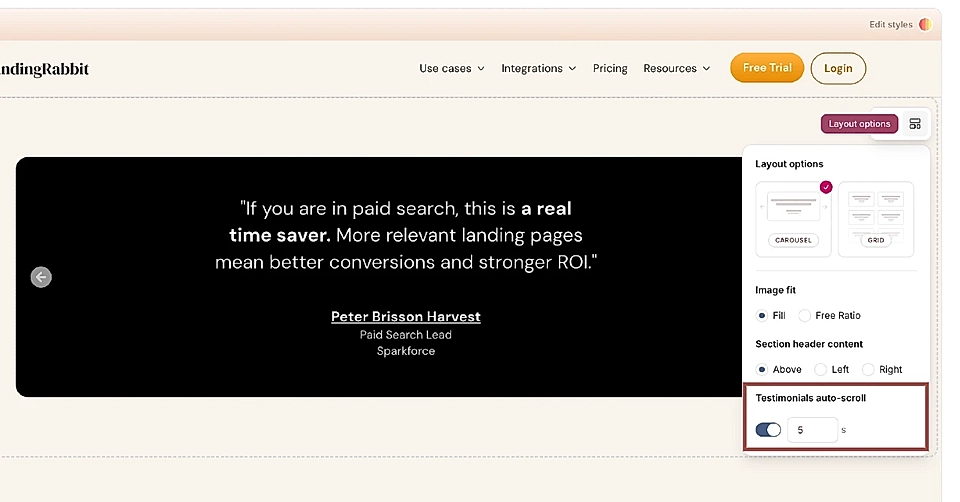
Auto-scroll for Testimonials and the Carousel layout
For the Carousel Layout, you can enable auto-scroll and choose how many seconds each testimonial is visible on your page.
Edit styles with AI
Click the Edit styles button to ask LandingRabbit to make changes to colours and styles.
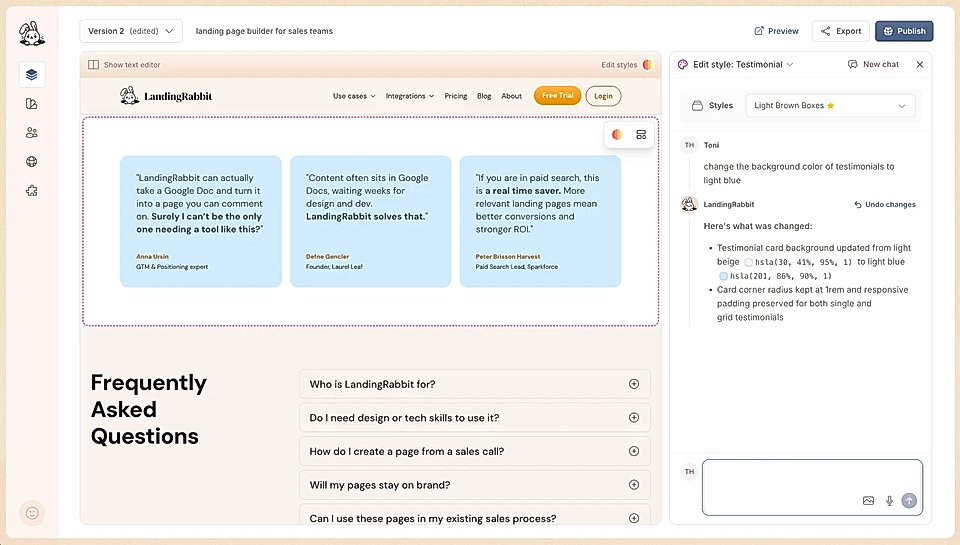
You can ask LandingRabbit to:
Change the section background colour and padding above and below
Change the font sizes and colours
Change the vertical spacing between items
Change the width of the whole section and elements like the header and the testimonials
Change the position and styles of the arrows in the carousel layout
Change the number of columns for the grid layout and its "boxes"
Make texts center or left-aligned in the grid layout
Change the position of the person and logo from left to center