Can I add a blog post feed to my LandingRabbit page?
Yes, you can.
You can add the latest blog posts or any other Collection to your homepage or any other landing page in LandingRabbit.
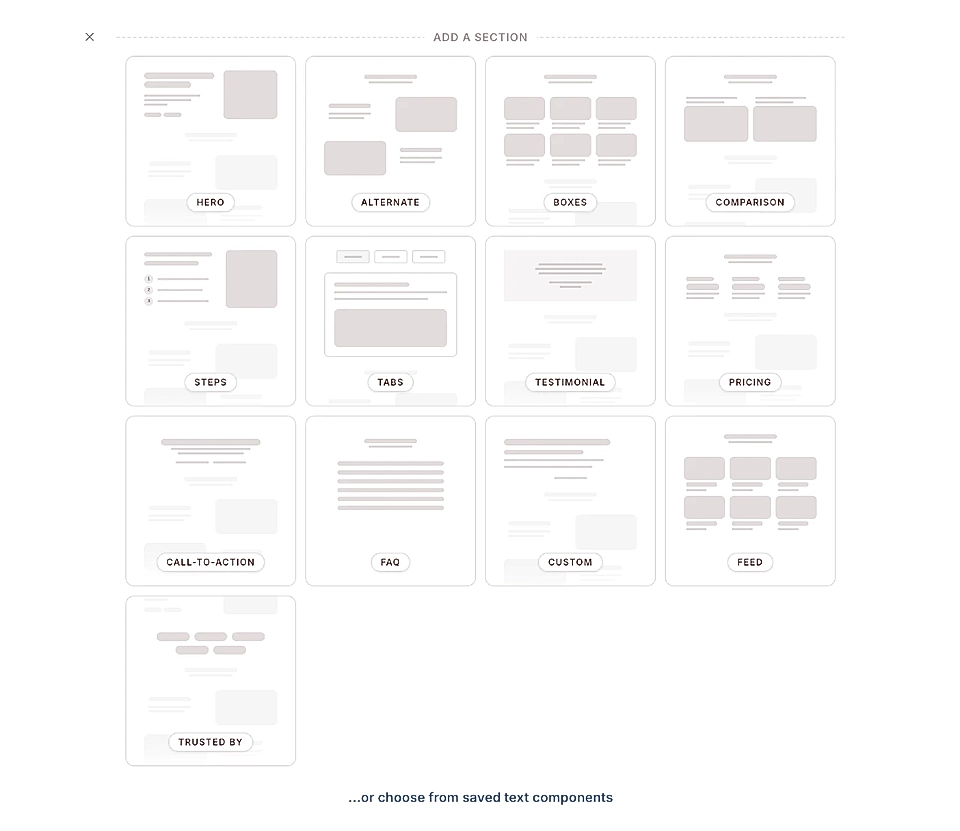
Add a feed section to your page
To add a blog post feed, click to add a new section in the text editor and choose the Feed section
Customize your feed layout
Once you've added the Feed section, you can customize how it looks:
Choose what Collection to show
Choose how many posts are shown
Pick a layout style: Cards with images, Text only, or Alternate
Show or hide the subtitle
Show or hide the timestamp
Show or hide Read more button and change its text
Add a CTA button at the end that links to the collection page
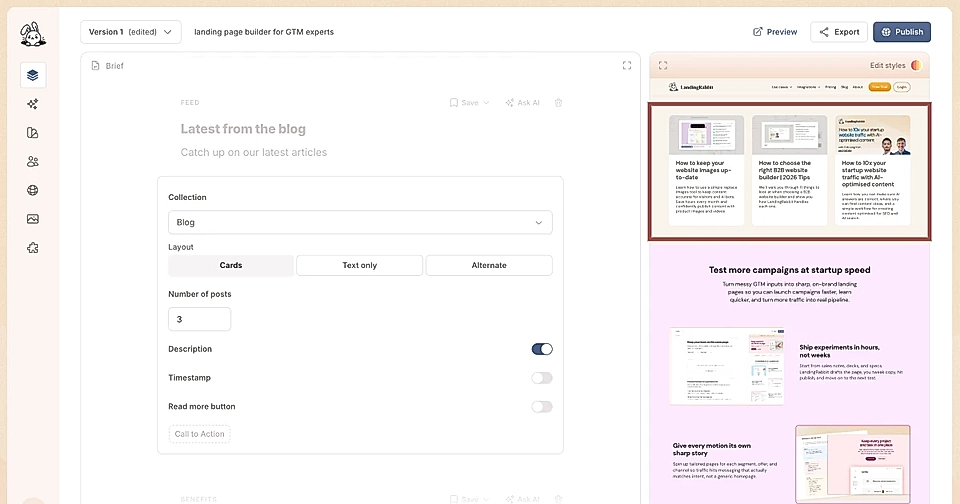
The feed section also supports the same header options as any other section, including eyebrow text, title, subtitle, and CTA buttons.
And of course, you can fully edit the look & feel of the element by clicking the Edit styles icon and asking for changes in natural language.
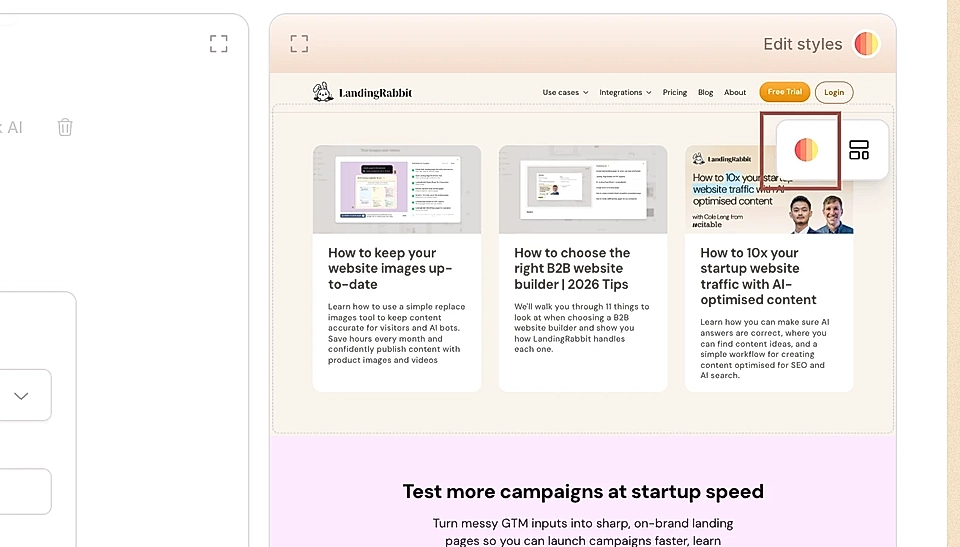
You can, for example:
Increase the width of the section
Decide the size of the boxes
Decide the columns and how many boxes show in one row
Change the background color of the section
Change the padding top and bottom for the section
Change all content, fonts, sizes and colors
Change the box or alternate item background color
Change CTA button colors, fonts, and more
This makes it easy to keep your homepage or landing pages fresh with your latest content without manually updating them every time you publish something new.