How to use ChatGPT to build a website
ChatGPT is a fantastic thinking partner.
You can brainstorm page ideas, pull data from Google Ads or Clay, and work through your messaging. It's always with you, it knows your context, and it connects to the tools you already use.
But it's not a website builder.
If you try to code every page in ChatGPT, you'll end up maintaining a custom codebase by hand. Every new page, every edit, every layout tweak done through code. That works for a one-pager, but it gets painful fast.
That's where LandingRabbit comes in. With the LandingRabbit ChatGPT app, you can build and manage your entire website from inside ChatGPT, without logging into LandingRabbit at all.
Why not just code everything in ChatGPT?
You can ask ChatGPT to write, design, and build a page. It'll do it.
But is the page going to make your prospects feel seen? Unlikely.
Then you need a second page. And a third. And when your offer changes, you're editing code across every page manually.
LandingRabbit gives you 65+ pre-built section layouts, all generated in your brand colours and fonts from day one. Hero sections, benefit blocks, FAQ layouts, case study formats, and more.
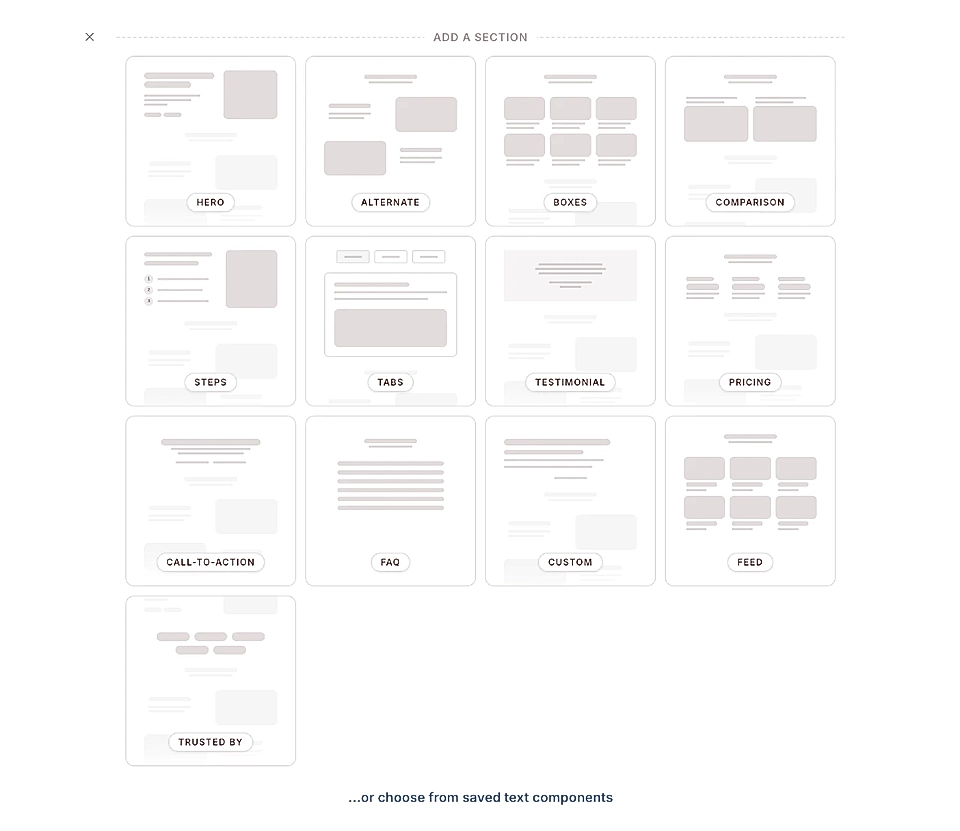
All those layouts are shared between pages. Change an element on one page, and every page using it updates.
When you import your brand guidelines at sign-up, LandingRabbit generates all those components for you. As LandingRabbit adds new components, they become available in your workspace automatically.
What do those design components look like? See our design examples.
You focus on what you want to say. LandingRabbit handles structure, design, and SEO.
Build your website in ChatGPT
Here's a full walkthrough of how to build a website in ChatGPT.
1. Install the LandingRabbit ChatGPT plugin
Here's how to install the LandingRabbit plugin:
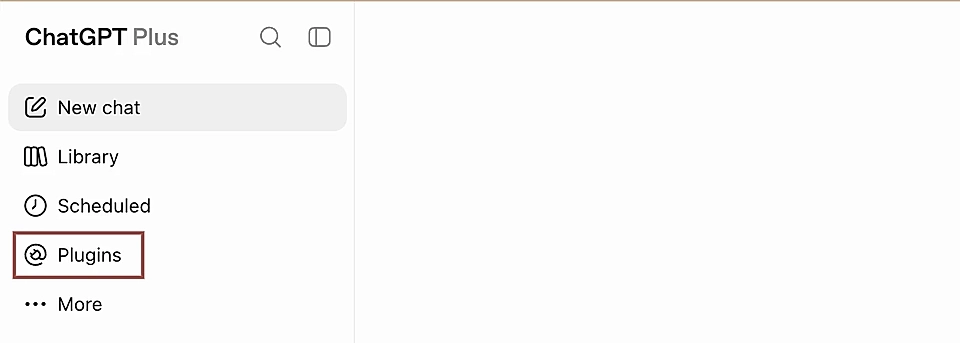
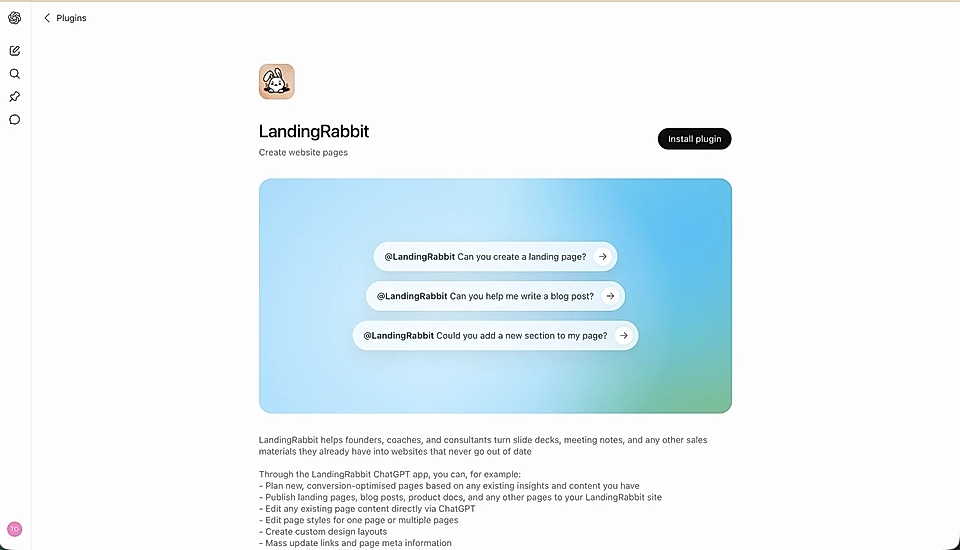
In ChatGPT, open the side panel and go to Plugins
Search for LandingRabbit
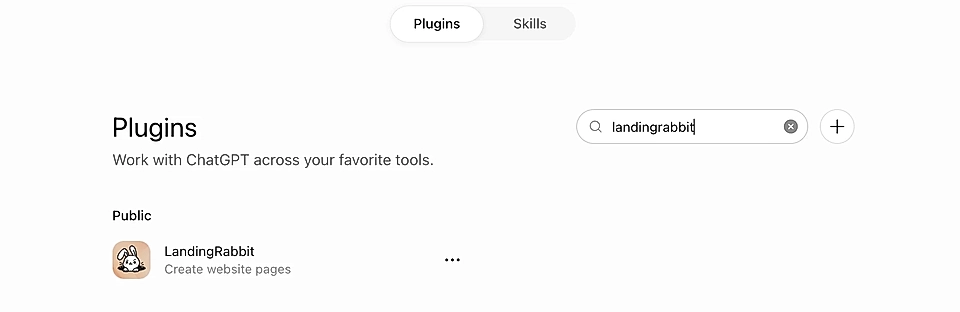
Install the app
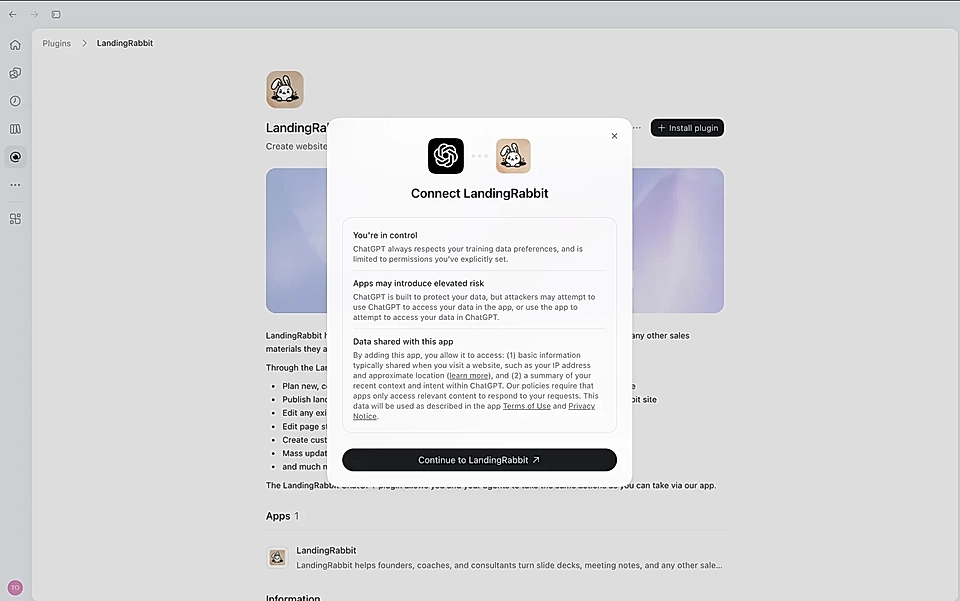
A screen will appear asking you to connect your LandingRabbit account
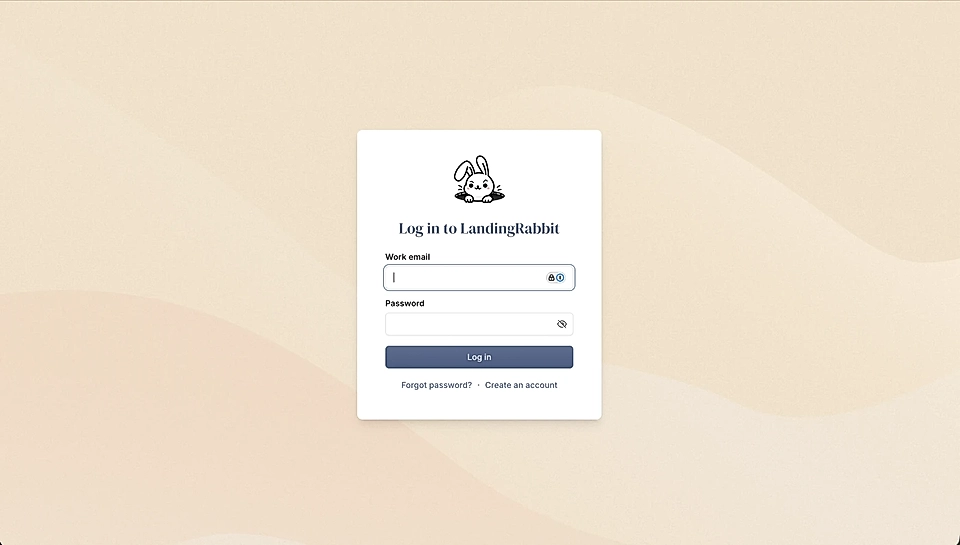
If you have an account, log in to your LandingRabbit account. If you don't have one yet, click Create an account.
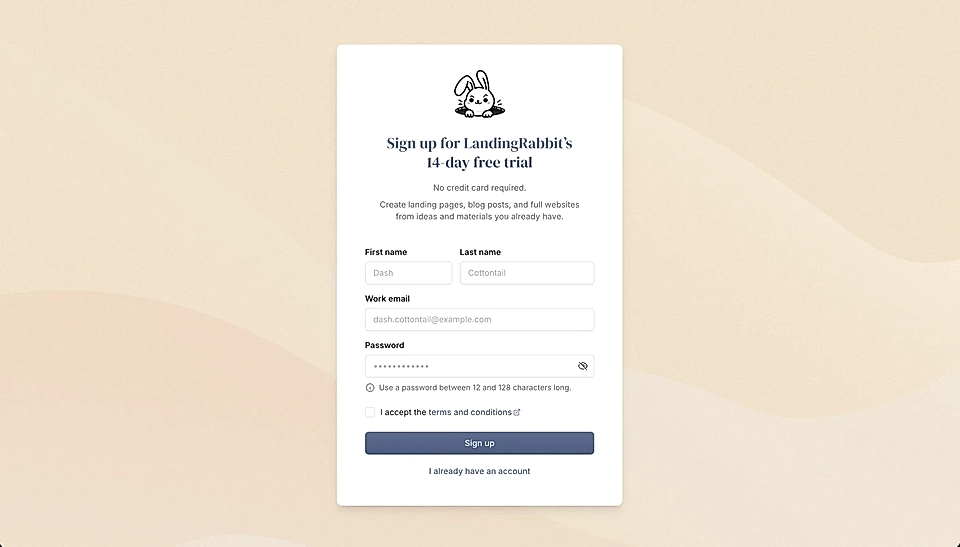
2. Create a LandingRabbit account and website design
After signing up, LandingRabbit will ask you to choose between From URL and Brand new.
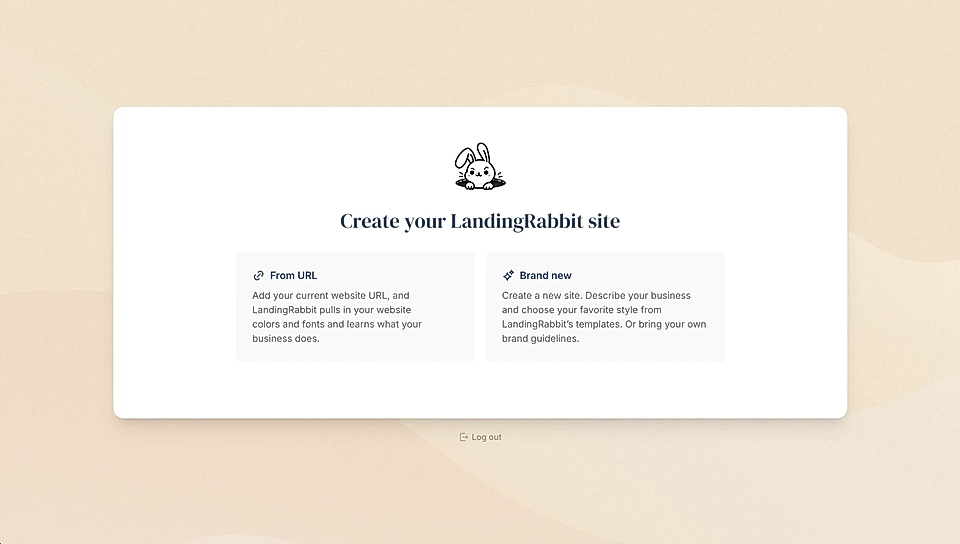
If you don't have a website yet or you'd like a completely different look and feel from your current site, choose Brand new.
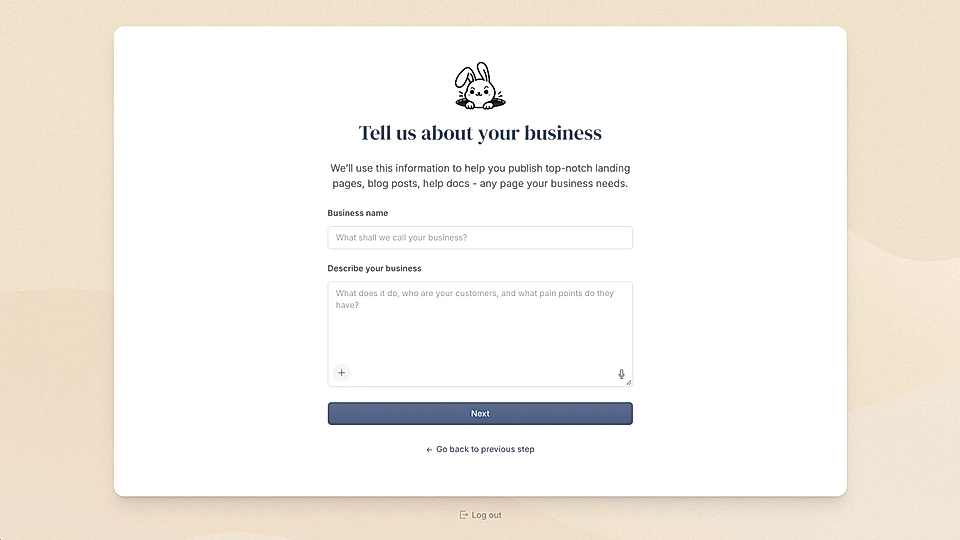
Next, type your organisation's name and description. For the description, you can upload existing materials (e.g., PDFs and slide decks) or click the microphone icon to talk to LandingRabbit.
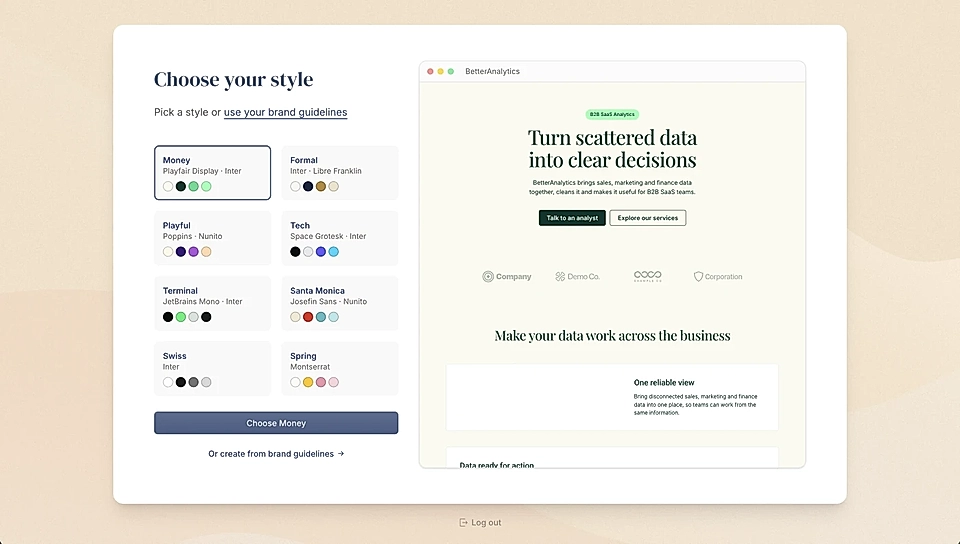
Then, it's time to work on your website design.
You can choose from our ready-made templates or click "Create from brand guidelines".
I recommend creating from guidelines. You can share a few colours and fonts, any website URL you like, or any materials you already have (e.g., sales decks and marketing images).
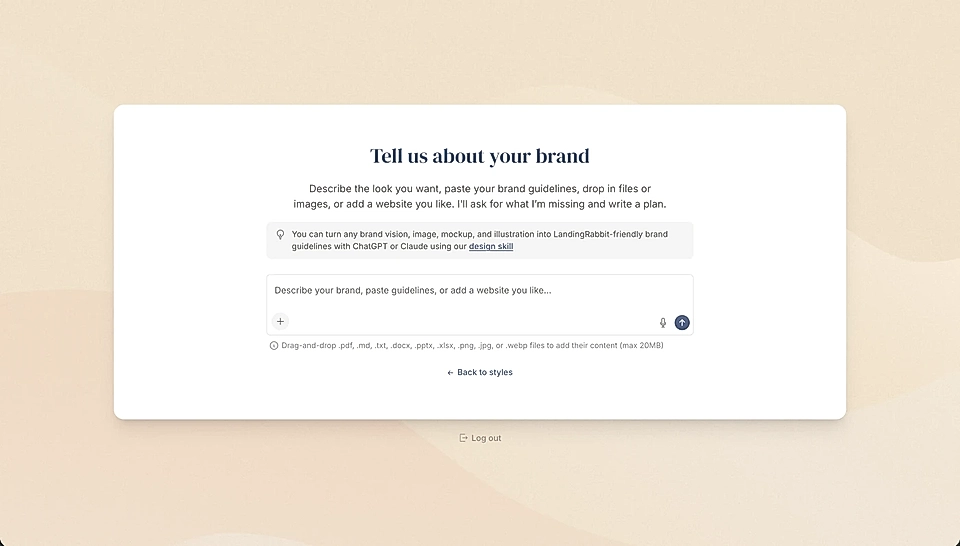
Based on your materials, LandingRabbit will create a summary of what colours and fonts it will use.
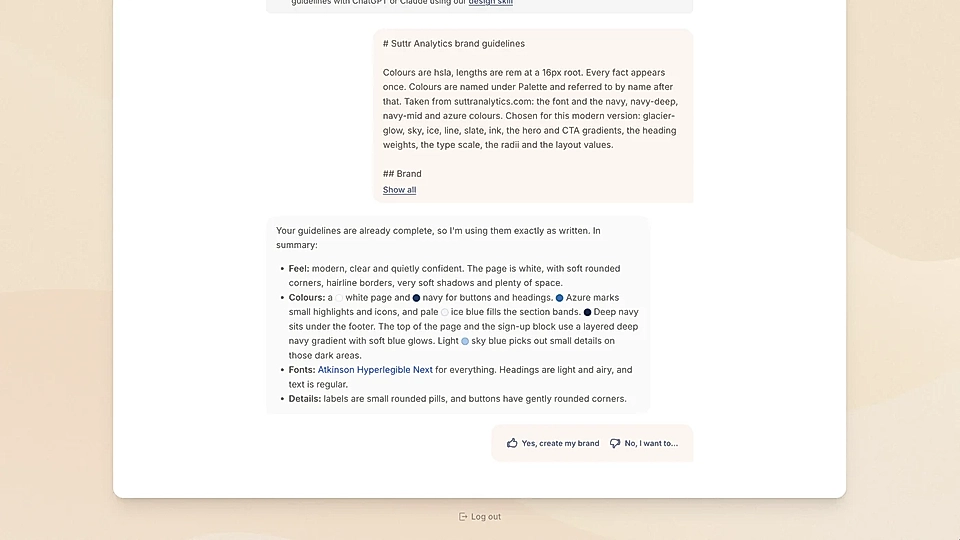
3. Create your first page in ChatGPT
After your design is created, click Open plugin.
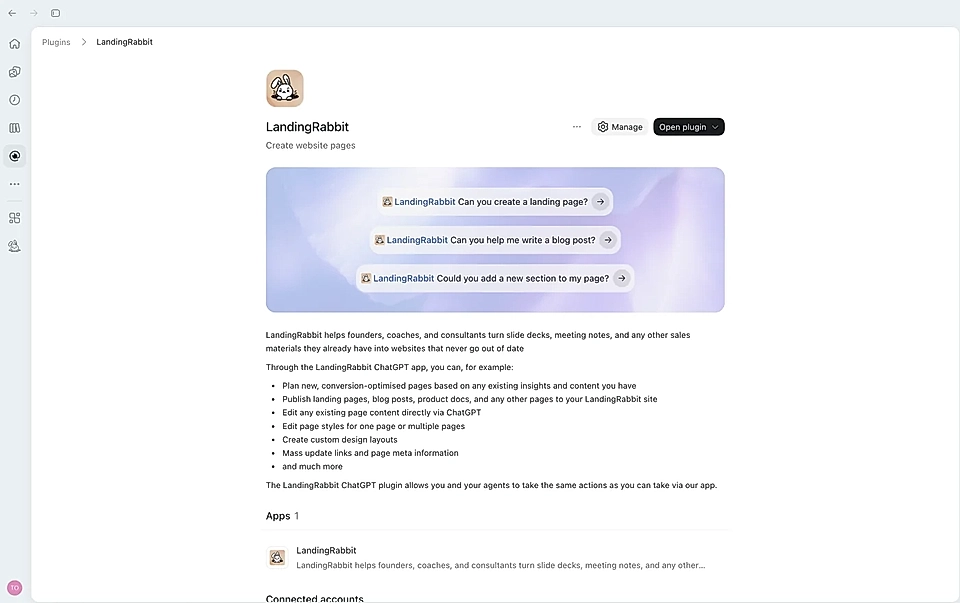
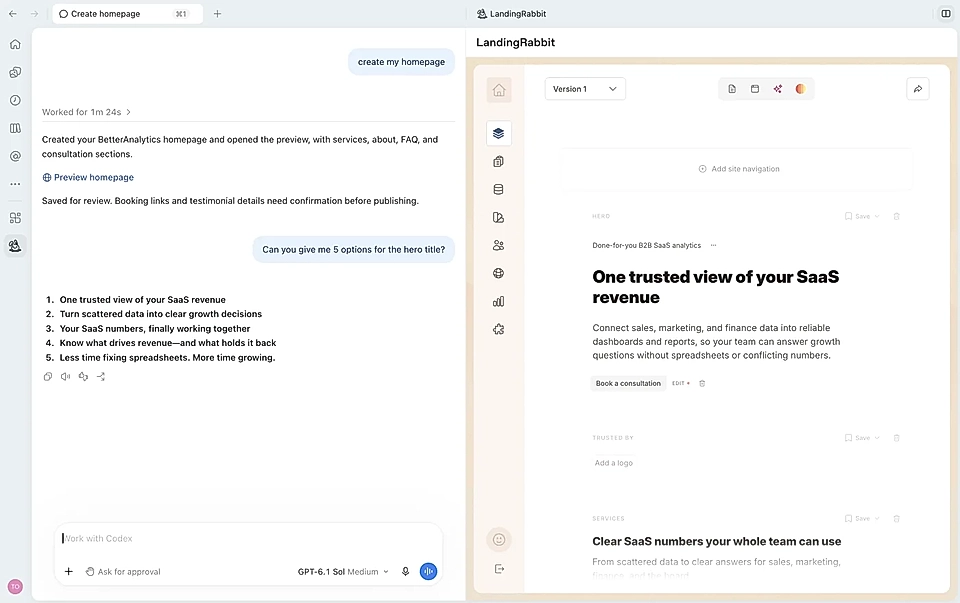
ChatGPT will open LandingRabbit in full screen, and you can ask it to create a homepage or any other page you'd like to have.
Just tell ChatGPT what you want. For example:
"Create a homepage"
Or "Create a landing page for management teams in healthcare. Here are my notes from a sales call last week..."
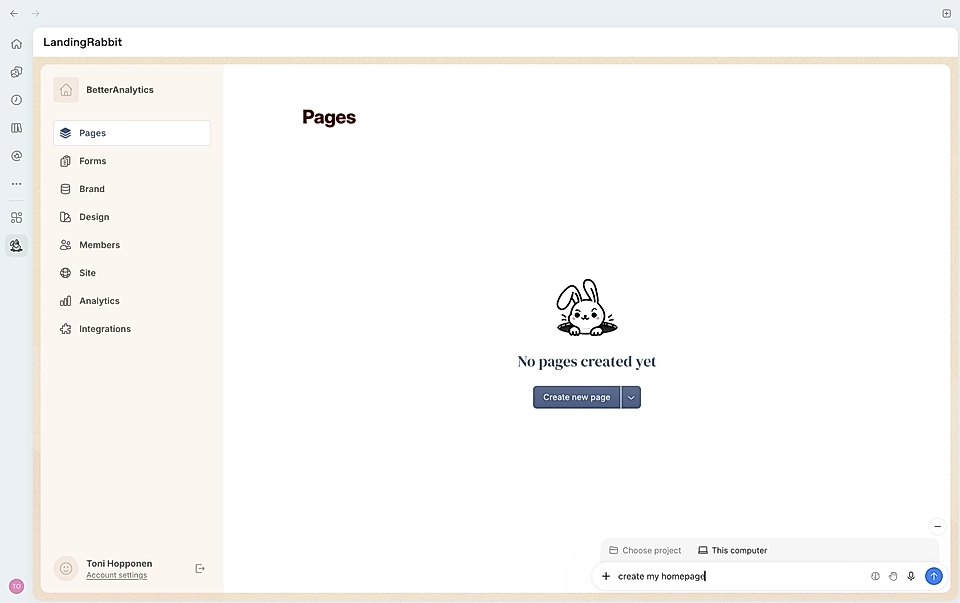
Behind the scenes, LandingRabbit will first build a page plan: who the page is for, what problems it addresses, what alternatives exist, and what benefits to highlight. It will read the most relevant content from your website.
Then, LandingRabbit writes the page based on what it knows about your company, your brand, and the input you gave.
ChatGPT shows you the new page, and you can continue working on it.
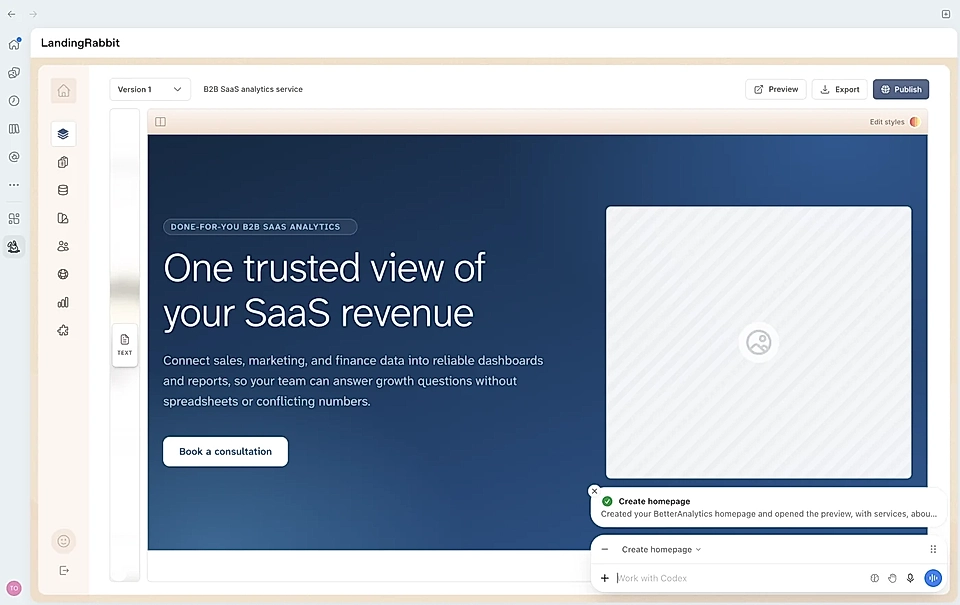
You can also move LandingRabbit to the side panel if you prefer.
What you can manage through ChatGPT
Pretty much everything you'd do inside LandingRabbit, you can do through ChatGPT. And a few things you can only do through ChatGPT, like creating fully custom design components with code.
Here's what the integration supports:
Create landing pages, blog posts, and help docs
Edit page copy, styles, and templates
Edit images
Create and edit fully custom design components
Bring SEO recommendations from LandingRabbit into ChatGPT
Update page metadata (titles, descriptions)
Replace links across the whole site in one go
Publish or unpublish pages
List all pages in your workspace
Export pages as CSV
Manage tags and categories
Migrate blog content
Send meeting transcripts directly to LandingRabbit
You can also paste content from anywhere. CRM notes, a slide deck, a call transcript, competitor research, Google Ads data. ChatGPT pulls it together, and LandingRabbit turns it into a page.
You can even ask LandingRabbit to interview you and return a page draft.
Manage your website from anywhere
Because everything runs through ChatGPT, you can manage your website from your phone.
Walking out of a sales call with a new idea?
Open ChatGPT, describe the page you want, and ask LandingRabbit to build it. You'll get a preview link in minutes. Make any changes through the chat, and it's ready to publish.
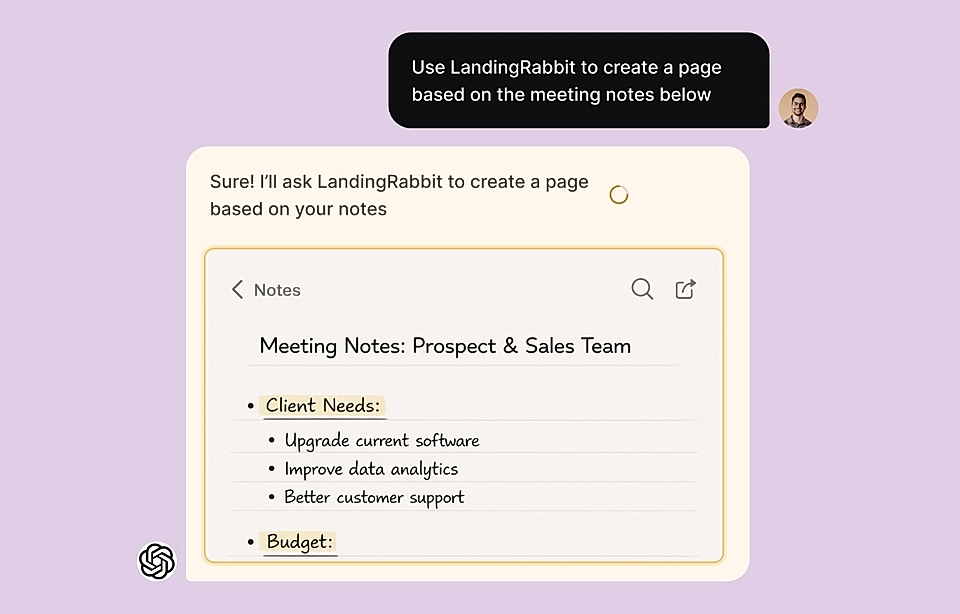
No need to find a laptop. No need to log into anything. Just tell ChatGPT what you want, and the work gets done.
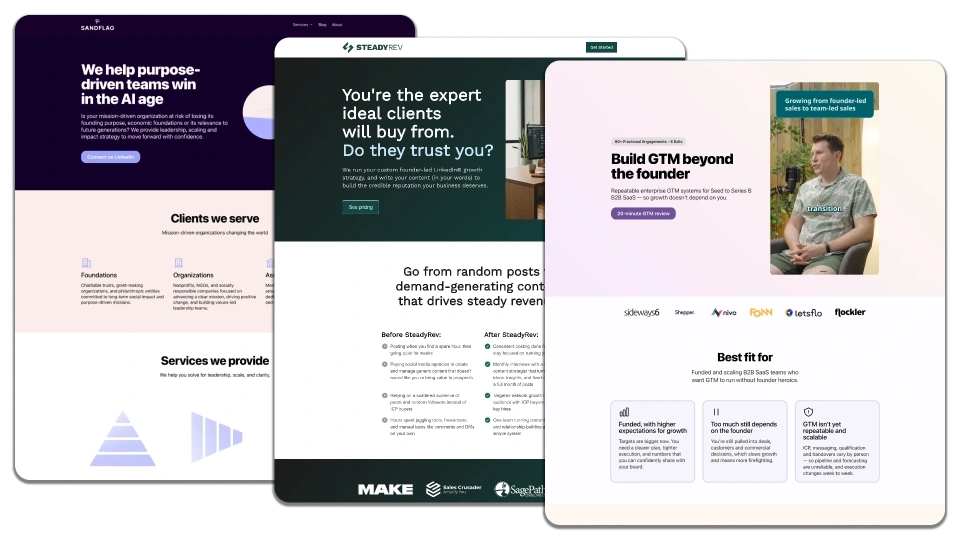
ChatGPT is great at thinking. LandingRabbit is great at planning pages, writing them, and reusing branded components you already have.
Together, they let you go from idea to live page without switching tools, waiting on designers, or touching code. Your whole website, managed from a chat window.
If you want to give it a try, sign up for LandingRabbit and install the LandingRabbit ChatGPT app. Your first page can be live in 10–15 minutes.