Let LandingRabbit interview you on a topic and get a ready page in return
You can ask LandingRabbit interview you on a topic idea you have, or one it has already found for you.
You share what you know. LandingRabbit writes the page.
How to start the interview
When you click Create new page, you'll see a link to the interview.
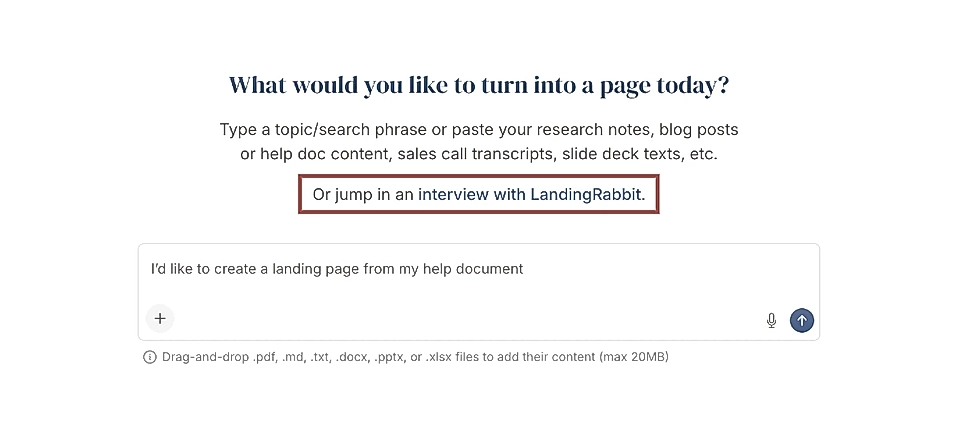
Click the link. On the next screen, check that your microphone and speaker are set up correctly, then click Join call.
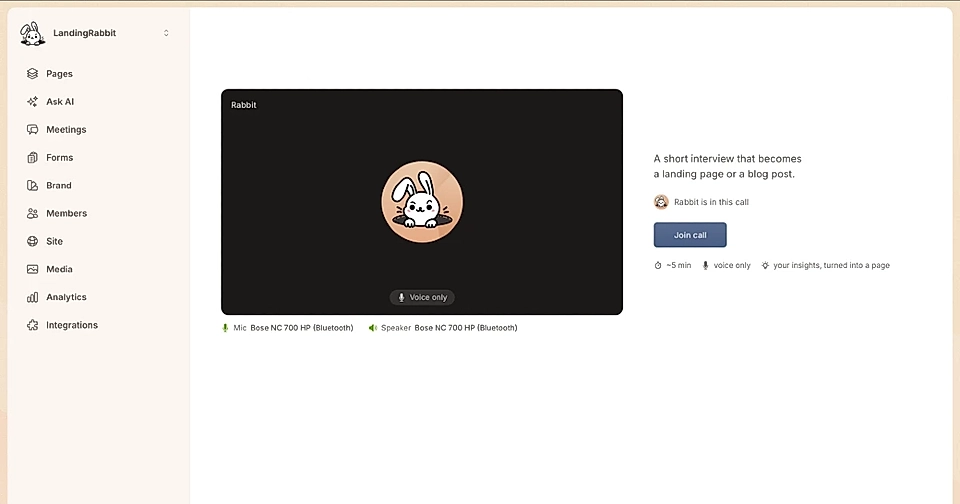
What happens on the call
LandingRabbit will ask you what topic you would like to discuss.
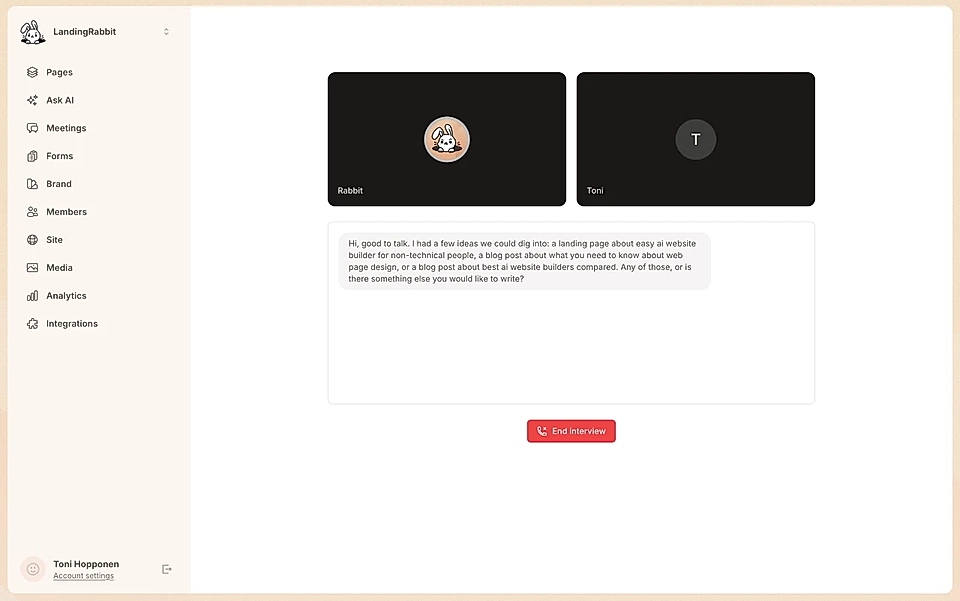
It may suggest topics for you, but you can also choose your own. Also tell LandingRabbit whether you want to create a landing page or a blog post from the conversation.
The interview runs for up to five minutes. After that, LandingRabbit writes the page for you based on what you shared.
Getting your page
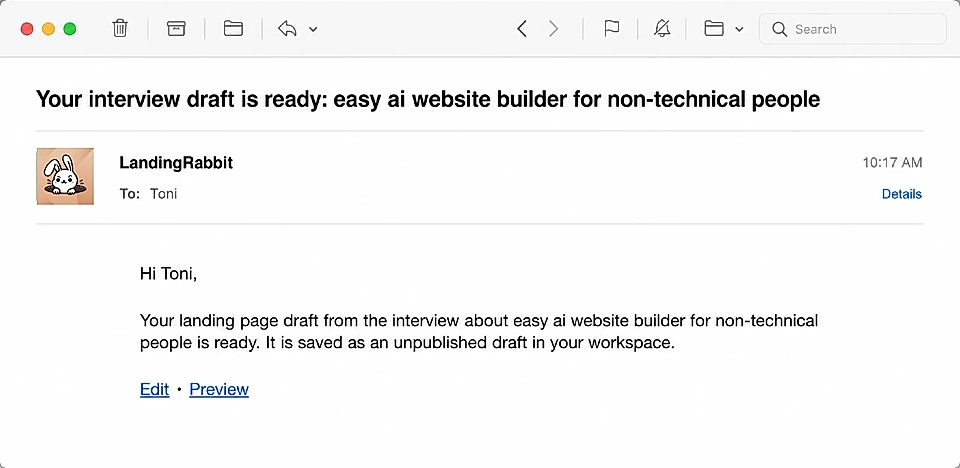
You will receive an email notification when the page is ready for you to review and publish.
Why the interview works well
The interview is a quick way to get all your knowledge onto the page.
Share everything you know about the topic, everything you would want your customers to read. Restructuring and rephrasing is where AI does its best work. It takes your ideas and returns a draft that is easy to edit and go live with.
After all, they are all your ideas.
If you have a topic in mind but have not had time to sit down and write it up, the interview is the fastest way to turn it into a page.