How to build an AI website that runs and updates itself
"I want a website that runs and updates itself," said Stefan Avivson in our call last week.
It's already possible.
In this blog post, I'm going to show you eight things you need to build a website that runs and updates itself.
1. AI writer that knows your business
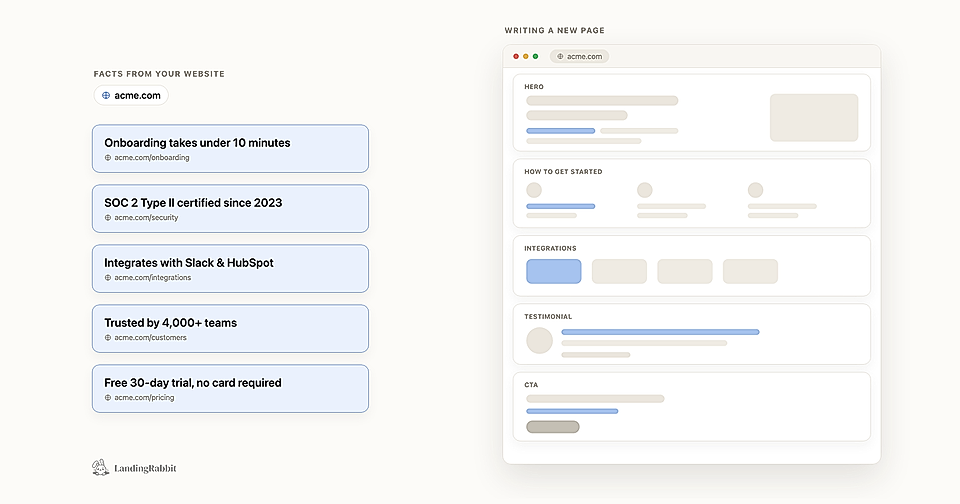
Generic AI writes generic pages. The problem is that ChatGPT or Claude will guess what your product does based on what similar products usually do.
That's not good enough when you're trying to win over leads who are comparing you to three other tools.
LandingRabbit stores what your company does, what you offer, and what your brand sounds like. Every page it writes is checked against that knowledge and your existing content, so it won't promise something you don't actually deliver.
2. AI assistant that helps you decide the page structure
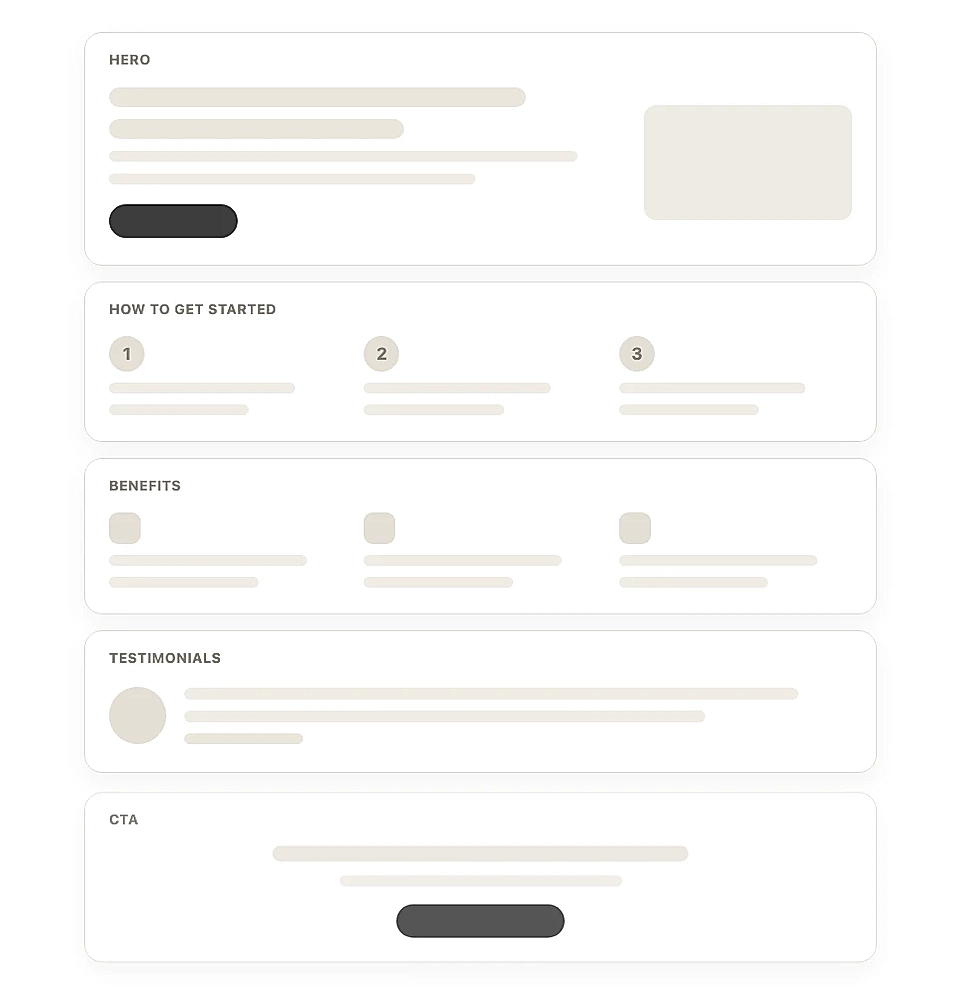
Knowing you need a new page is easy. Knowing what should go on it is harder.
Should the hero focus on the problem or the outcome? Does this page need a FAQ? Where does social proof go?
LandingRabbit creates a page plan before it writes a single word. You review the plan, adjust anything that feels off, and only then does it write the full page.

That step alone saves a lot of back and forth.
3. Branded building blocks you can reuse
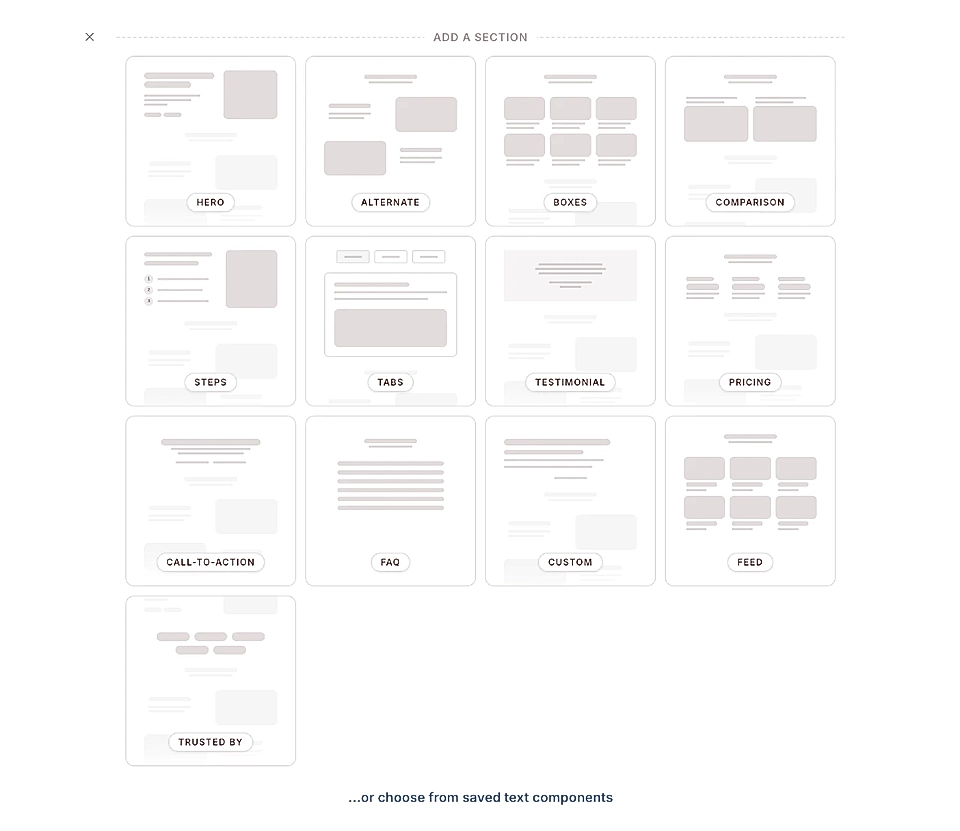
If updating one page means touching ten others by hand, your website will always lag behind your product.
LandingRabbit works with reusable, branded components. Change something site-wide, like editing styles and colours or copy, and it happens across all your pages that share the same component in one go.
No code reviews. No reviewing each page individually.
4. A text editor that doesn't break things
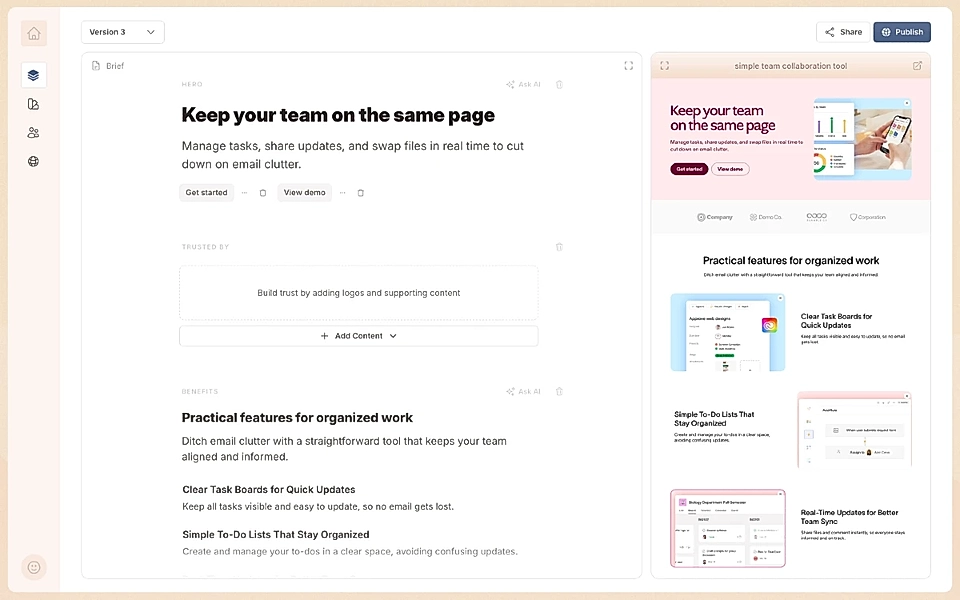
Most page builders mix content editing with layout editing. Change a headline and suddenly the mobile view is off. Add a paragraph and the spacing breaks.
With LandingRabbit, you edit in a Notion-style text editor on the left and see the live page on the right. The layout adjusts as you type. Desktop, tablet, and mobile all stay intact without you having to check each one.
5. SEO and AI optimisation that happens automatically
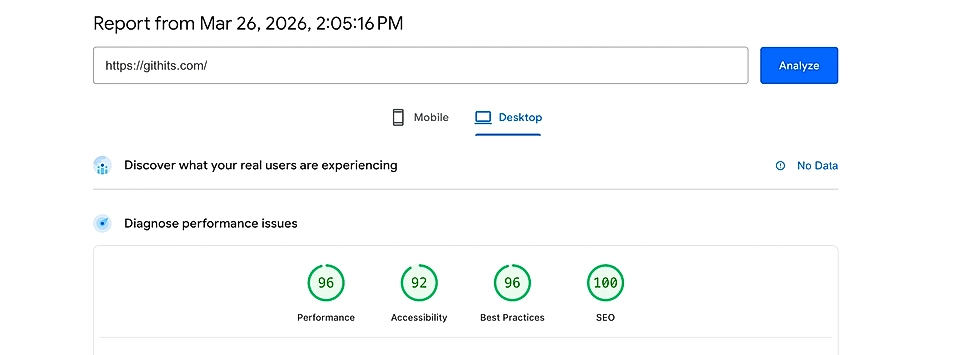
Every page you publish should be findable and search engine optimized. By people on Google and by AI tools that recommend products to buyers.
LandingRabbit handles the technical side by default: H1, H2, H3 structure, metadata, fast load times via CDN, and strong PageSpeed scores. You don't need to run a checklist after every publish. It's already done.
6. Version history so your team can review and compare
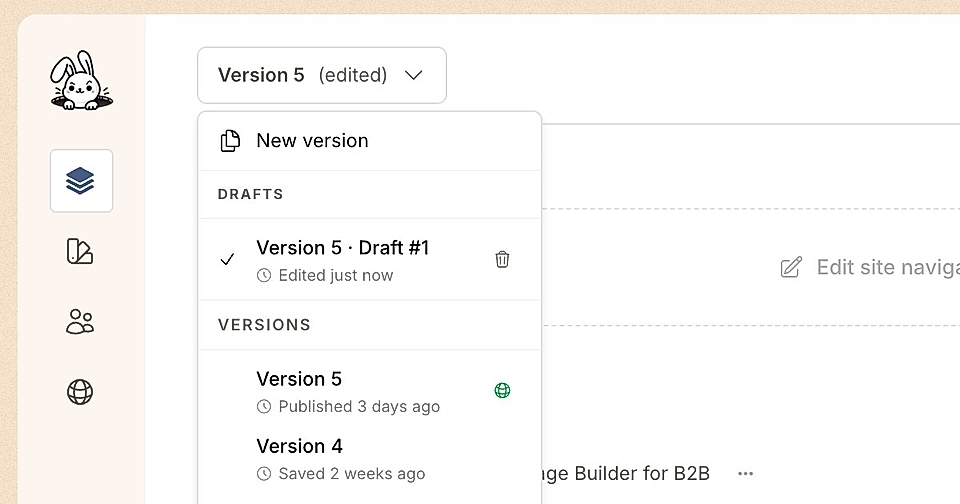
AI won't get everything right on the first try. And when several people are working on a website, it helps to be able to go back.
LandingRabbit lets you share draft pages for real-time commenting, just like Figma. Colleagues can leave feedback directly on the page, and you can compare versions before anything goes live.
7. Analytics that tell you what needs updating
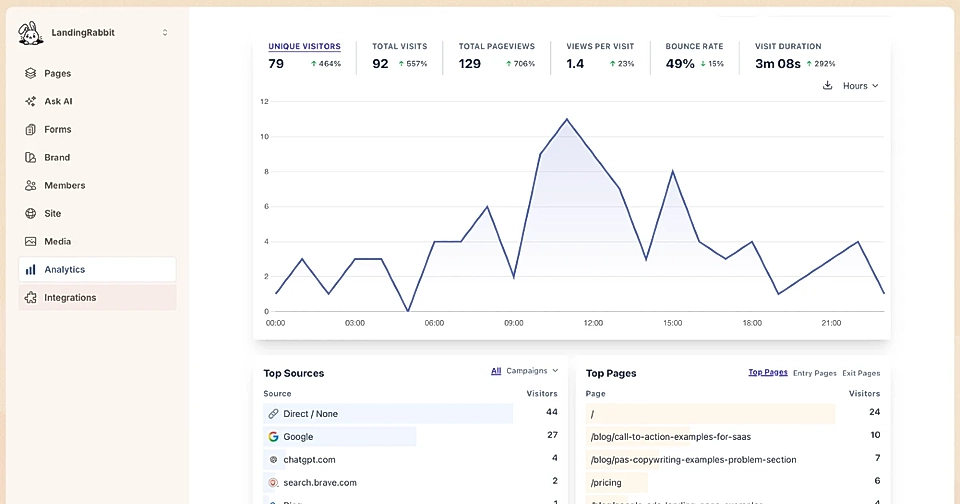
A website that runs itself still needs someone to point it in the right direction.
Without data, you're guessing which pages are working and which are quietly losing leads. LandingRabbit's analytics flag what needs attention, so you can act on actual evidence rather than gut feel or vague AI recommendations.
8. Automations that keep the website current

The biggest reason websites go out of date is that updating them always feels like a project.
For example, Dan from Tailored Wealth creates YouTube episode pages from video transcript using Claude and LandingRabbit MCP.
A website that runs itself isn't a distant idea. The building blocks exist today.
What you need is a tool that brings all eight of them together, one that knows your brand, writes accurate copy, keeps pages up to date, and does the technical work in the background.
That's what LandingRabbit is built for.
Want to see it in action? Sign up for LandingRabbit's free trial today.