Can I upload videos to LandingRabbit?
Yes, you can.
LandingRabbit supports uploading short videos in MP4 format. If you want to show a short looping video, such as a quick product interaction or animation, LandingRabbit can host that video for you.
The video file maximum size is 200Mb.
If you need to add a longer video, we recommend embedding a YouTube video, Vimeo, Loom, etc.
How to upload a video
To upload a video:
Click an image or video placeholder on your page to open the media gallery
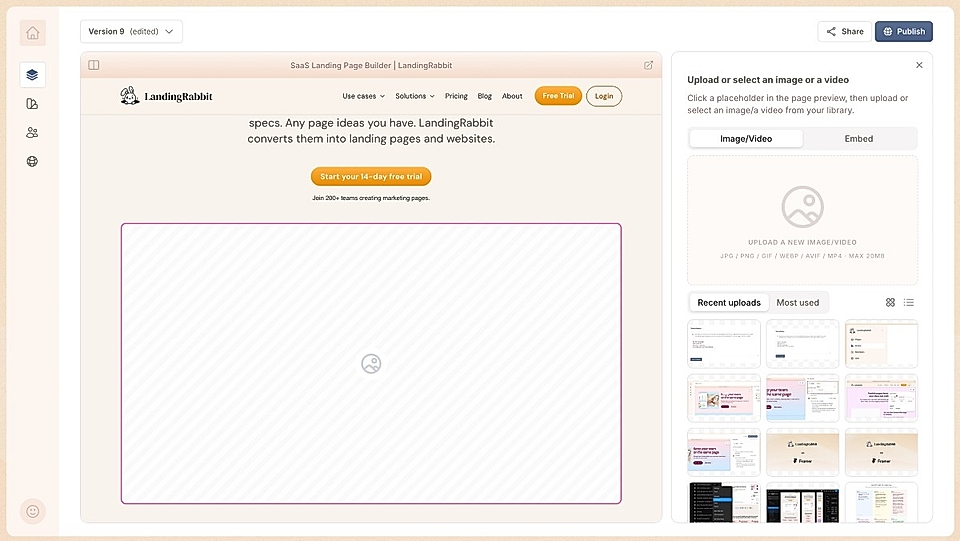
Click upload on the right
Upload a short video in MP4 format
You can find an example video on our homepage.
How to enable / disable the video autoloop
By default, the video will appear on your page without autoplay.
If you want to enable the autoloop, hover the video on the page preview, and click the autoloop enabled icon. Clicking the icon turns the autoloop on and off.
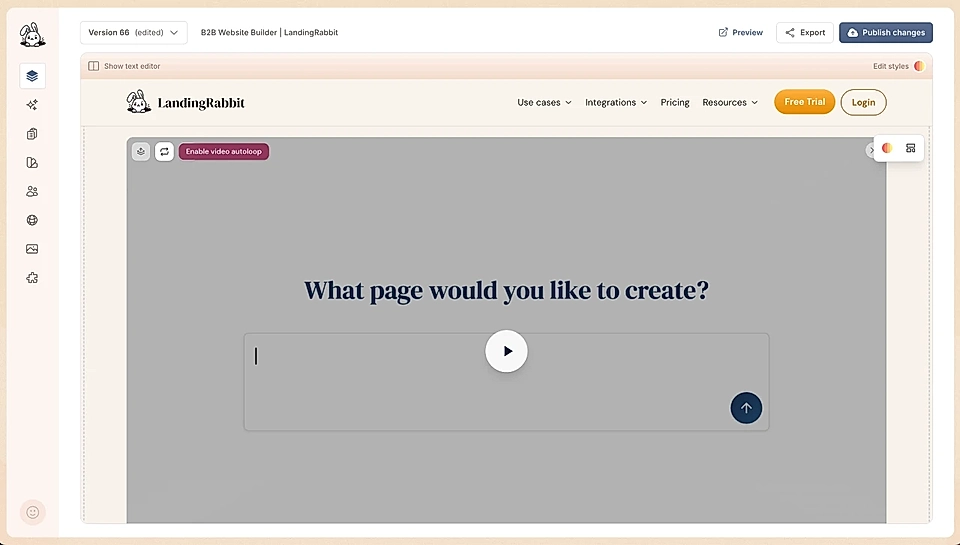
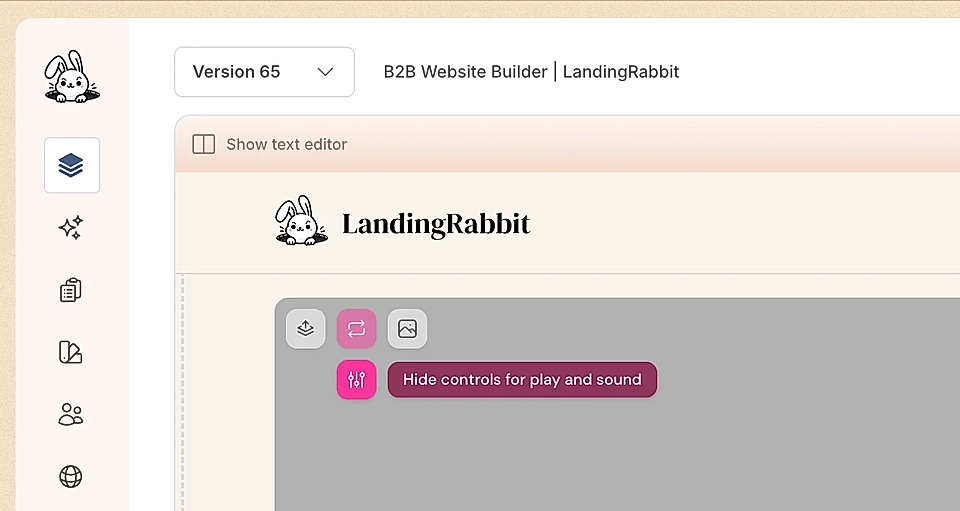
When autoplay is turned on, you can choose if the controls (play/pause, sound, and expand full screen) are visible on hover.
Can I open videos in a pop-up
Yes, you can open videos in a pop-up.
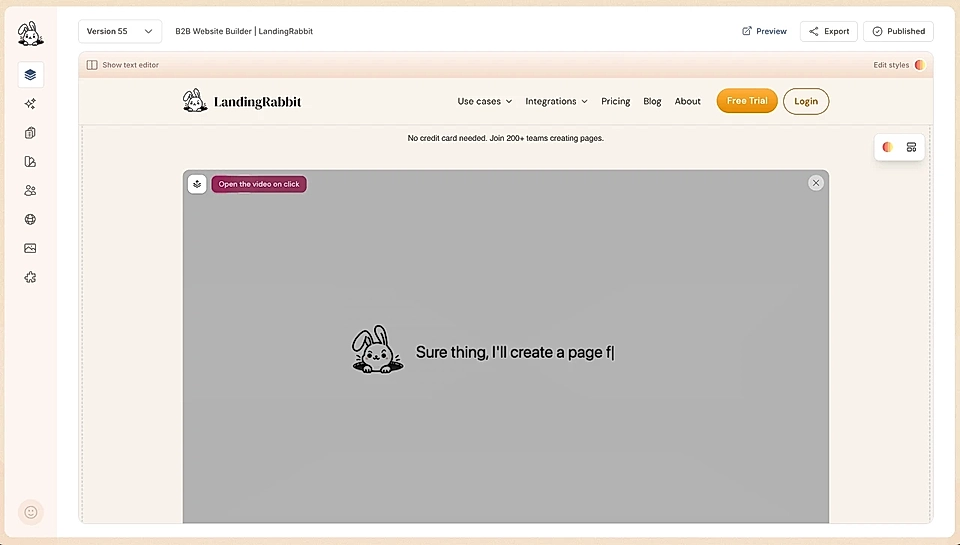
Hover the page preview and the video, and you'll see a button that allows you to enable the pop-up modal and window.
Add a video thumbnail image
Sometimes, the video's first screen isn't the best one. Or the video screen ratio doesn't match your site and section.
You can upload a thumbnail for every video and make sure you can show videos in a nice way, regardless of the first screen and the position on the site.
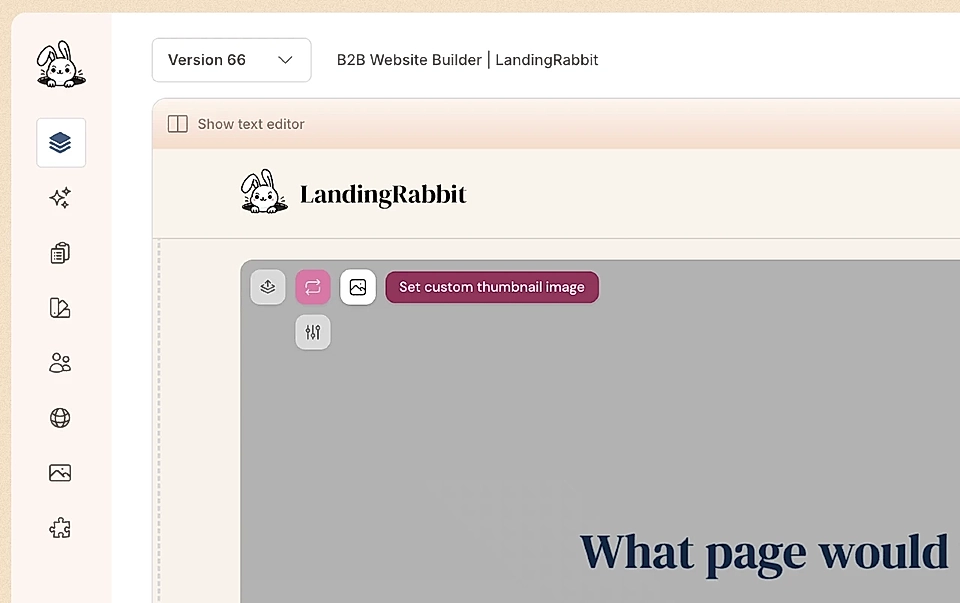
Here's an example of a page element that might not look great with the standard video. With the thumbnail and pop-up, you can use pretty much every media element for videos.