Can I embed YouTube videos on LandingRabbit pages?
Yes, you can.
There are two ways to add YouTube videos to your LandingRabbit pages.
Option 1: Add a video inside an existing section
You can add videos to sections such as the Hero, Steps, and CTA.
Click the image placeholder inside the section.
On the right panel, open the Embed tab.
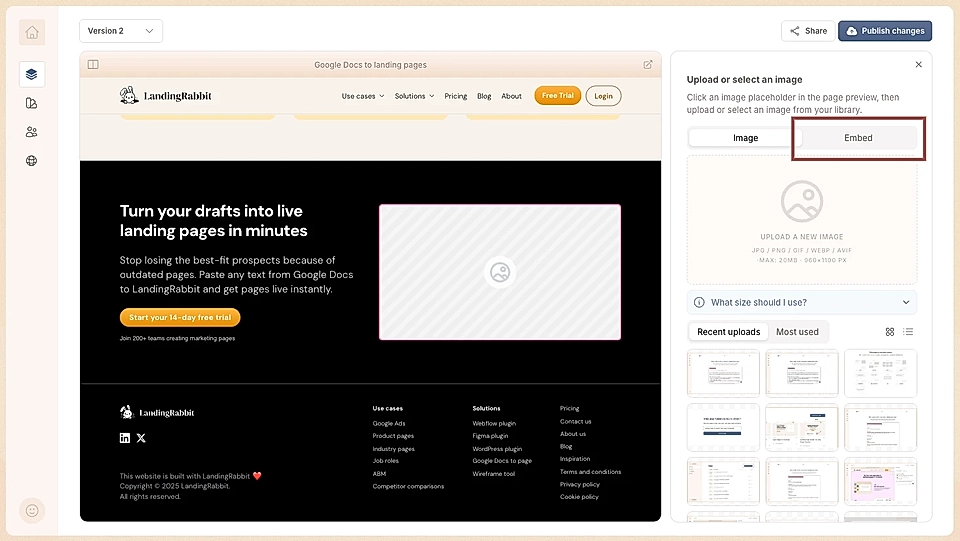
Paste your YouTube embed code into the field that appears.
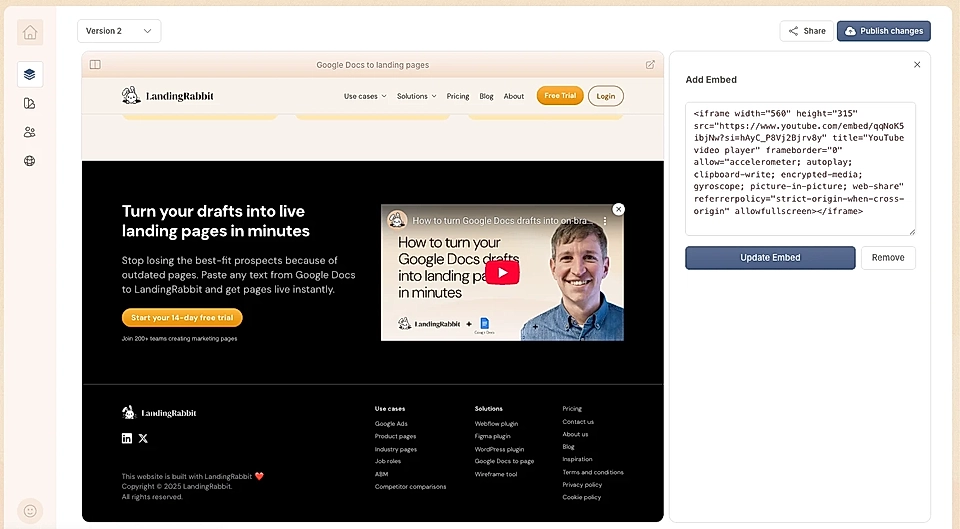
Option 2: Add a custom embed element
In the page editor, add a new section and select Custom.

Add the section to your page
Click the 'Add Content' button
Select Embed from the dropdown
Paste your embed code into the field that appears
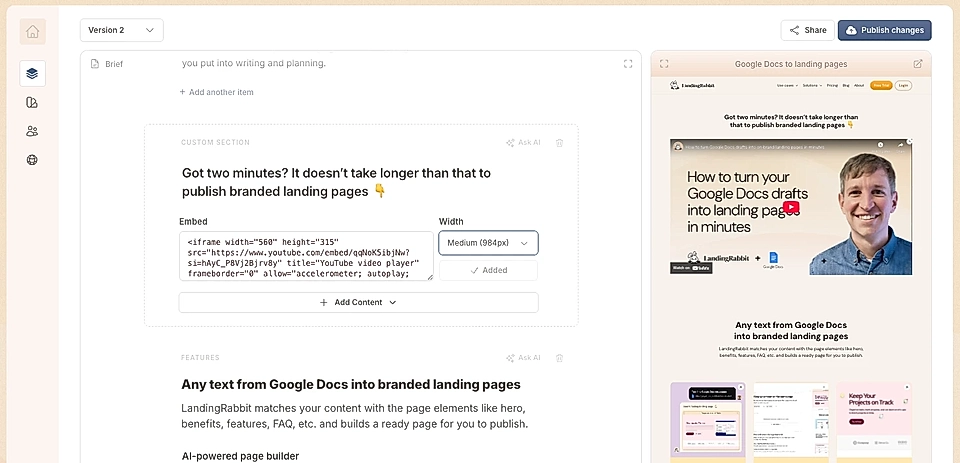
You can embed YouTube videos as well as any other service that provides embed code, including other video platforms, forms, calendars, and more.
Add a cover image and open in a popup
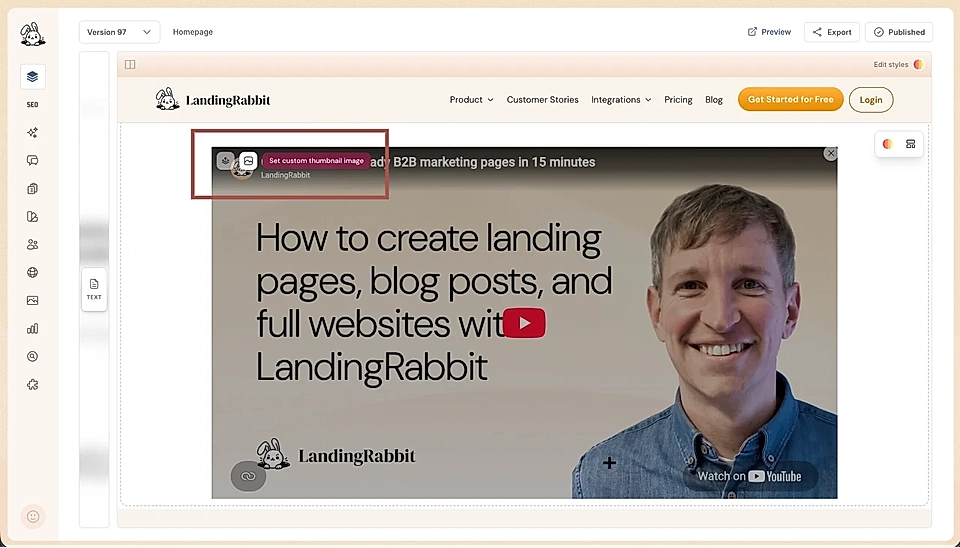
You can add a cover image for an embedded video. Together with “Open in a popup”, this feature is helpful when you are showing a video in an area that doesn’t match the video screen ratio.
If you need help with embed codes, contact us at [email protected]. We’re happy to help.