Can I create an image gallery?
Yes, you can. Any image on your page can be turned into an image gallery.
Turn an image into a gallery
On the page preview, hover over the image and click the image gallery icon.
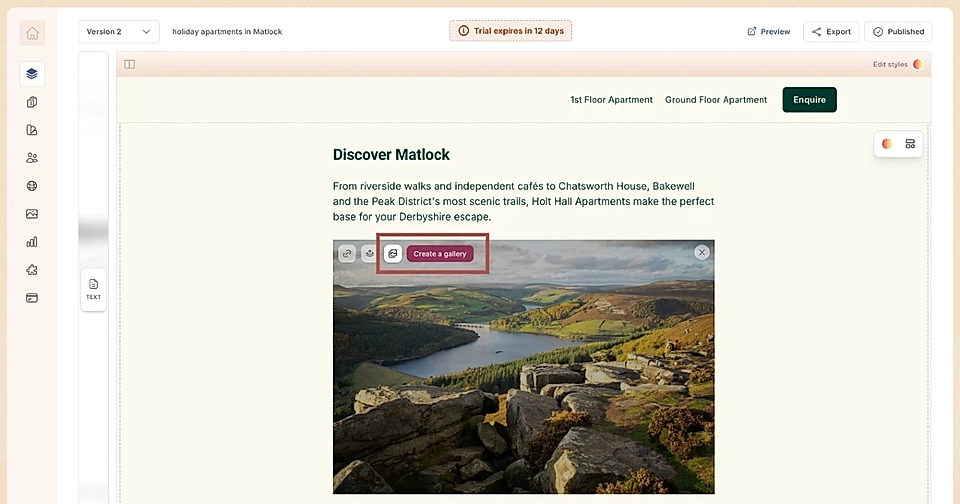
Then, on the right panel, choose your images the same way you would pick a single image.
Set an automated loop for gallery images
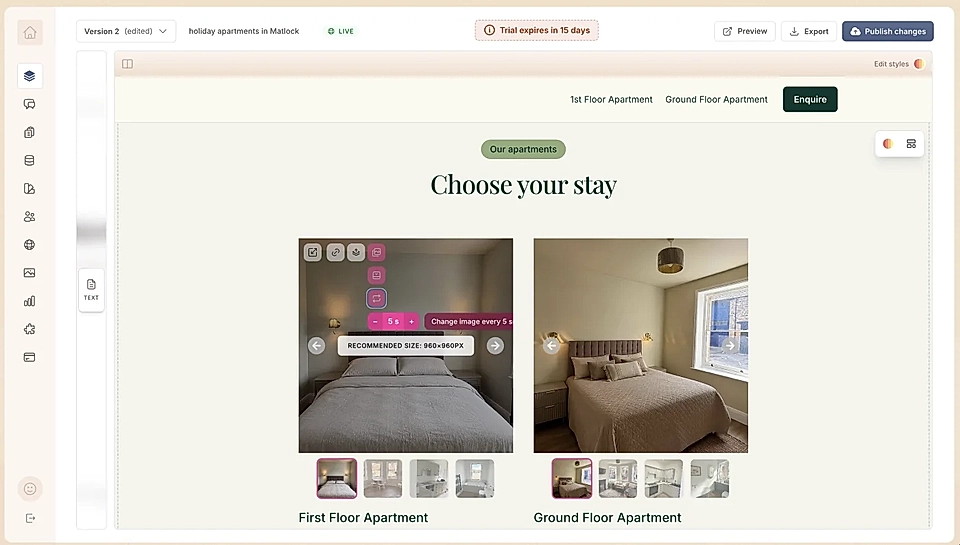
If you'd like the images to loop automatically, turn on the loop after creating a gallery.
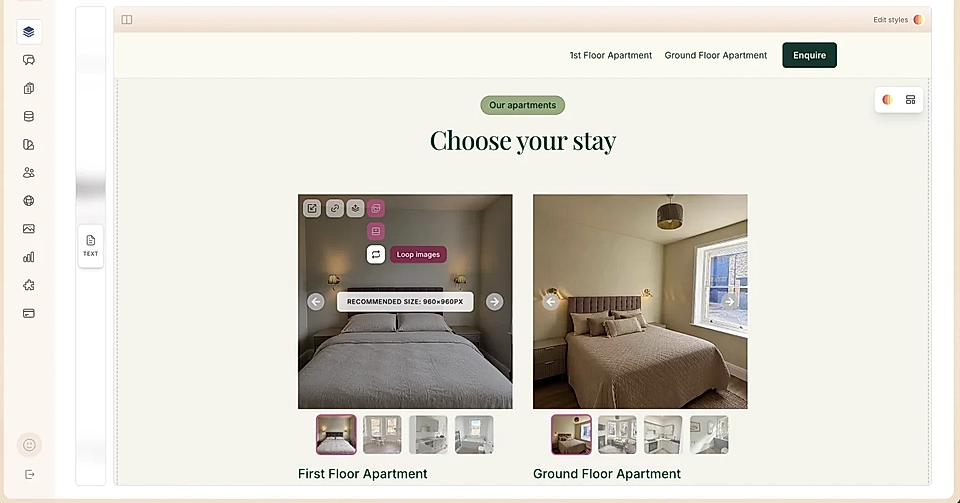
You can decide how many seconds each image is displayed before the next image shows up.
Hide thumbnails
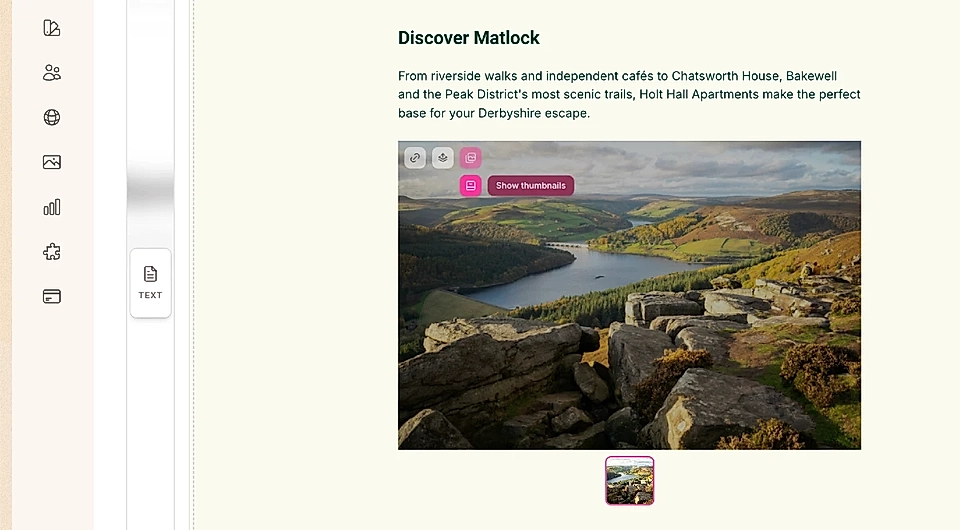
By default, the selected images show up as thumbnails underneath the main image.
If you'd rather not show thumbnails, hover over the image on the page preview and toggle the thumbnails off.
Enable the pop-up view
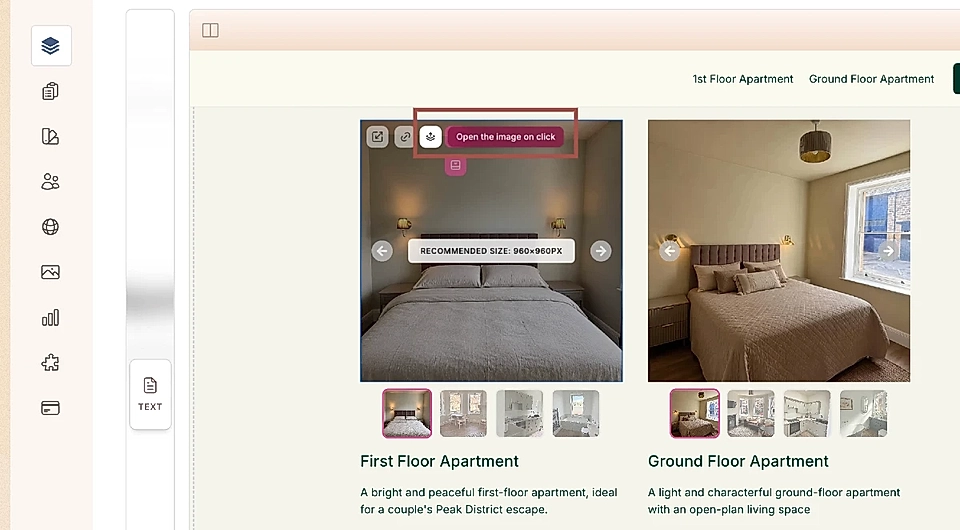
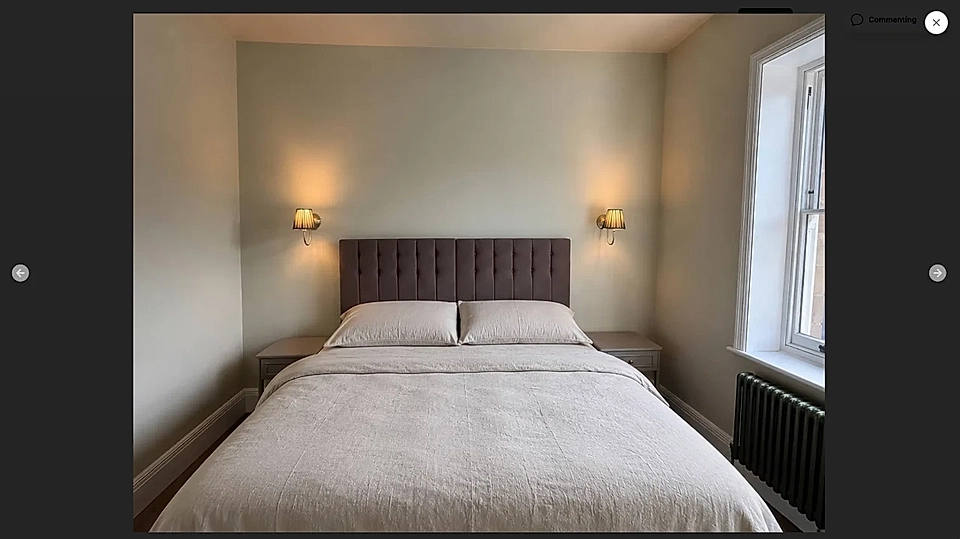
You can also turn on a pop-up so the gallery opens in a modal, where visitors can browse through images using the left and right arrows.
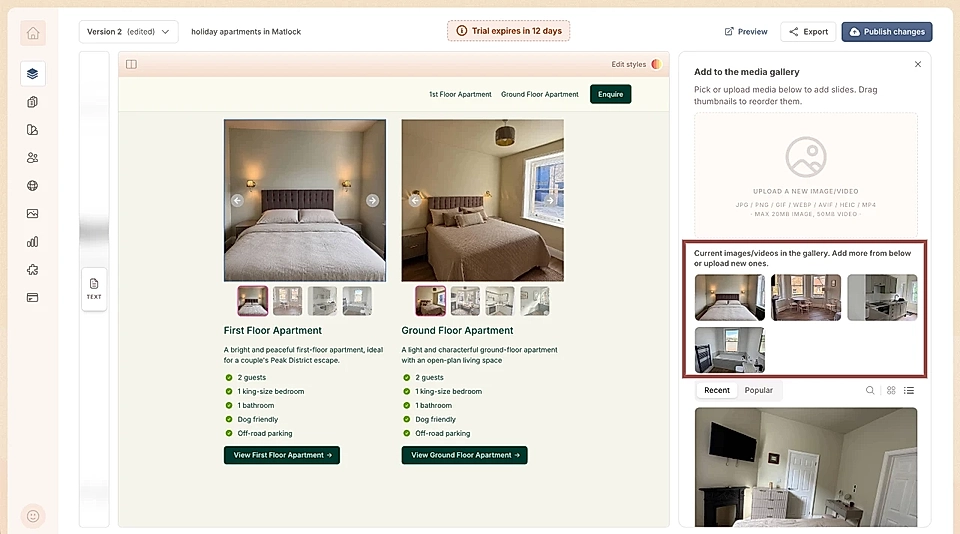
Change the order of images
On the right panel, drag and drop the images in the list to change the order they appear in the gallery.
That's all there is to it. Your image gallery is ready to go.