How your design agency can create websites with LandingRabbit
If you run a web design agency, you know how much time goes into building a site from scratch for every new client.
Designing each component, setting up brand styles, making sure everything looks consistent across pages. A lot of work.
LandingRabbit's agency account is here to help. You upload a brand guideline, get 70+ ready-made components instantly, and your client can start creating pages straight away.
Here's how to get started with LandingRabbit for website design agencies in five steps.
Step 1: Sign up for a LandingRabbit agency account
Head to LandingRabbit and create your agency account.
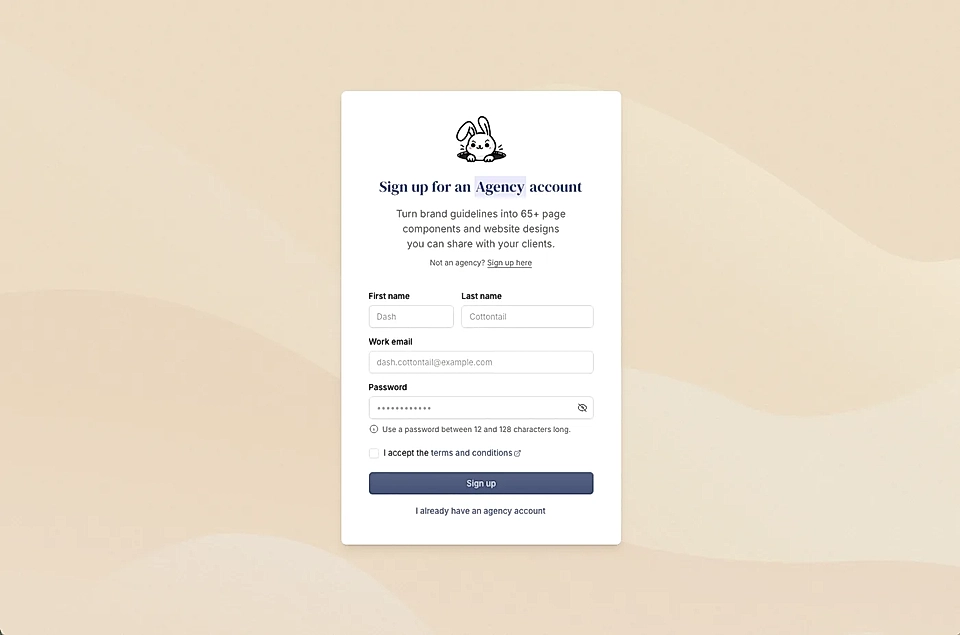
This gives you a dedicated agency view where you can manage multiple client brands and workspaces from one place.
Step 2: Upload your client's brand guidelines
Once you're in give your project a name and describe your client's brand.
This can be as simple as a few main colors and a font choice.
You can upload brand guidelines and images or even ask LandingRabbit to take a look at a public URL.
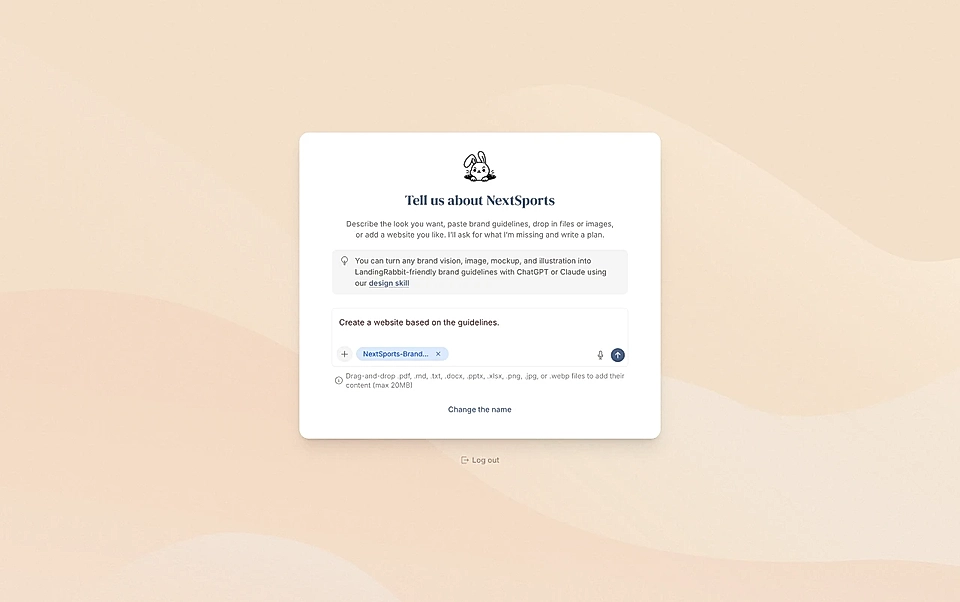
If you want to be more specific, you can go deeper: font sizes per element, border styles, background colors for different section types, CTA button styles, and more.
After reviewing your input, LandingRabbit writes a design summary for you.
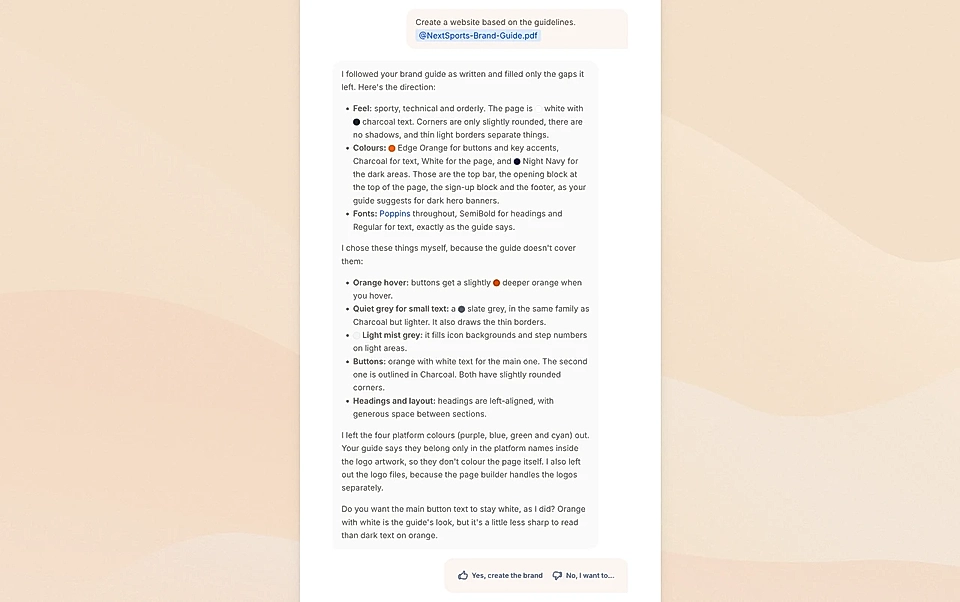
Download our design skill file that helps you turn any existing design asset into LandingRabbit-friendly guideline using ChatGPT or Claude.
Step 3: Get 70+ branded components instantly
After uploading the guidelines, LandingRabbit generates 70+ page components, all styled to match the brand.
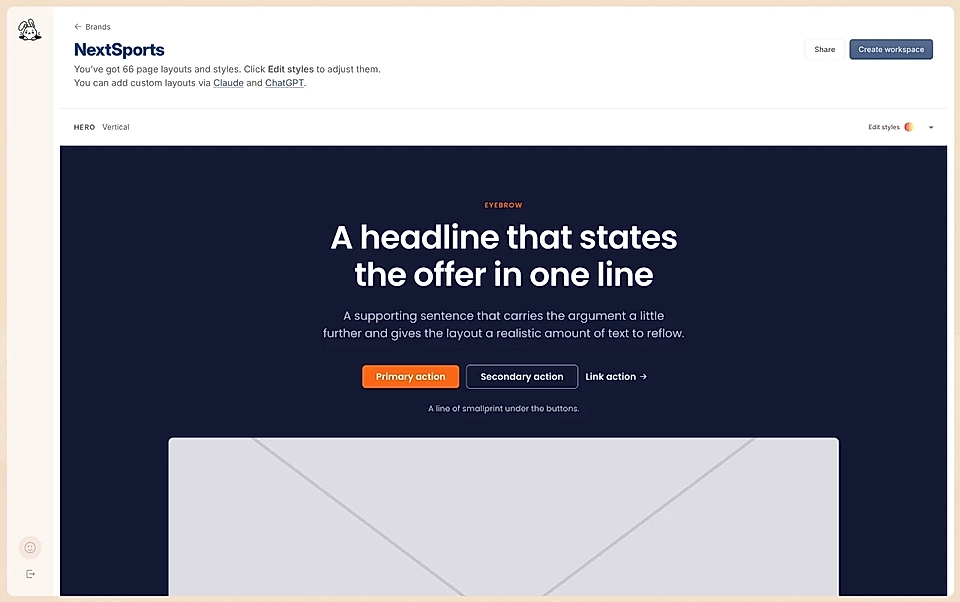
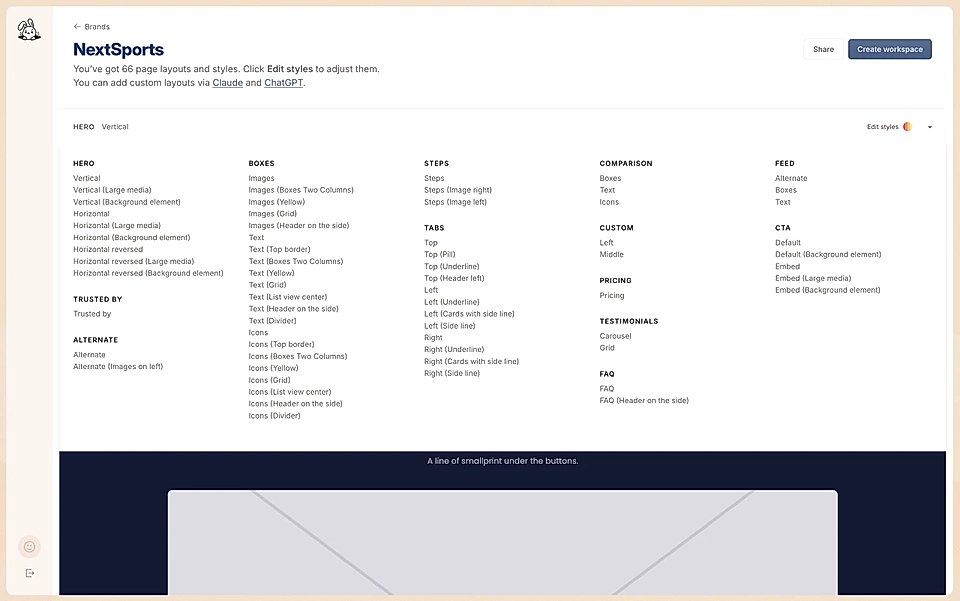
This is where agencies save a lot of time. The foundational design work is done and you can focus on details.
You can preview each one, edit them, and add fully custom components, too. Instead of designing every part of a website from scratch, you're working with a full component library that's already on-brand.
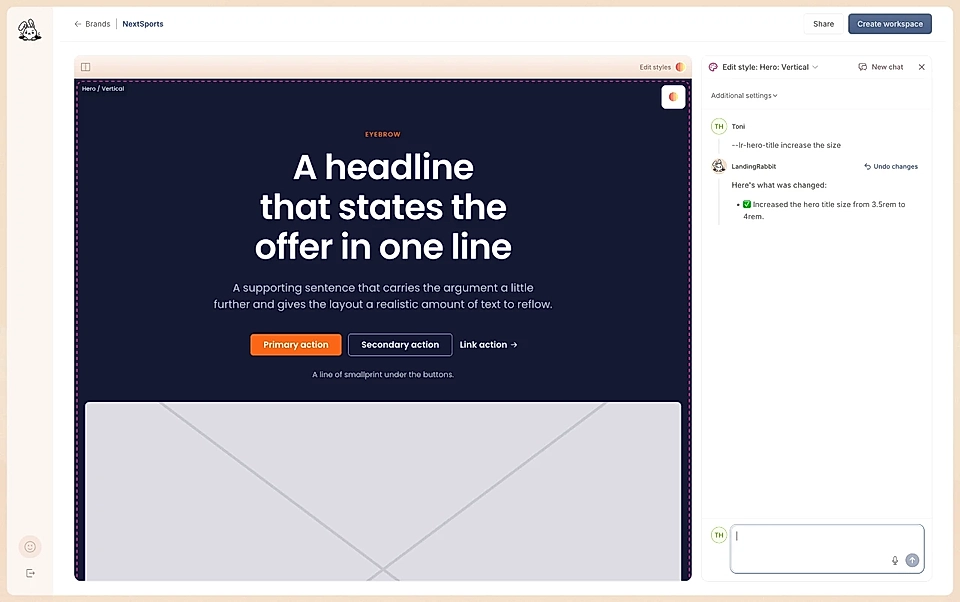
For inspiration, see our website design examples.
Step 4: Share the branded preview with your client
LandingRabbit gives you a shareable link to the branded page components.
Send it to your client. When they open it, they'll see a preview of their branded LandingRabbit and a button to Create your website.
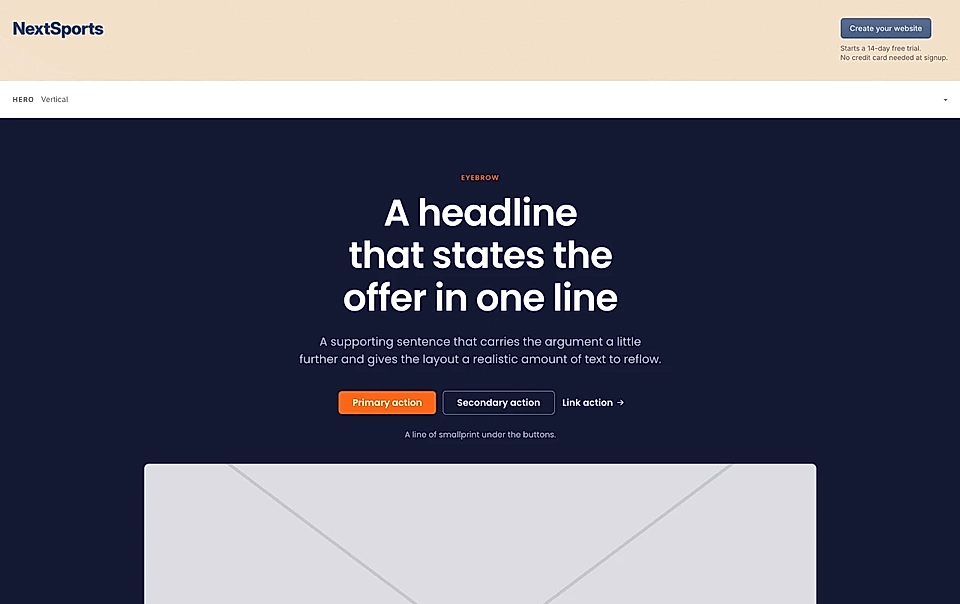
Once they click it, they describe their company and the page they want, and LandingRabbit generates their first page using the components and styles you set up.
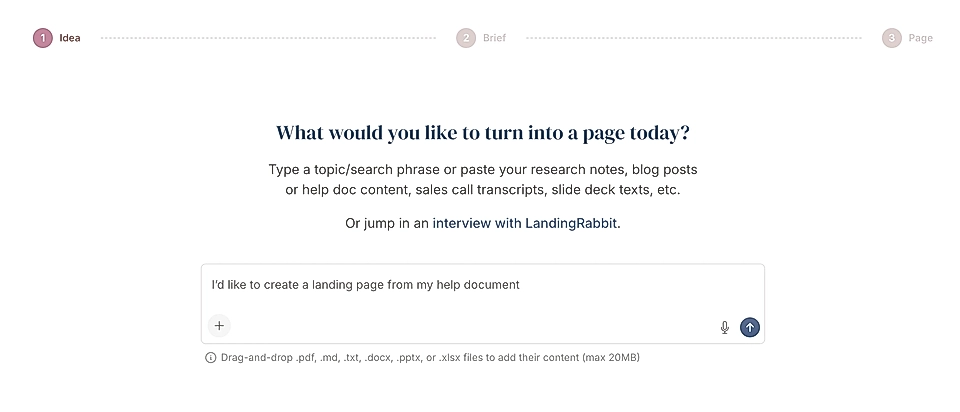
The client gets a page draft with content and layout ready to edit. No design knowledge needed on their end.
Step 5: Manage all your clients from the agency view
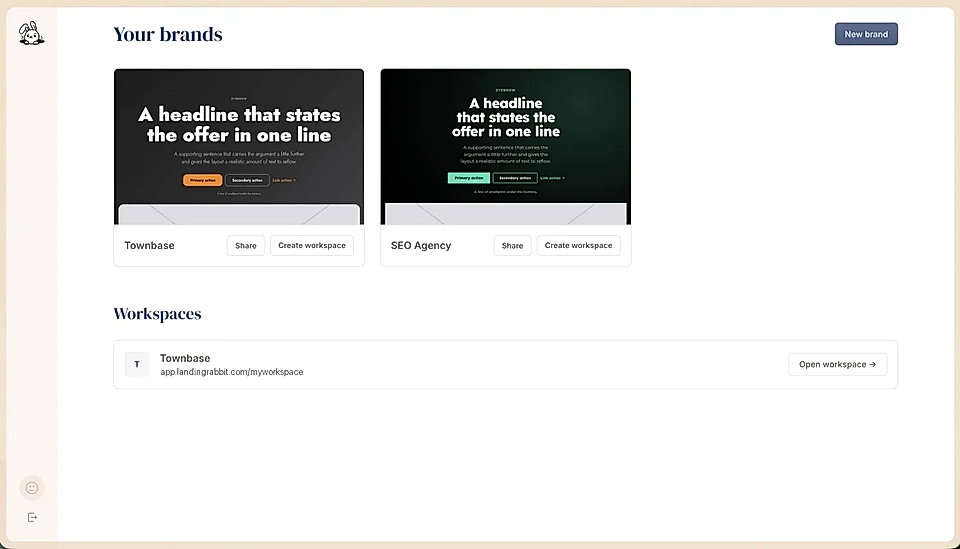
Every brand you create lives in your agency view.
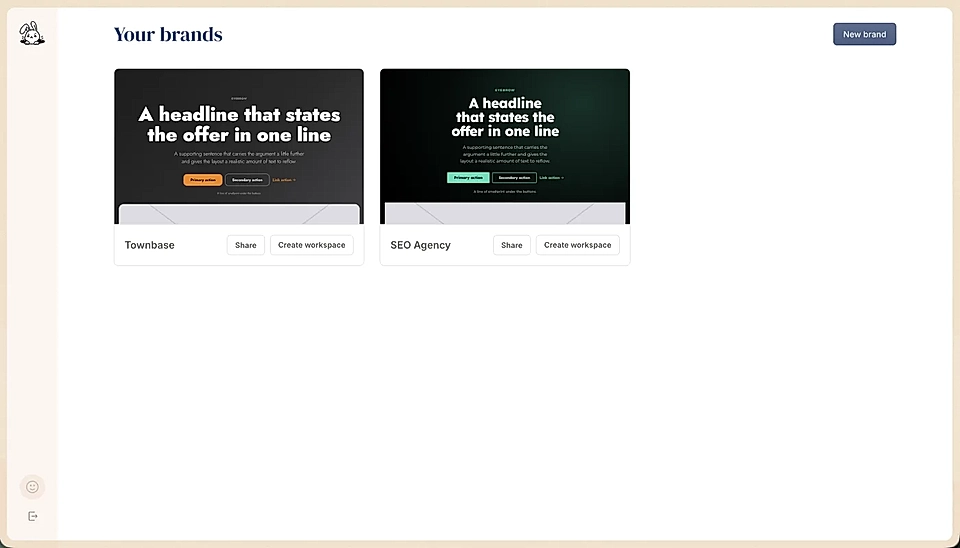
You can add more brands as you bring on new clients. If you're a member of any client workspaces, those show up there too, so you can access and support them without jumping between accounts.
The agency account is free to run. It's there to help you set up client websites faster and give your clients a solid starting point without you needing to design every component from scratch every time.
Sign up for a LandingRabbit agency account and see how fast you can get a client's first page live.