Can I use LandingRabbit with multiple companies?
Yes, you can.
LandingRabbit supports multiple workspaces, making it easy to work with more than one company or brand.
How workspaces work
Each workspace represents a single brand or company. For example:
- One workspace for mydomain.com
- Another workspace for myseconddomain.com
Each brand has its own workspace with stored information such as company details, colors, and styles.
When you create a new page using keywords or ideas, LandingRabbit uses the brand information from the active workspace. This ensures that all generated pages match the correct brand and visual style, and that the content is tailored to your company’s target audience.
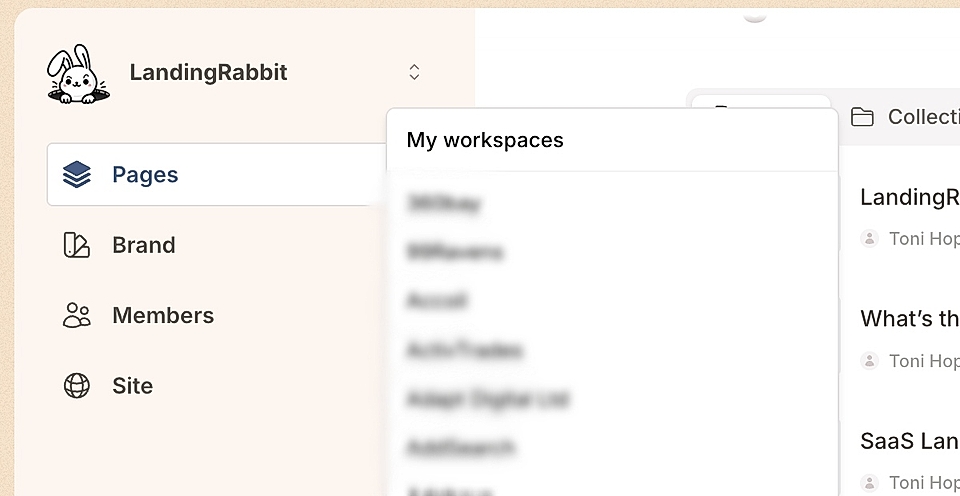
You can switch between workspaces using the drop-down in the top-left corner, all within the same user account.
Adding more workspaces
If you’d like to add another workspace to your account, contact us at [email protected] or reach out through our Slack support.