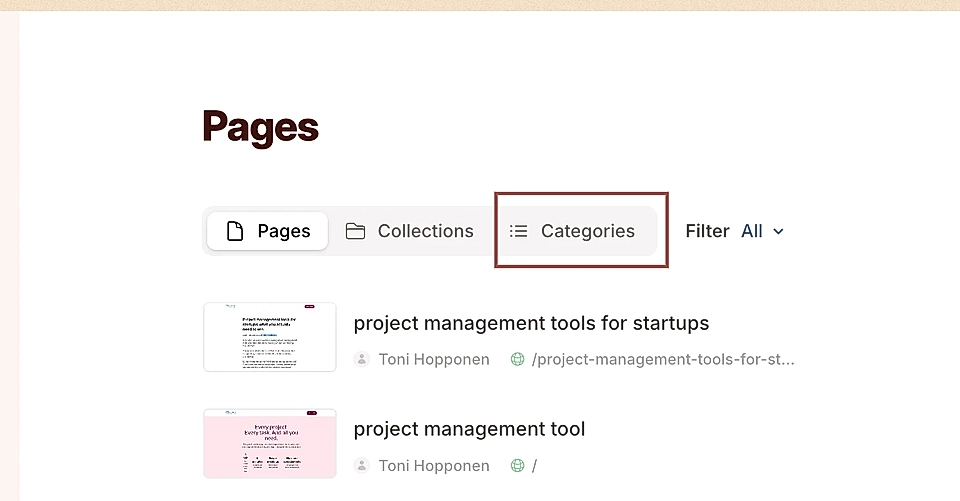
Can I add categories to articles?
Yes, you can.
Before adding Collections, check if Tags suit your needs better.
Categories are tied into Collections. Once you've got at least one Collection created and selected in the page publish popover, a + Add category link shows up.
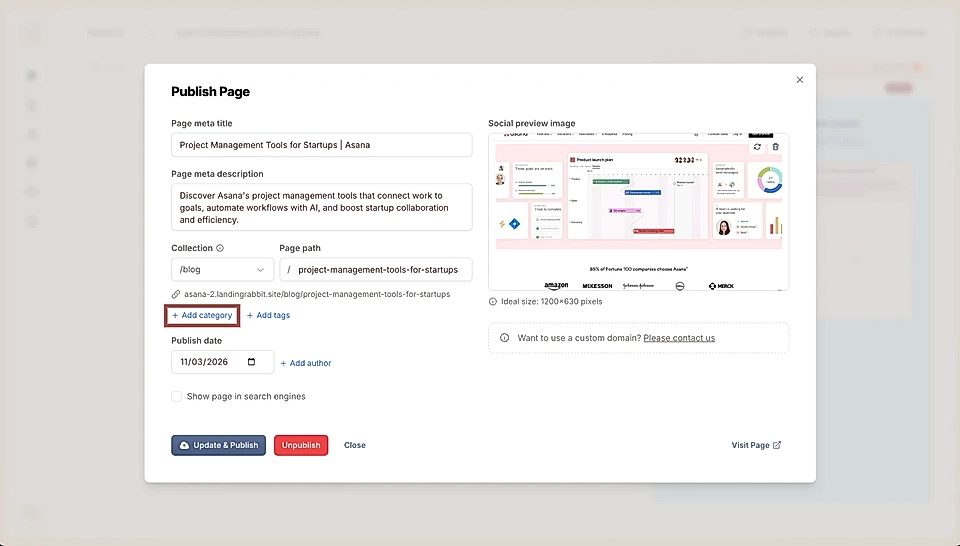
How to add a category
After clicking the link, the category editor opens up. Add the category name (e.g., marketing), description, and category page URL.
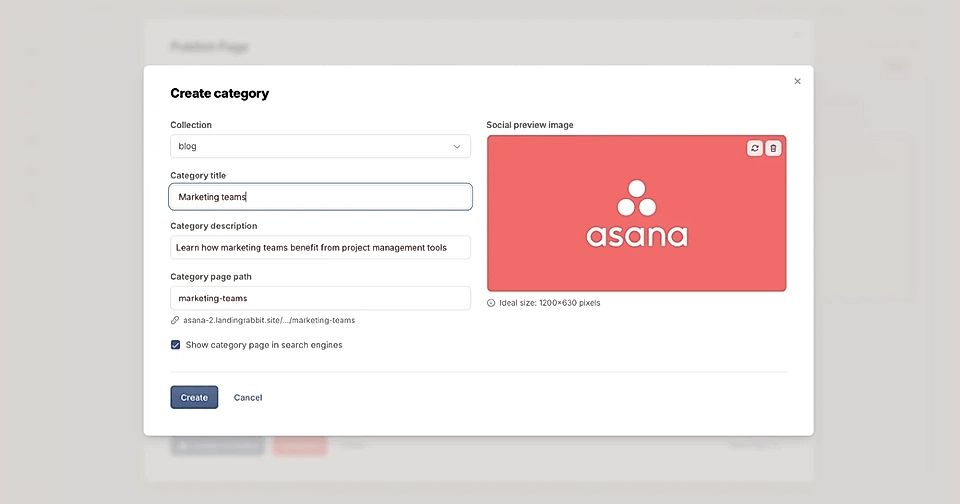
Upload a social media share image and choose if the category page is available for Google and AI bots to index.
Then, attach the category to the post and publish.
The post will then show up in a category-specific page and in a URL like mydomain.com/blog/category-url
How to add categories to the Collection page
You can display categories in the Collection page navigation.
On the Pages list, click the Collections tab and choose Edit layout for the Collection page that you'd like to edit.
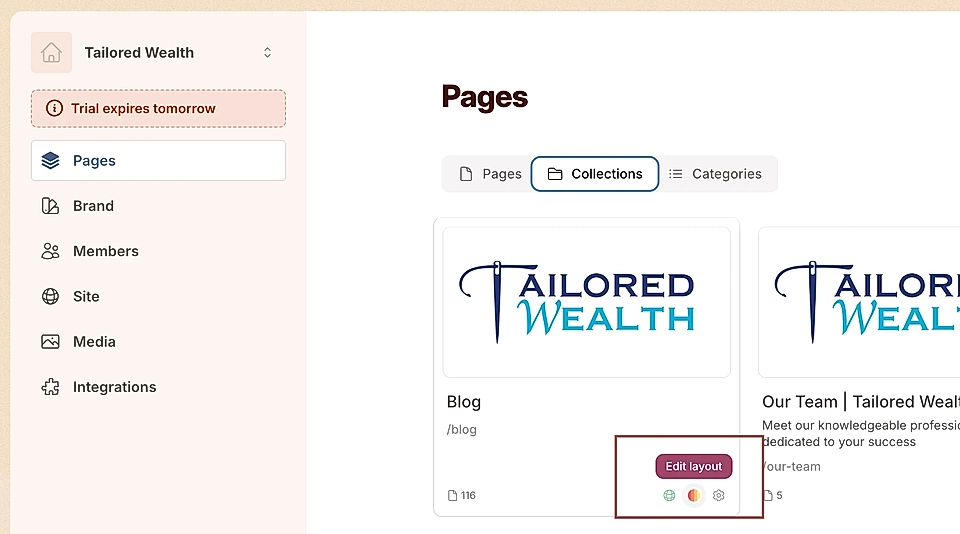
On the left, you can see + Add categories button.
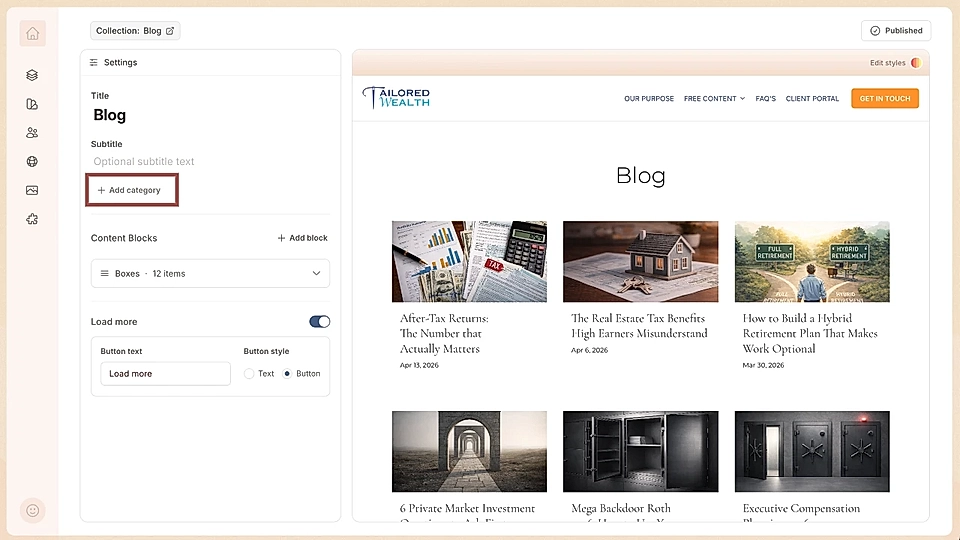
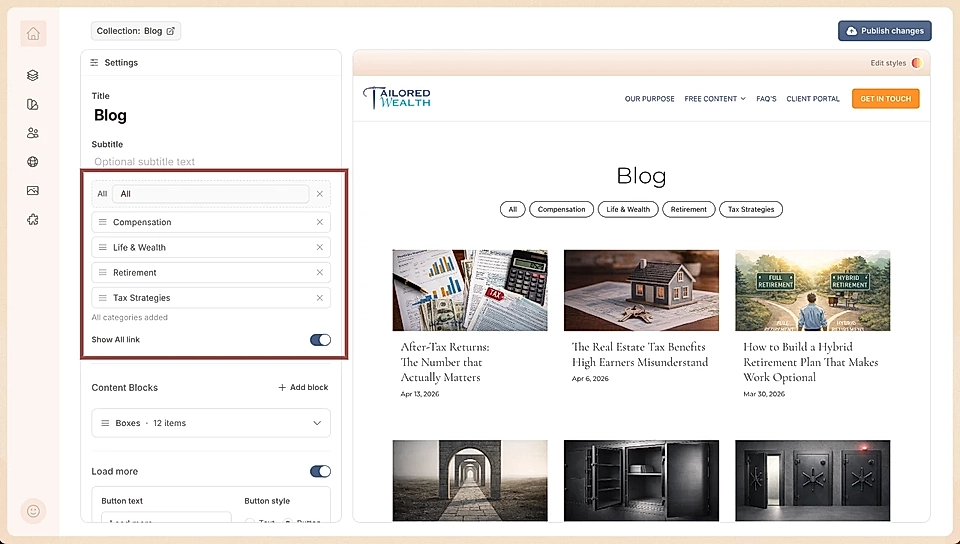
After clicking the button, you can add all or some of the categories and choose if the All posts link is visible. You can change the order of categories, too.
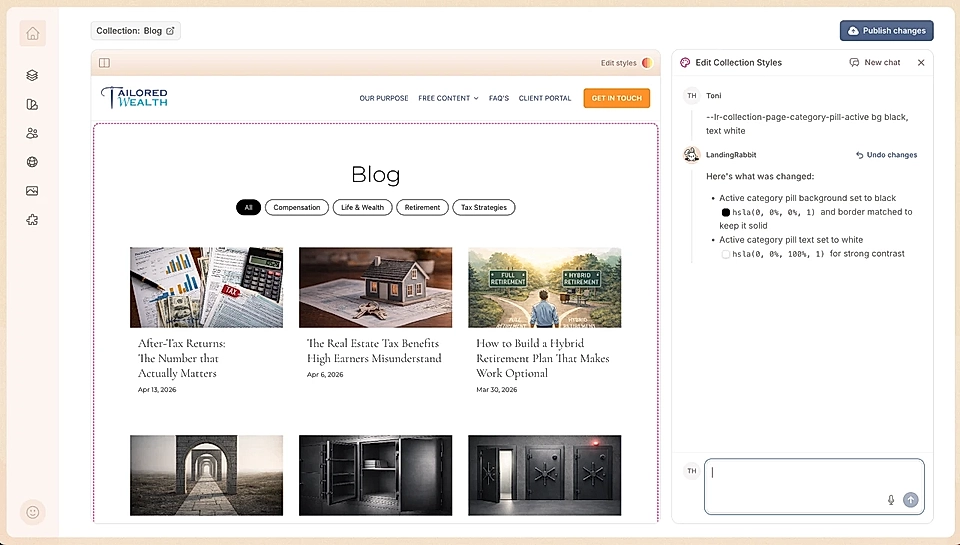
Click Edit styles on the top right of the page preview, and you can, for example:
Change the colour and text sizes of pills
Remove the pill shape and show just text
Add hover states for pills and change the colour and style of the active pill
Add a background bar for the pills
and much more.
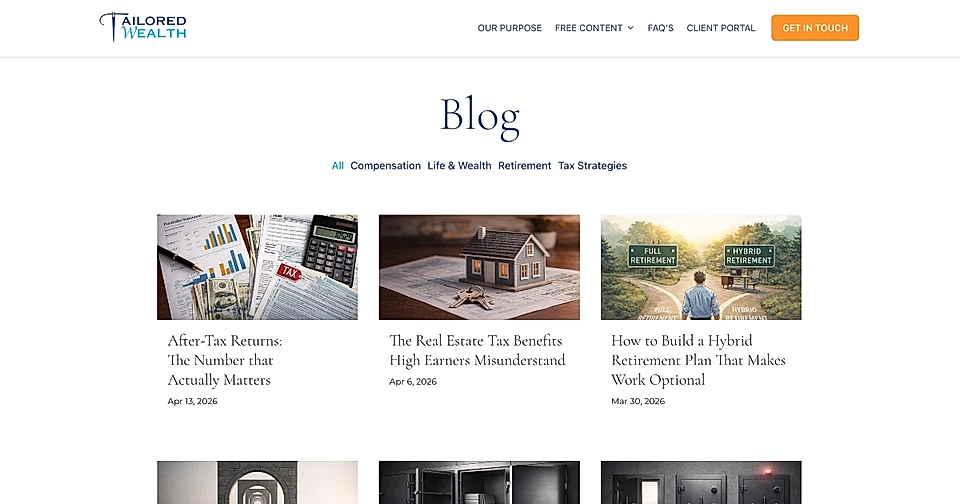
Here's an example category navigation with the active link in brighter blue and pill shape removed.
Managing categories
You can add multiple categories to each post.
After you've added at least one category page, you can find and manage all categories on the Pages tab.