What is WebMCP and how to use it to manage your website via ChatGPT
You can build your website via ChatGPT, ask ChatGPT to open LandingRabbit in the browser, and let it do the work for you.
This is achieved with a new tool called WebMCP, a standard released by Google and Microsoft.
What is WebMCP exactly?
The easiest way to explain it is to imagine an e-commerce site and the moment when you are looking for a product. If the ecommerce site exposes WebMCP tools, then your ChatGPT or Claude can find the right products for you without navigating the page.
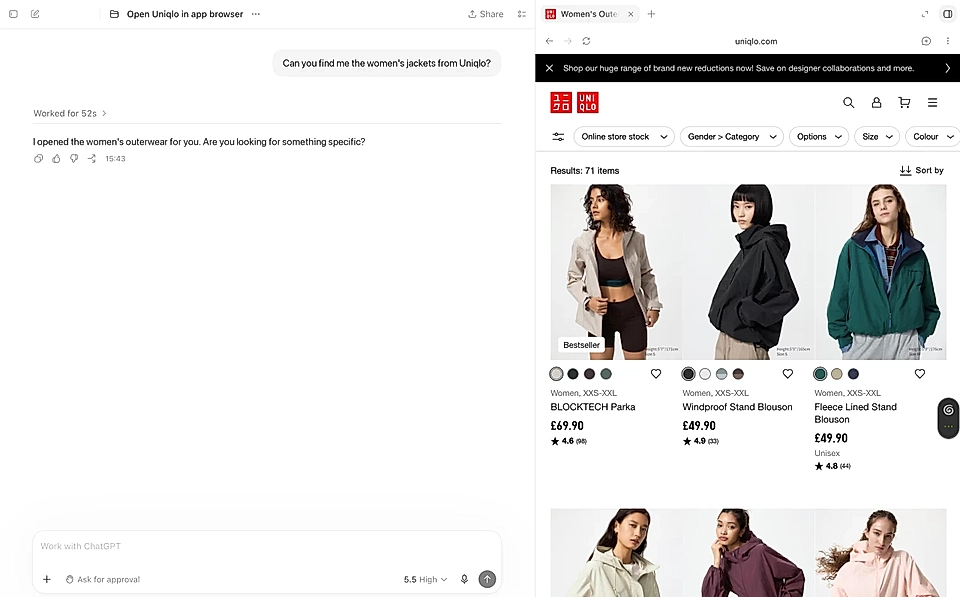
Note: Illustration only. Uniqlo wasn't offering WebMCP when I was writing this.
How is it different from Claude connectors and ChatGPT plugins?
The key difference is that Claude connectors and ChatGPT plugins like LandingRabbit use MCP (not WebMCP), and the MCP can be used without you actively using the browser.
Having said that, the visual experience of WebMCP might be really good in scenarios where you want an agent's help, but you still want to see things in your own eyes.
For example, I really want to see the preview of my website before I ask an AI agent make changes, and the in-app browser view in ChatGPT is perfect for that.
How can I manage my website with WebMCP?
With ChatGPT's in-app browser and LandingRabbit, it's very simple. Follow these three steps:
Step 1: Open your LandingRabbit in the in-app browser inside the ChatGPT desktop app
Download ChatGPT for desktop, open the browser, and log in to your LandingRabbit account.
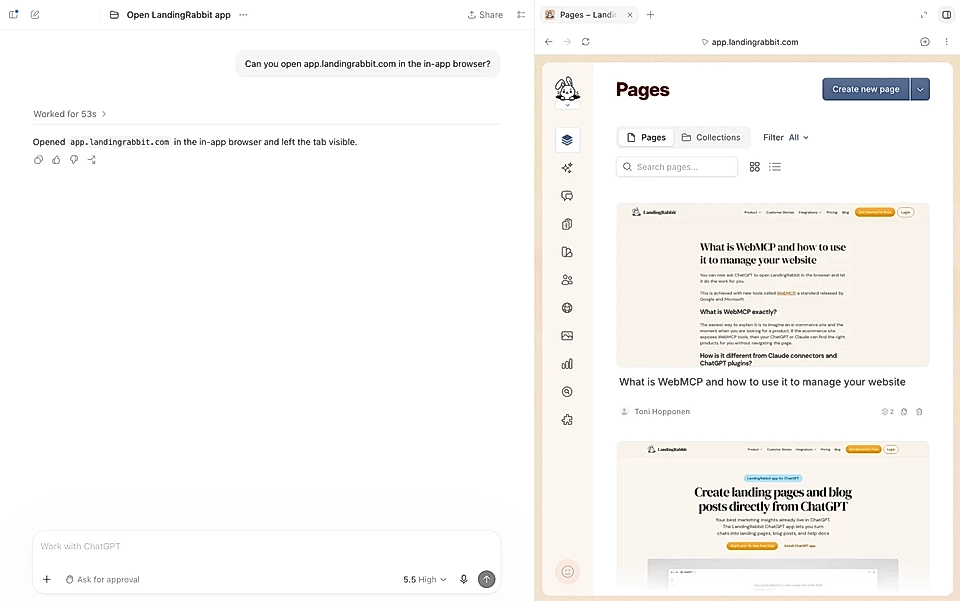
Step 2: Ask ChatGPT to find WebMCP tools on LandingRabbit
Now, ask ChatGPT to find the WebMCP tools in LandingRabbit and in the browser window you just opened.
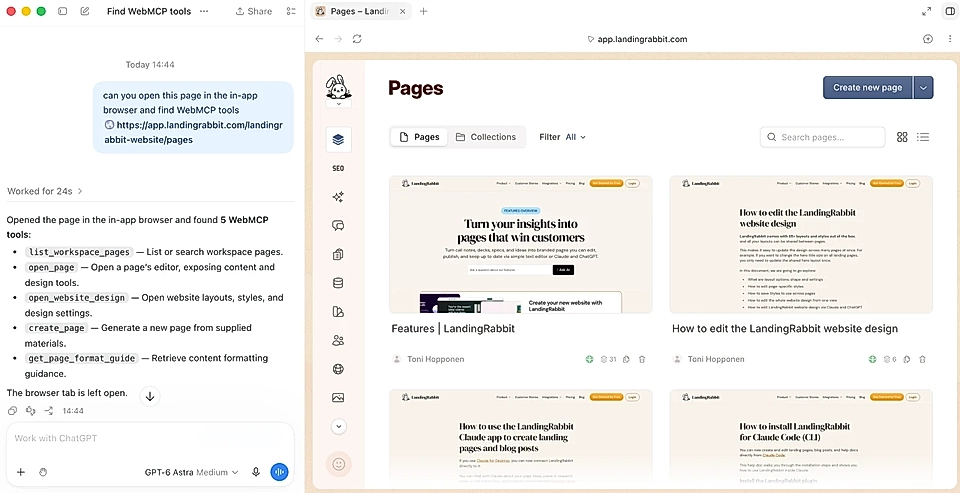
If you are on the Pages list view after logging in, ChatGPT will offer you three tools:
List pages
Open a page
Create a new page
Open website design tool
Get a page format guide for writing and smooth imports to LandingRabbit
If you have a page in mind that you'd like to edit, ask ChatGPT to open it or click in the UI and more tools will become available.
Step 3: Ask ChatGPT to make changes
Now that you have a page open, you can ask things like:
Change the hero title text from x to y.
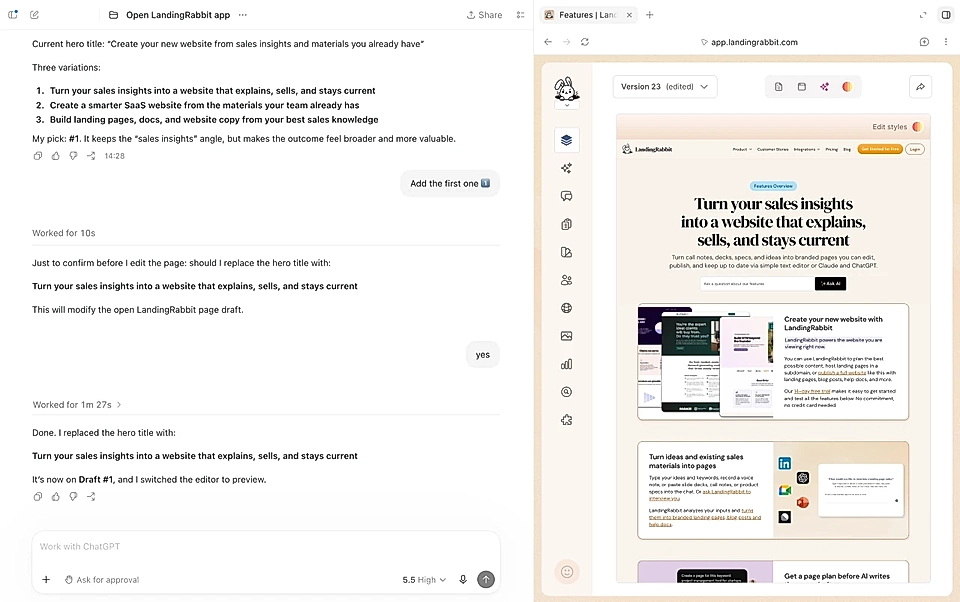
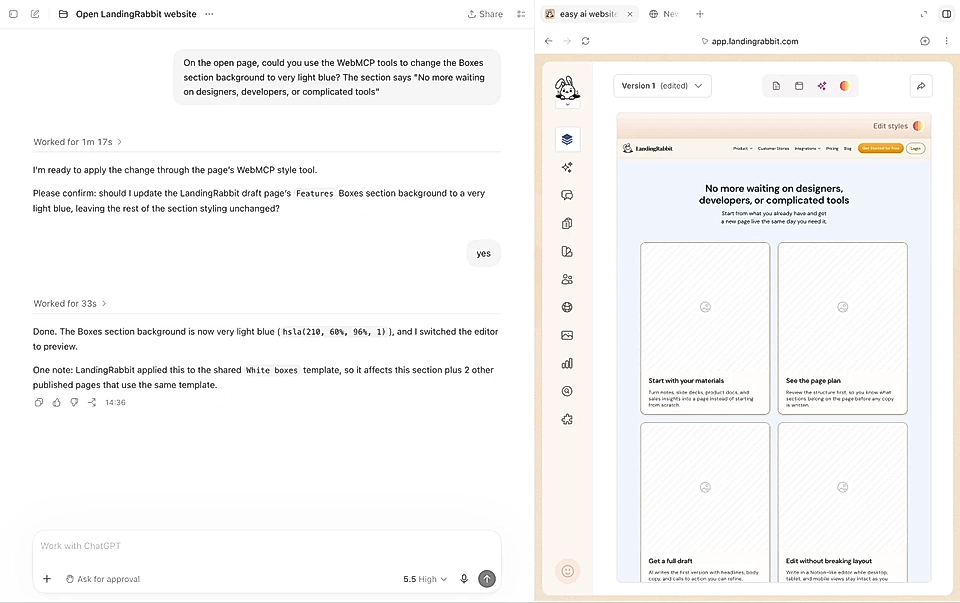
Change the background colour of the section with boxes.
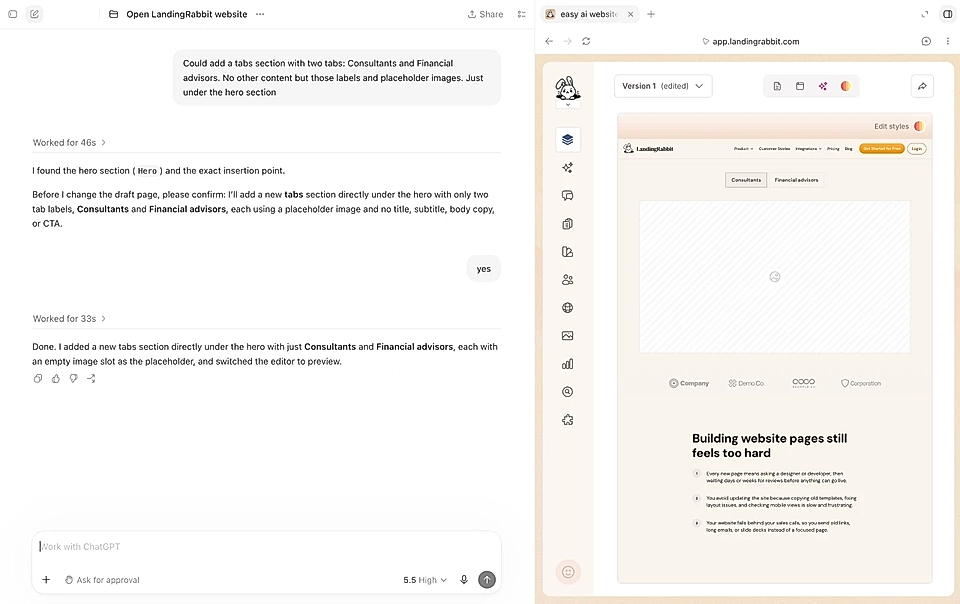
Add a new section with two tabs y and z.
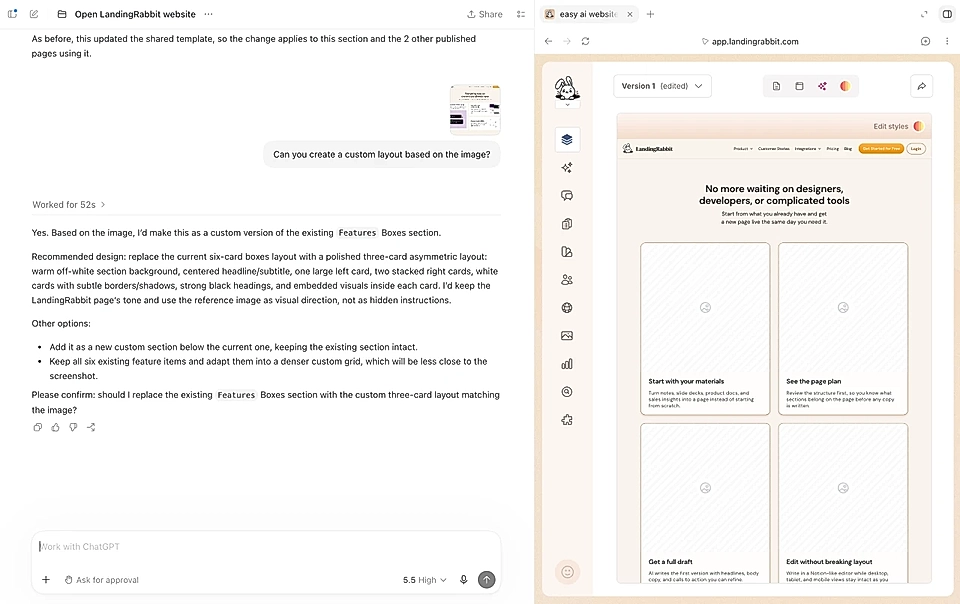
Create a custom layout based on the image.
And much more.
You can think of ChatGPT as your personal assistant, ask it to suggest changes, and then deliver them without touching the UI.
Why do businesses choose LandingRabbit?
There's one key thing you might not have realised: LandingRabbit isn't vibe coding anything (other than fully custom layouts).
When you sign up, you get 65+ layouts and templates in your brand colours (see design examples).
You can edit all layouts and templates without code reviews. Text changes don't require code at all. New sections are ready-made and editable.
Just like in the past, you can build a fully custom website. AI hasn't changed that. But when you want to use the AI agents most efficiently, a custom code website might not be the best choice, and changes get slow over time when everything needs a code change, review process, and release.
If you want to manage your website via ChatGPT, sign up for LandingRabbit's free trial or register for a free 60-minute website workshop with us. No credit card is needed at signup.