How financial advisors like Dan from Tailored Wealth create website content from their market insights

If you're a financial advisor, you're already creating insights worth sharing.
Market commentary. Client Q&As. Retirement planning breakdowns. Investment takes recorded on your phone.
The problem isn't a lack of ideas. It's that those insights rarely make it onto your website in a format that helps new clients find you.
That's exactly what LandingRabbit helps with. Here's how to go from raw insights to published pages, using content you already have.
Step 1: Sign up and bring your brand to LandingRabbit
If you already have a website, LandingRabbit can help you migrate your existing content over.
Give LandingRabbit your URL and it picks up your brand styles, colours, and fonts. Or if you are starting something new, share your brand guidelines. Your new pages will look like your brand, not a generic template.
Dan's Tailored Wealth website is a good example of what using LandingRabbit looks like in practice.
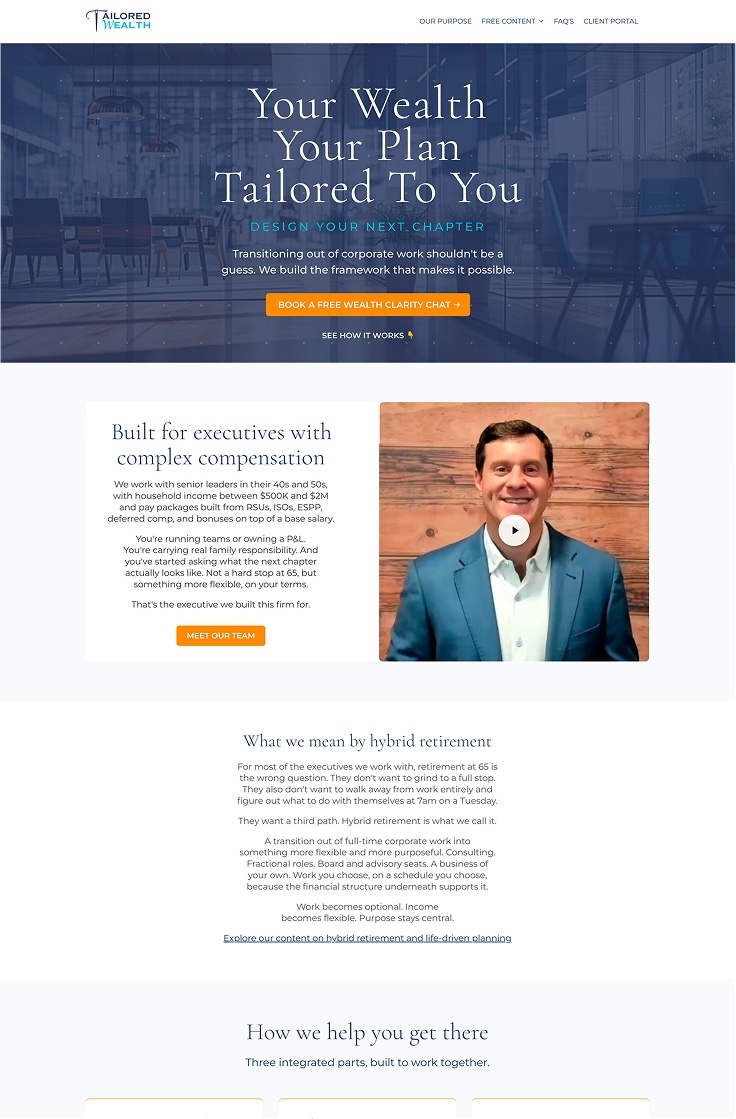
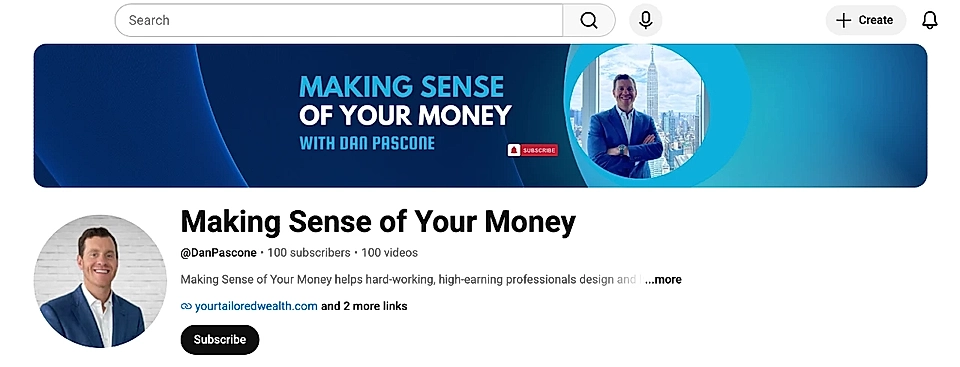
He runs the Making Sense of Your Money YouTube channel and a separate podcast channel with over a hundred videos full of personal finance and retirement advice.
Before LandingRabbit, his team used ChatGPT to write HTML and then manually turned that into WordPress pages. It worked, but it took a lot of steps.
With LandingRabbit, the slow steps are gone. Now, the video transcripts full of insights become blog posts and video pages on the website.
Step 2: Create pages from what you already have
You don't need a YouTube channel. LandingRabbit can turn quite a few things into blog posts and landing pages:
Slide decks or research docs
Articles or commentary you've written elsewhere
Voice notes with your market takes
Dan records a video, then takes the transcript or his notes straight into LandingRabbit. He can either write a draft with Claude and import it using LandingRabbit's Claude app, or go directly into LandingRabbit and let it write the page.
Either way, he has a live page with a Notion-like editor for any tweaks.
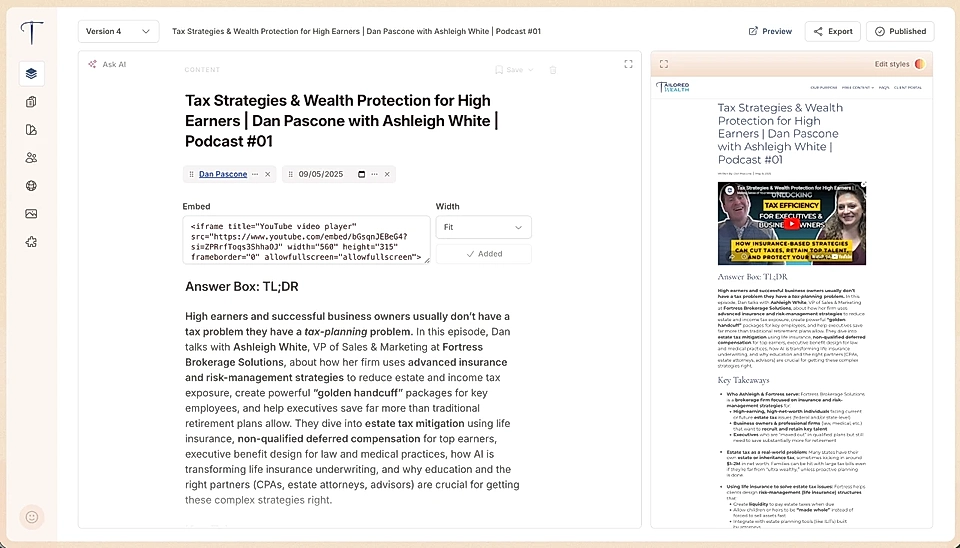
The same process applies to financial advisors who aren't on YouTube. A LinkedIn post, a voice note from your morning commute, a summary of what you told a client on a call, or a market update you wrote in an email all work just as well as a starting point.
Step 3: Keep publishing and website fresh
The real advantage isn't the first page. It's being able to keep going and have a website that matches what you say in sales calls.
Every market update you record, every client question you answer, every insight you share on a call is potential content. With LandingRabbit, you can turn those into pages without paying for someone else to do it.
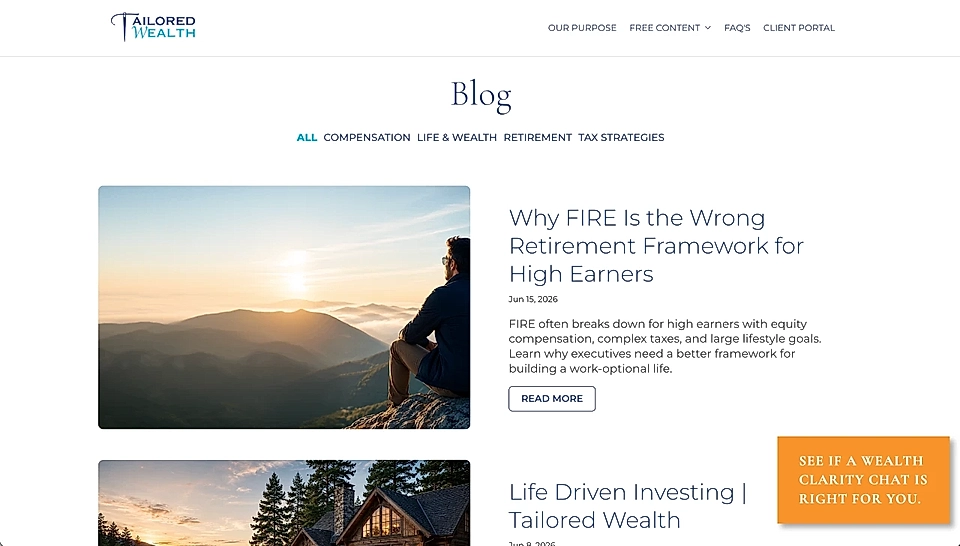
For financial advisors, this means your website can actually reflect what you know and what you're thinking right now, not what you had time to publish six months ago. That's what helps the right clients find you.
Want to turn your market insights into content? Sign up for LandingRabbit today.