Can my images link to another page or uploaded file?
Yes, they can.
In the page editor, open the page preview and hover on top of the image.
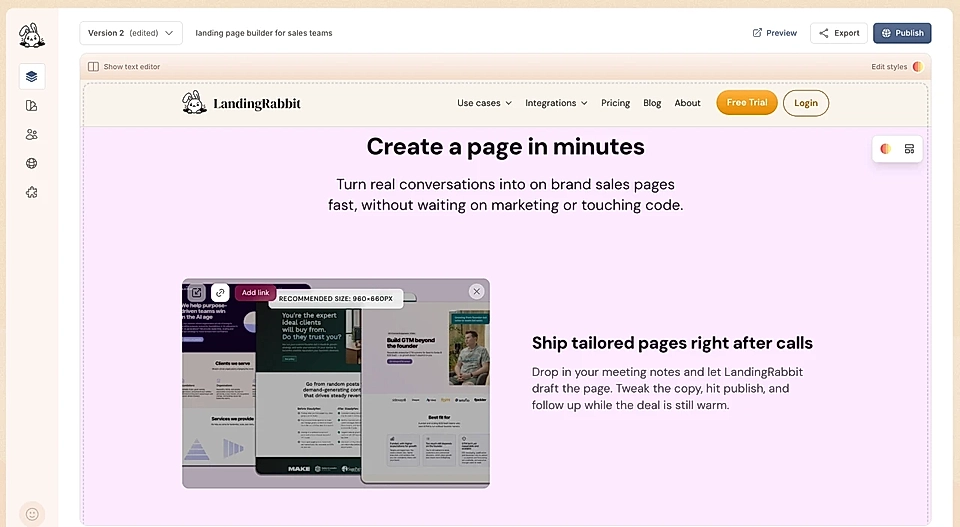
Click the Add link button and add a link or upload a file for page visitors to download.
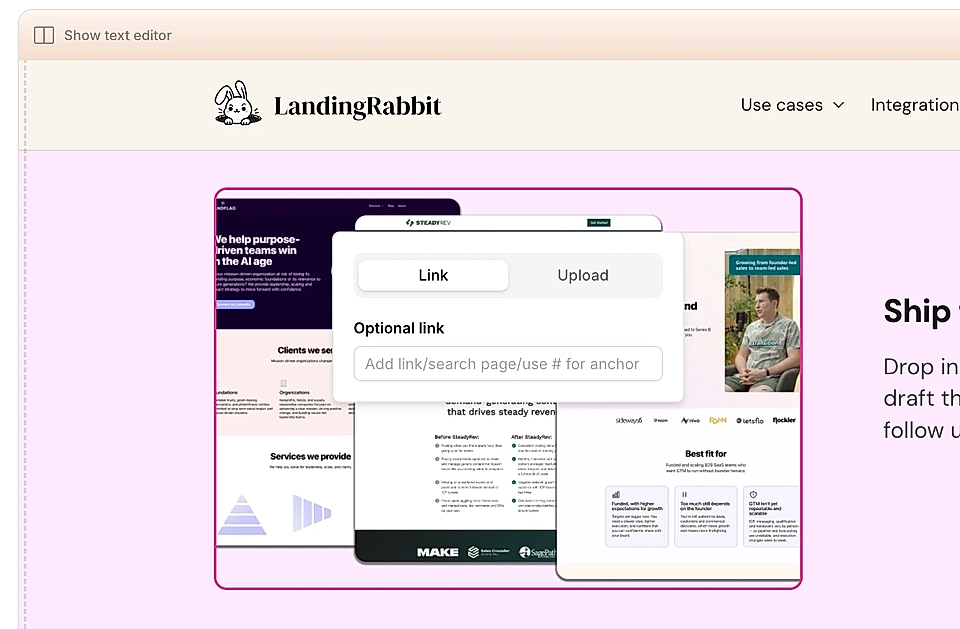
That's it. Your image is now clickable and linked to the page or file you chose.