Can I add downloadable files to my LandingRabbit site?
Yes, you can upload files and let page visitors download them from your LandingRabbit site.
Any link, button, or image can become a link to your uploaded file.
Option 1: Create a button for file download
Add a CTA button or edit an existing one
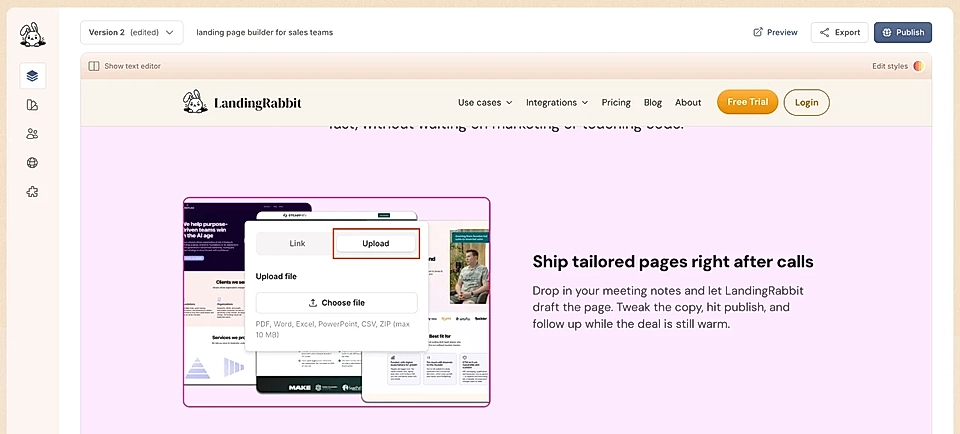
Click the three dots and choose the Upload tab
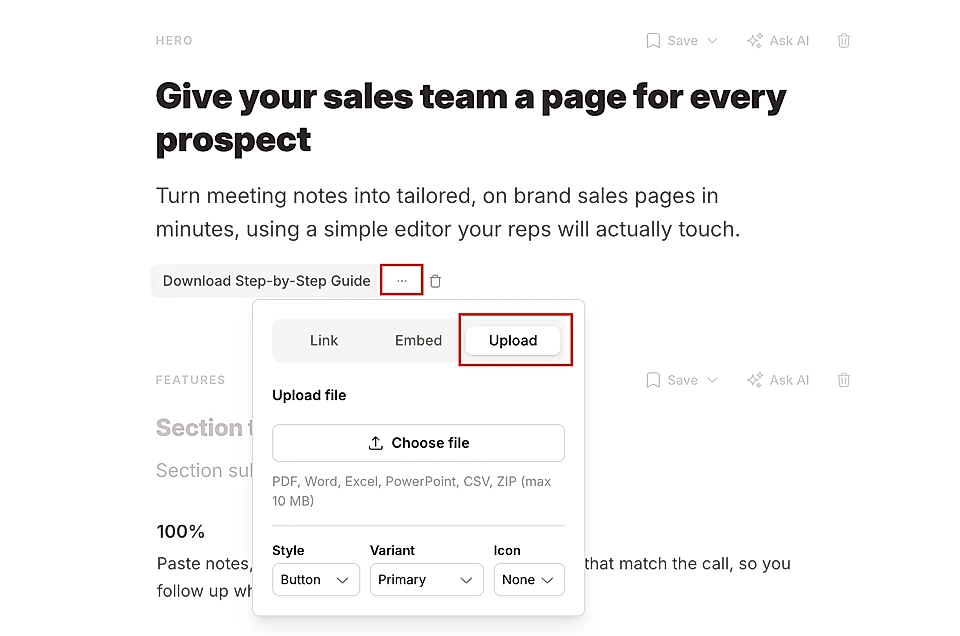
Upload your file
Option 2: Create a link for file download
Select text in any paragraph and click the link icon from the toolbar
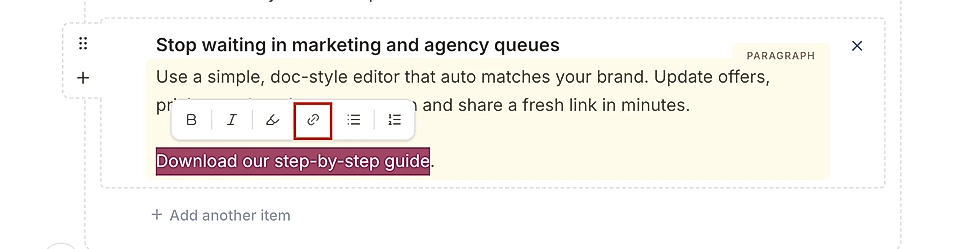
Choose the Upload tab
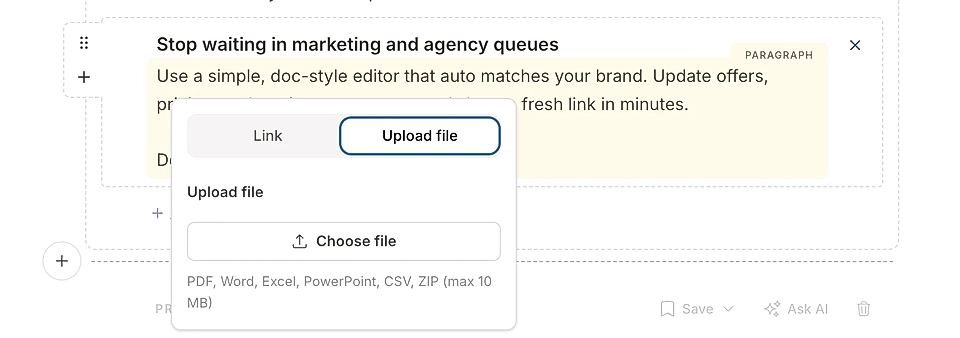
Upload your file
Option 3: Link an image to uploaded file
Add an image to your page
Open the page preview and hover the image
Click the Add link button
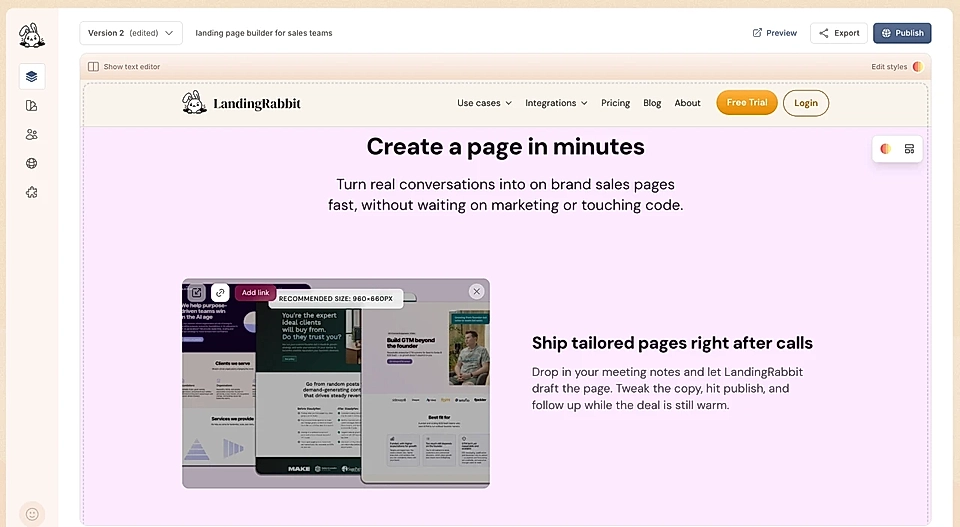
Choose the Upload tab and upload your file
The file URL includes your custom domain, and you can share the link beyond your website, too.