Can I use LandingRabbit if I don't have a website yet?
Yes, you can.
LandingRabbit doesn't require an existing website to get started. You can create pages from scratch and publish them with us in a custom domain.
In the first screen, click "...or create a new website from scratch" instead of entering a URL.
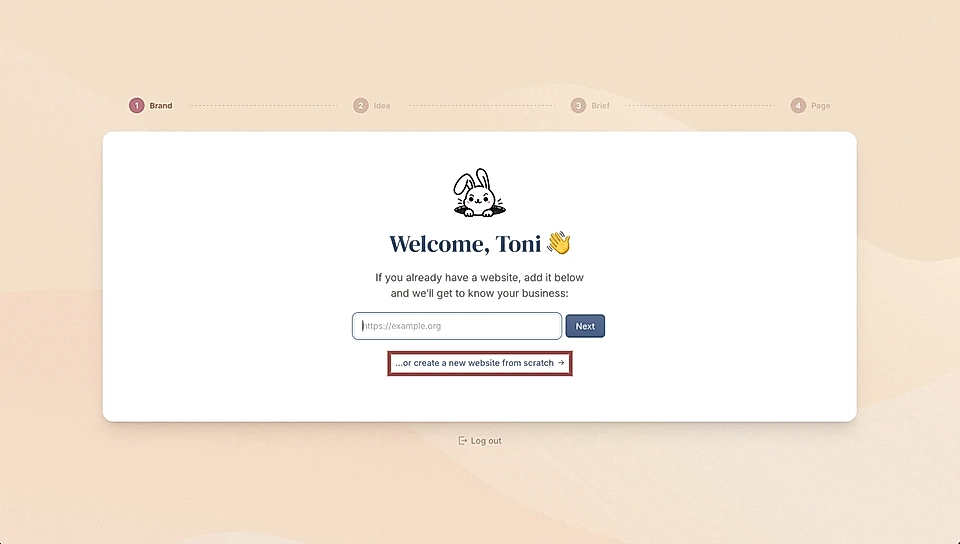
Tell us about your business
In the next screen, you'll be asked to:
- Give your business a name
- Write a short description of what you do
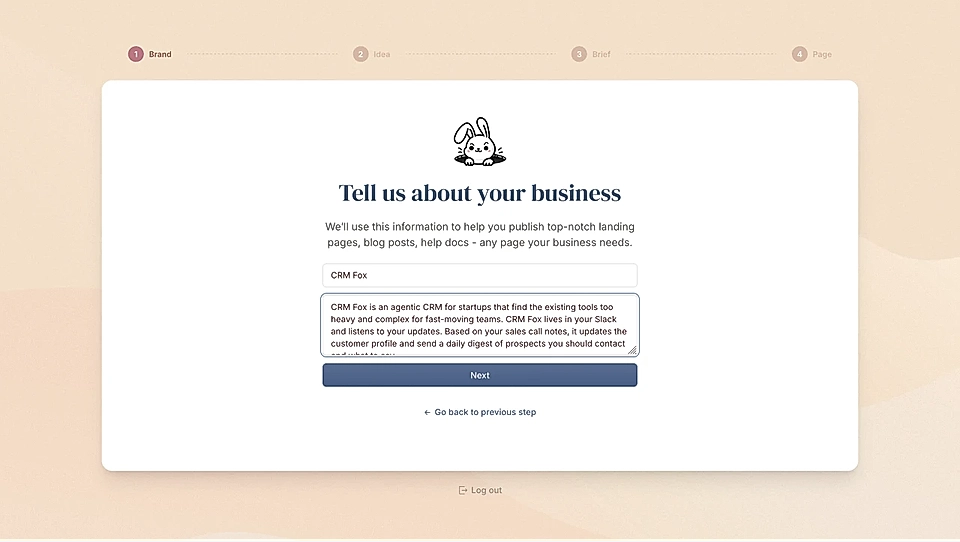
In the description, you can share, for example:
- Who your customers are
- What problem you solve
- What features you offer
- What benefits your customers get
This helps LandingRabbit understand your business so it can generate relevant content for your pages.
Choose your brand colours
After you hit Next, you'll pick a color scheme for your pages.
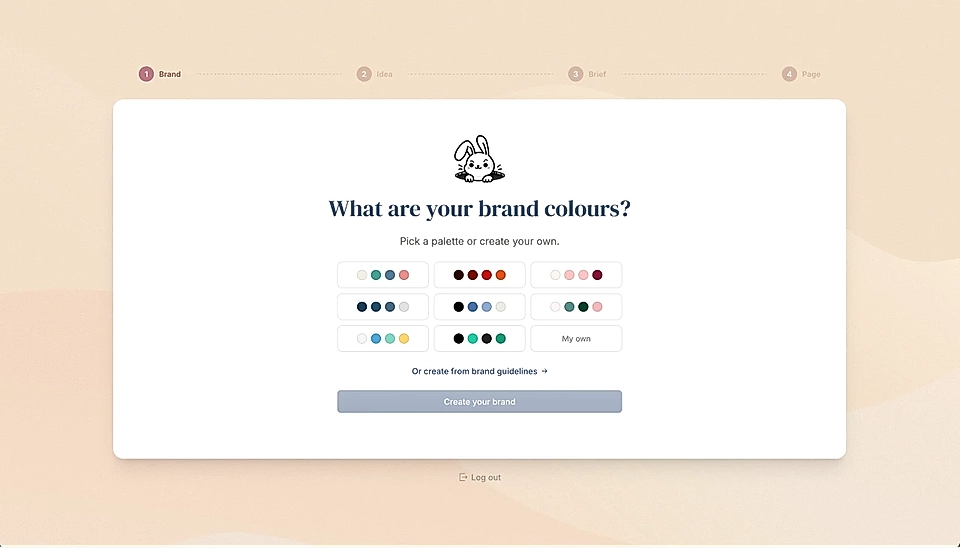
You have three options:
Choose from ready-made color schemes
Click My own and select four custom colors: page background, primary, secondary, and additional color
Add your own brand guidelines
The colours and styles you choose are used on every future page you create.
If you choose to add your own brand guidelines, you can upload a file (pdf, pptx, docx, markdown, txt) or paste your guidelines.
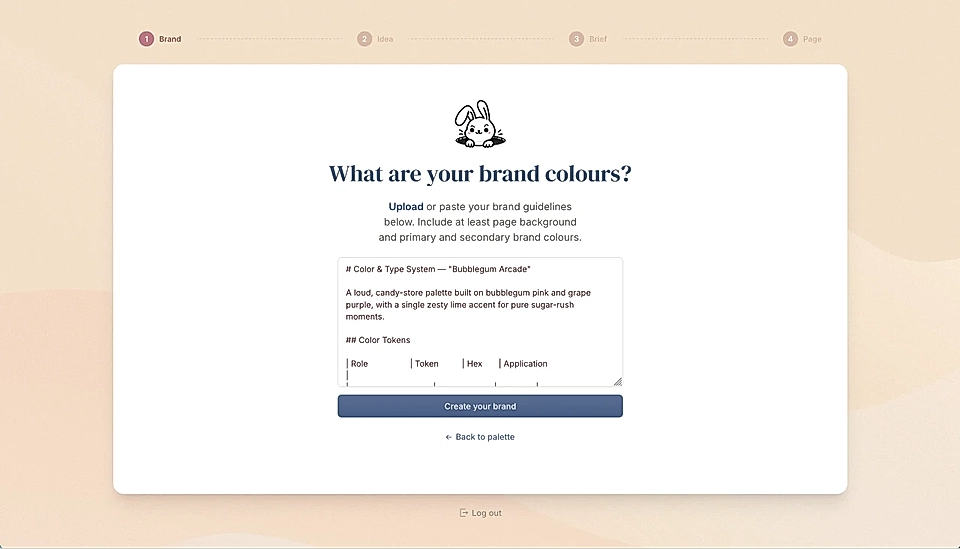
In addition to colours, you can define, for example, Google Fonts for headings and boxy texts and CTA button styles.
One option is to follow Google's new open source standard and use the design.md file when creating a website.
Create your first page
Once setup is complete, you can share what page you'd like to create.
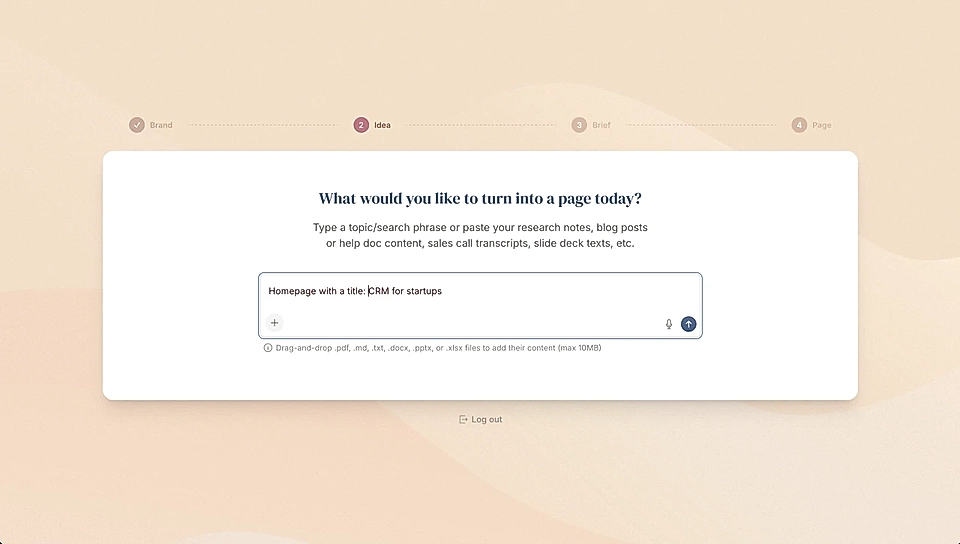
LandingRabbit will generate the page based on your topic idea using the colors you chose during signup.
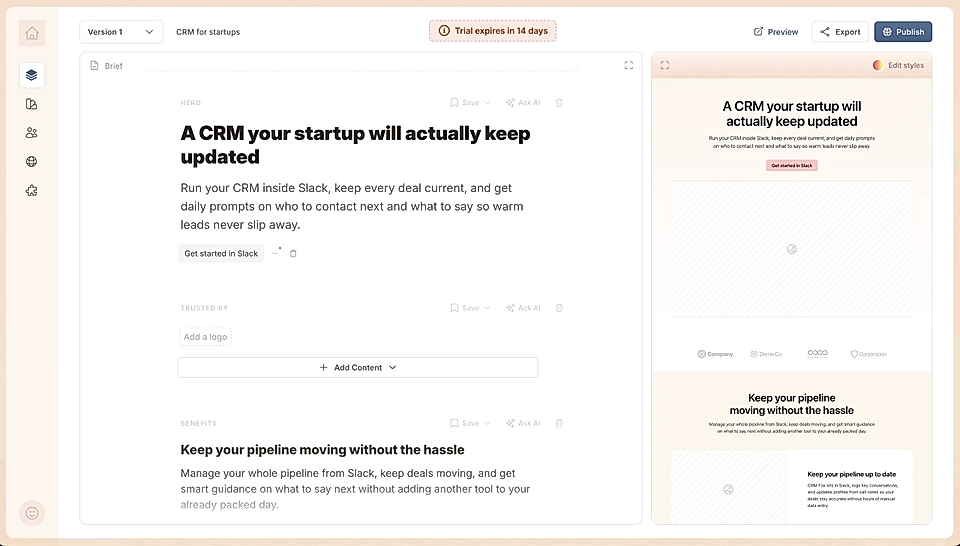
From there, you can edit the content, adjust the look and feel, and publish your page using your custom domain with LandingRabbit.