Can LandingRabbit help me write content?
Yes, absolutely!
LandingRabbit helps you generate pages from your ideas, keywords, slides, or any existing materials you already have and helps you make edits to your existing pages.
LandingRabbit writes homepages, landing pages, blog posts, product docs, and more in 90+ languages.
How LandingRabbit generates content
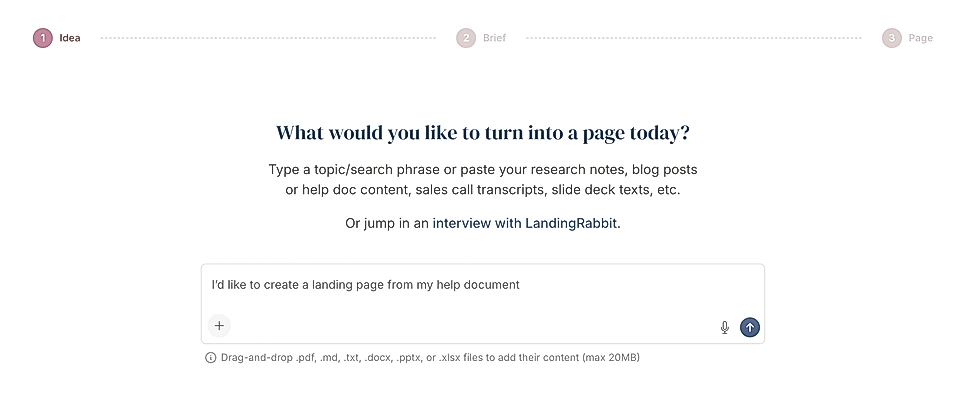
When you start, you can type ideas, add keywords, upload files, and leave a voice note. You can even ask LandingRabbit to interview you about the topic of your choice.
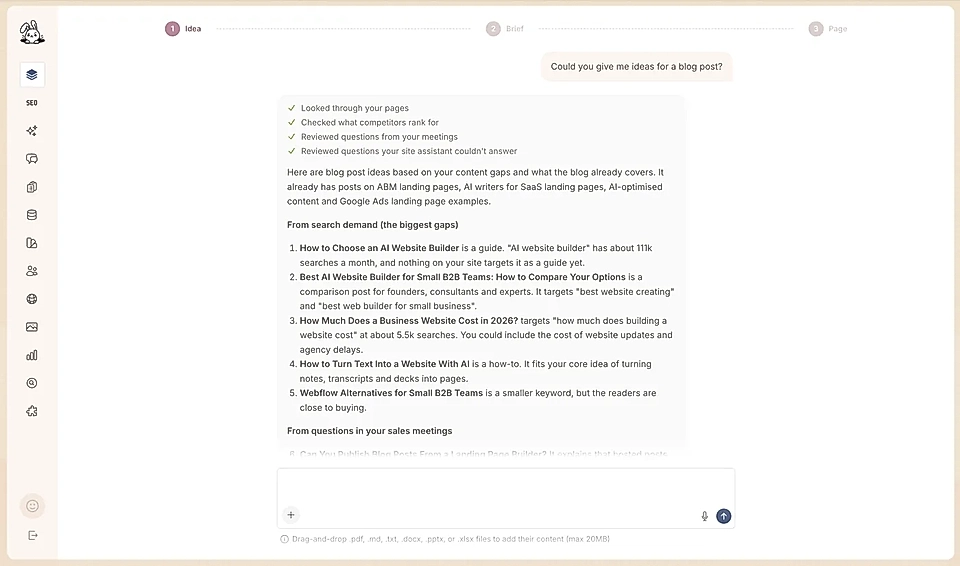
Not sure what to write about? Ask for ideas. LandingRabbit looks through your pages, checks what competitors rank for, and reviews questions from your meetings and the ones your site assistant couldn't answer. Then it suggests pages and blog posts that fill the gaps.
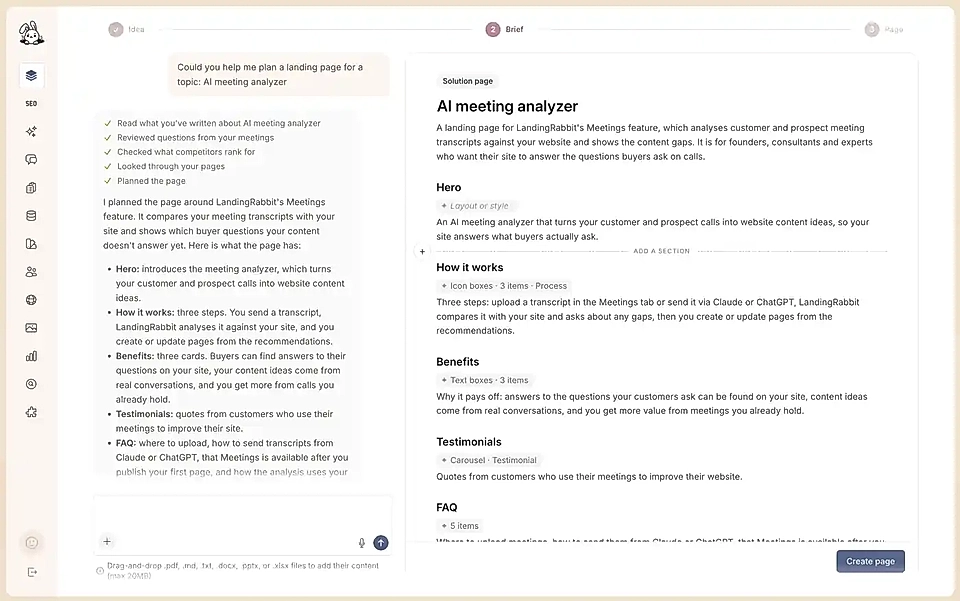
LandingRabbit takes that input and plans your page. Before planning, it reads what you've already written about the topic, reviews questions from your meetings, checks what competitors rank for, and looks through your pages.
You get a page plan and a page brief in one view. The plan lists the sections of your page, each with its layout and number of items.
The brief covers:
- Who your customer is
- What they use or do today
- The problems they face
- Your solution
- The features that deliver it
- The benefits they get
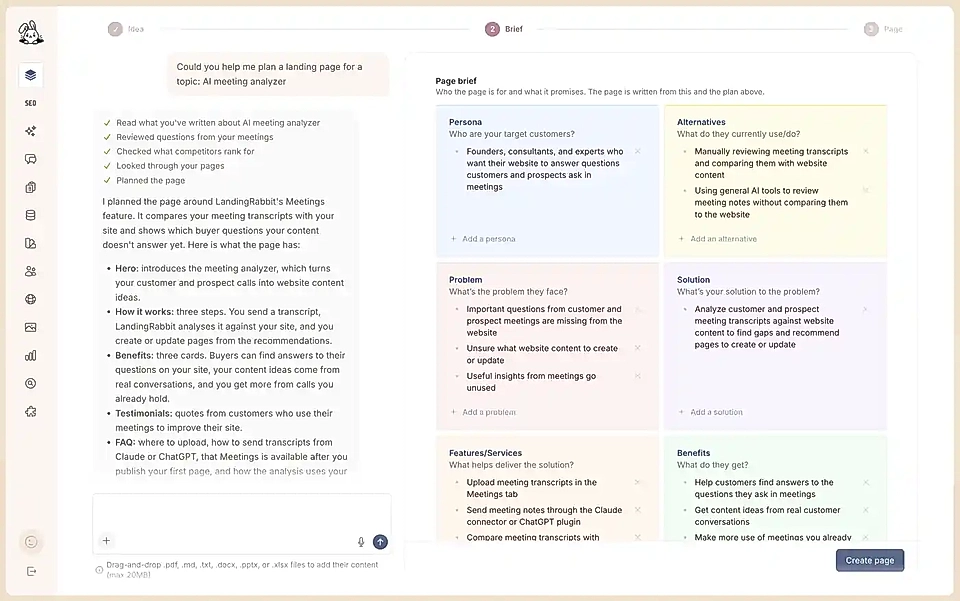
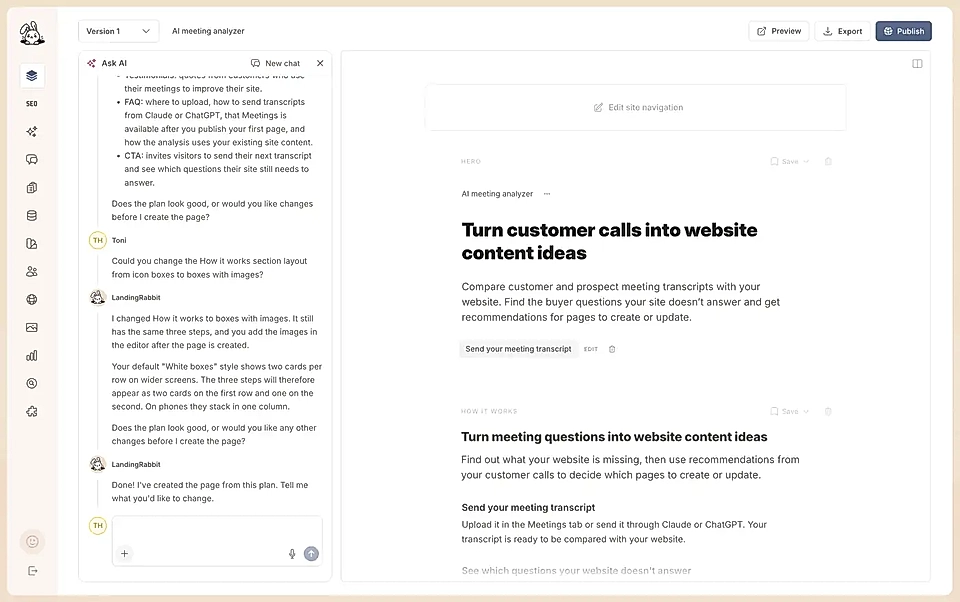
You can edit both by typing straight into them, and add new sections anywhere in the plan. Or ask LandingRabbit in the chat to make the change for you. It can switch a section's layout, say from icon boxes to boxes with images, change its style, or change how many items it has.
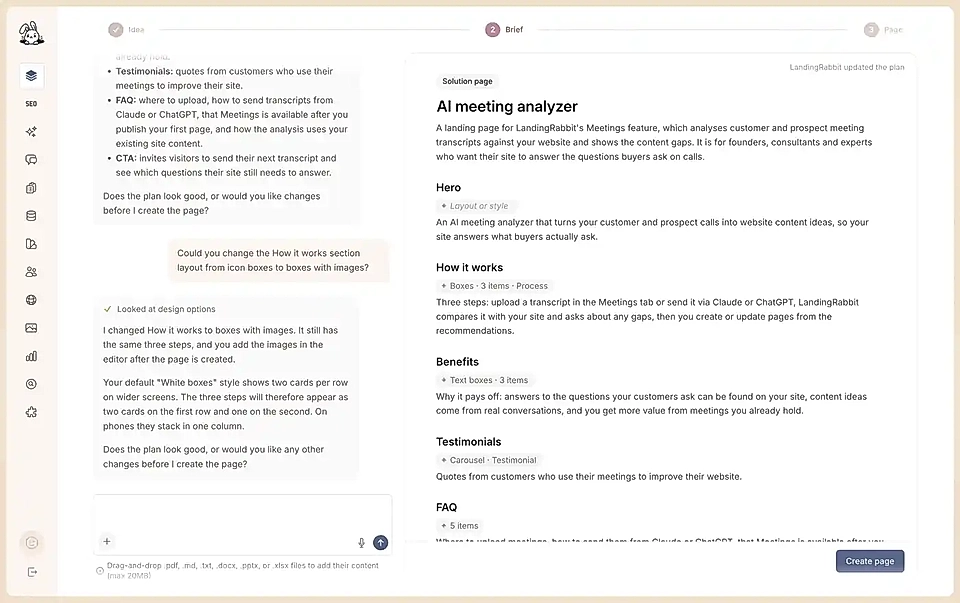
Once you're happy with it, click Create page. LandingRabbit combines:
- Your plan and brief
- The materials you provided
- What we know about your audience
- Your brand information
…and then generates the full content for your page.
What LandingRabbit writes for you
Depending on the page topic and purpose, LandingRabbit selects the right sections for your page, including:
Hero
Social proof
Features
Benefits
Comparison
Testimonials
Pricing
FAQs
CTAs
Blog content
and more
You can edit all the content in a Google Docs like editor, with a live preview of the page.

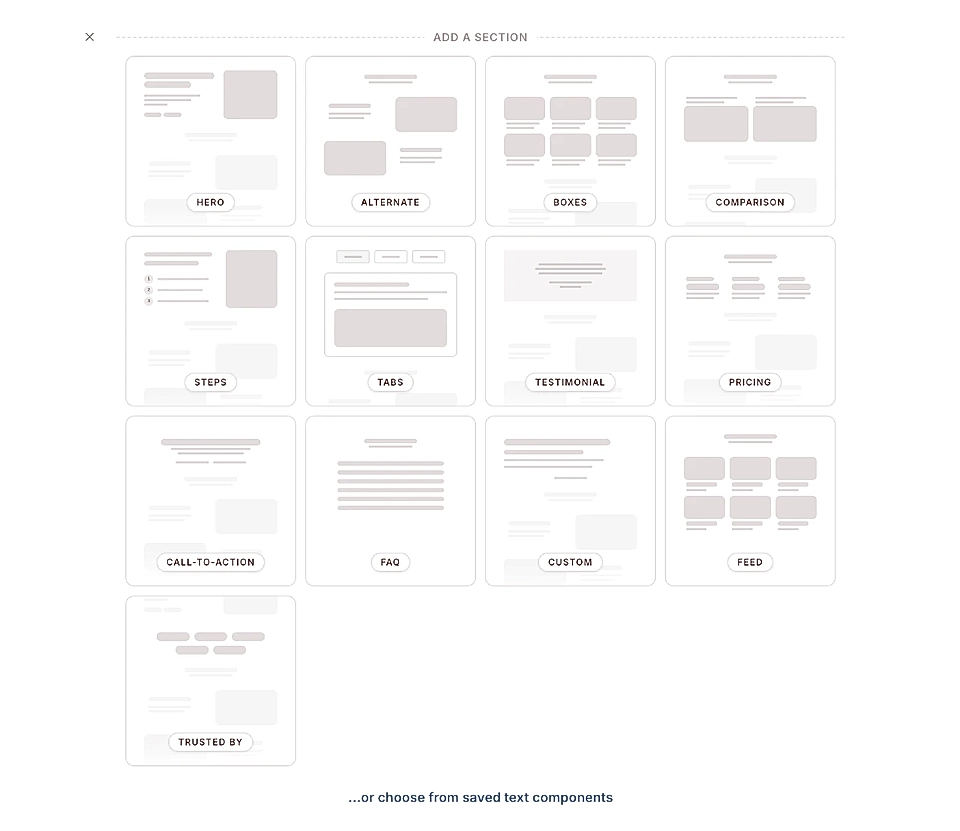
You can also add new sections or reorder them. You can include additional sections too, like pricing tables or custom blocks. Whatever your page needs.
Can I ask LandingRabbit to suggest edits or rewrite the content?
Yes, of course!
When your new page is ready, you can open the chat next to the editor and ask for changes.
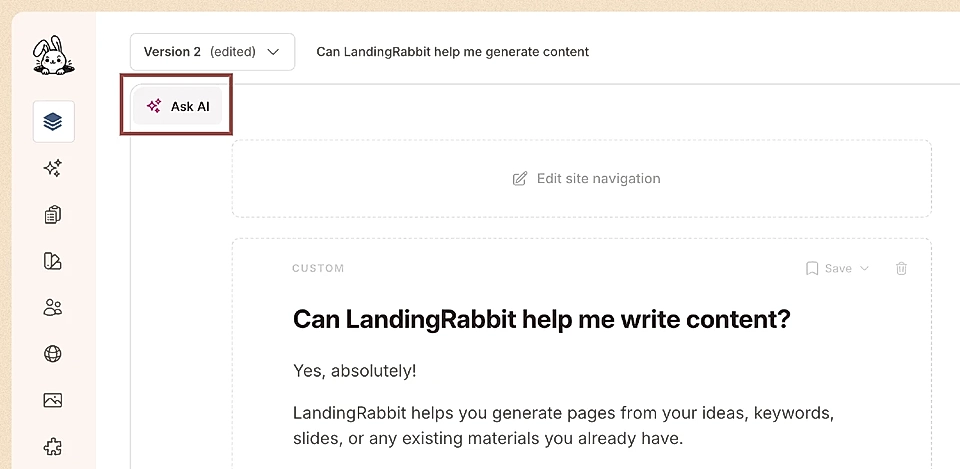
In the chat, you can ask, for example:
Rewrites and changes to your page and apply them without copy and paste ("write a new hero in Gary V style")
Ask LandingRabbit to pull content from your other pages and reuse it ("use the FAQ from our homepage")
Ask questions about LandingRabbit's features (searches our documentation for answers)