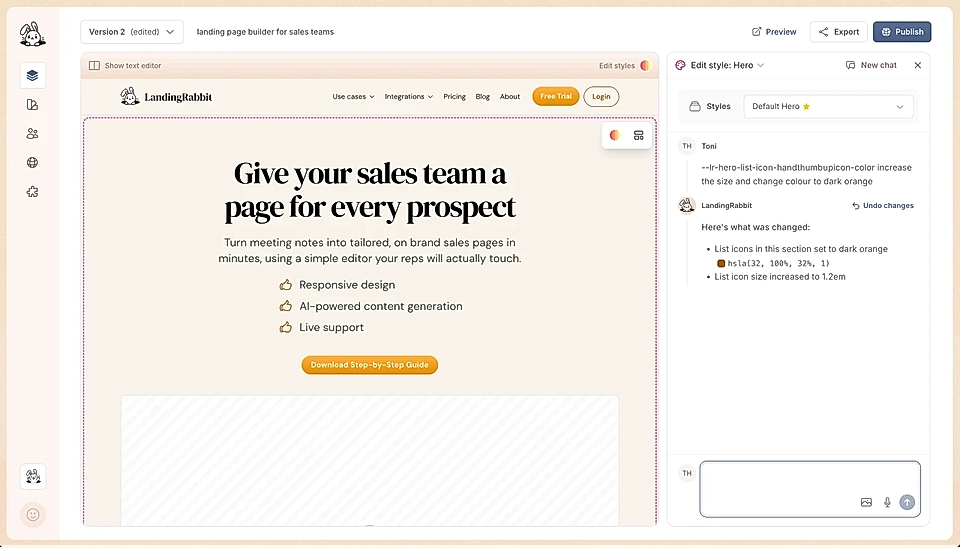
Can I use custom icons in my bullet point lists?
Yes, you can.
Here's how:
Select a text in a paragraph in any of the sections
Click the bullet point list icon, and then the arrow down
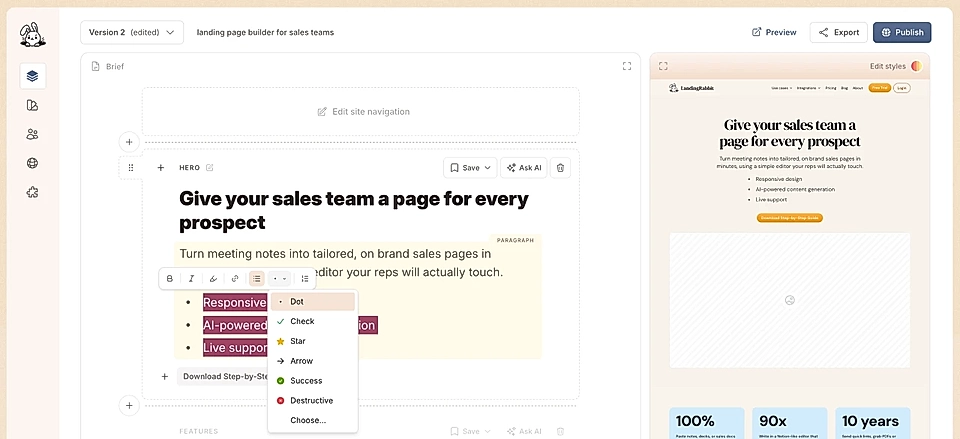
Choose one of the pre-defined icons (dot, check, star, arrow, success, or destructive) or click Choose.. From Choose, you can select from over 6000 icons
Editing the colours and sizes
To change the look & feel, click 'Edit styles' on the page preview.
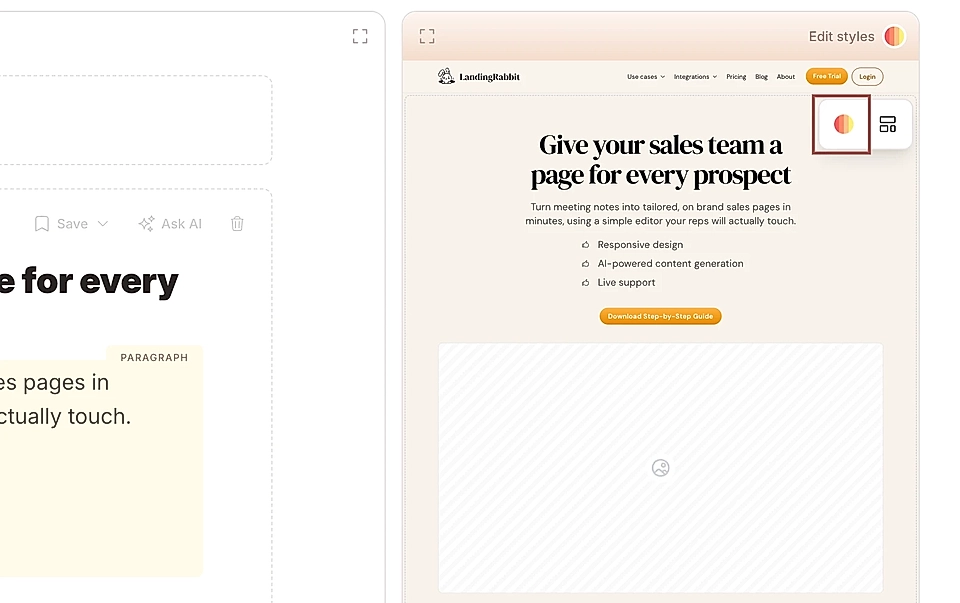
Then, ask LandingRabbit to:
Change the colour of the icon
Increase the icon size
Increase/decrease the space between icon and text