Can I schedule a page to publish at a future date?
Yes, you can.
When you have an unpublished page in LandingRabbit, you can set it to go live at a specific date and time.
How to schedule a page
In the page editor, click the Publish button
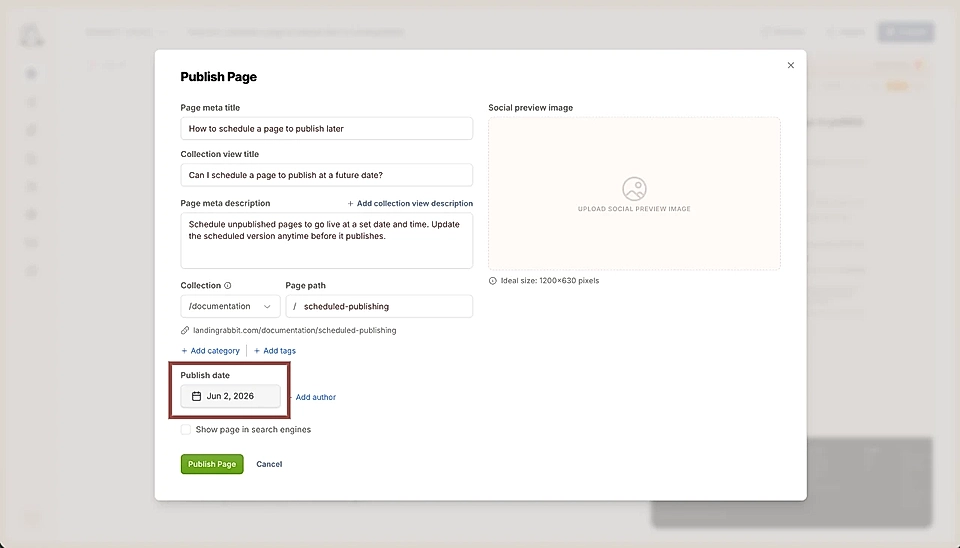
Click the publish time calendar and in the modal that opens, press Schedule for later
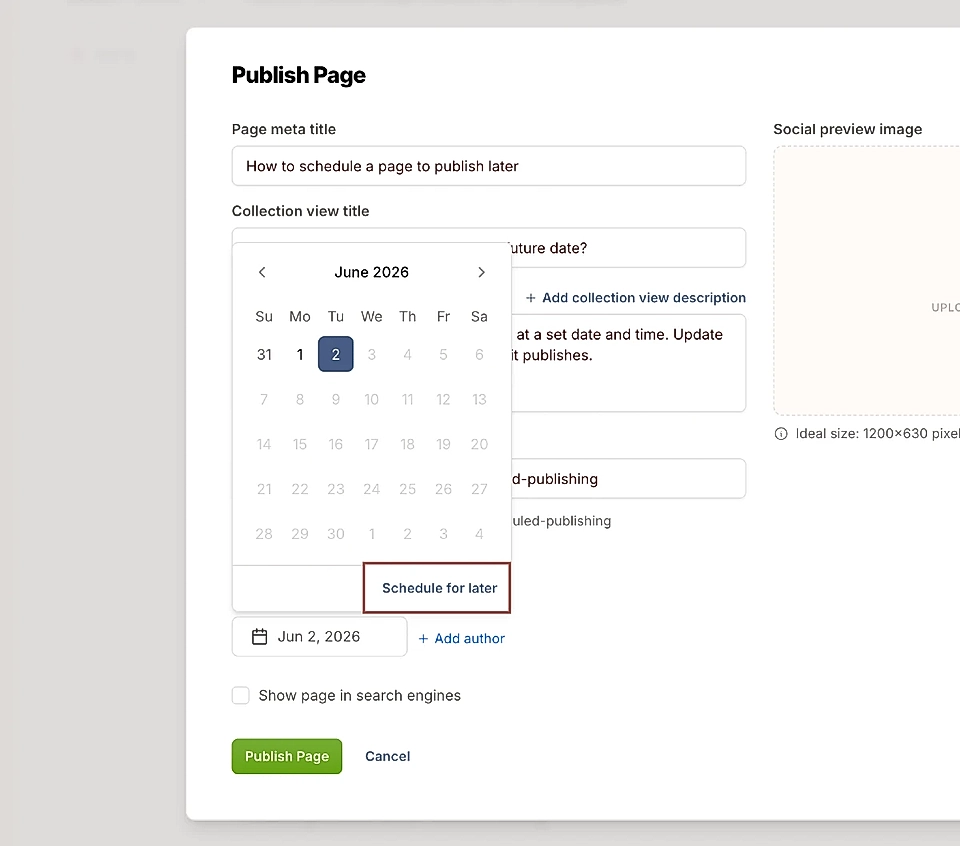
Choose the date and time you want the page to go live and click Set
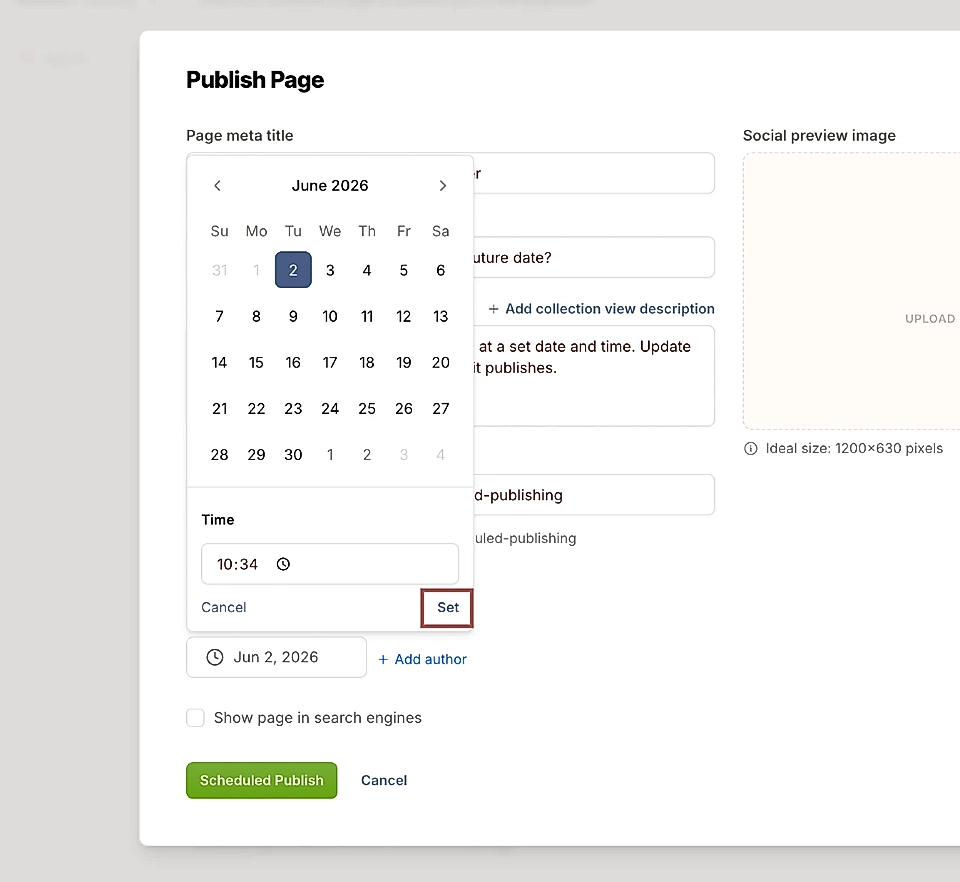
Finally, click Scheduled Publish
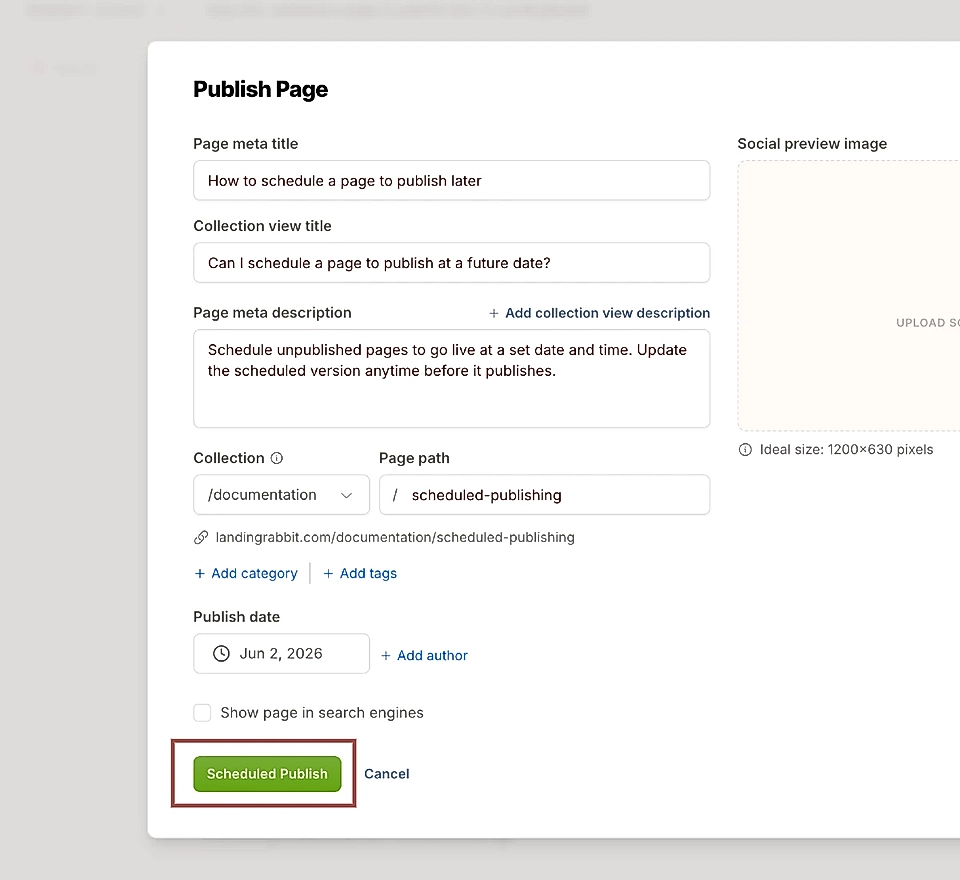
After clicking Scheduled Publish, the future date shows up in the publish page modal and you can always cancel and adjust the schedule later.
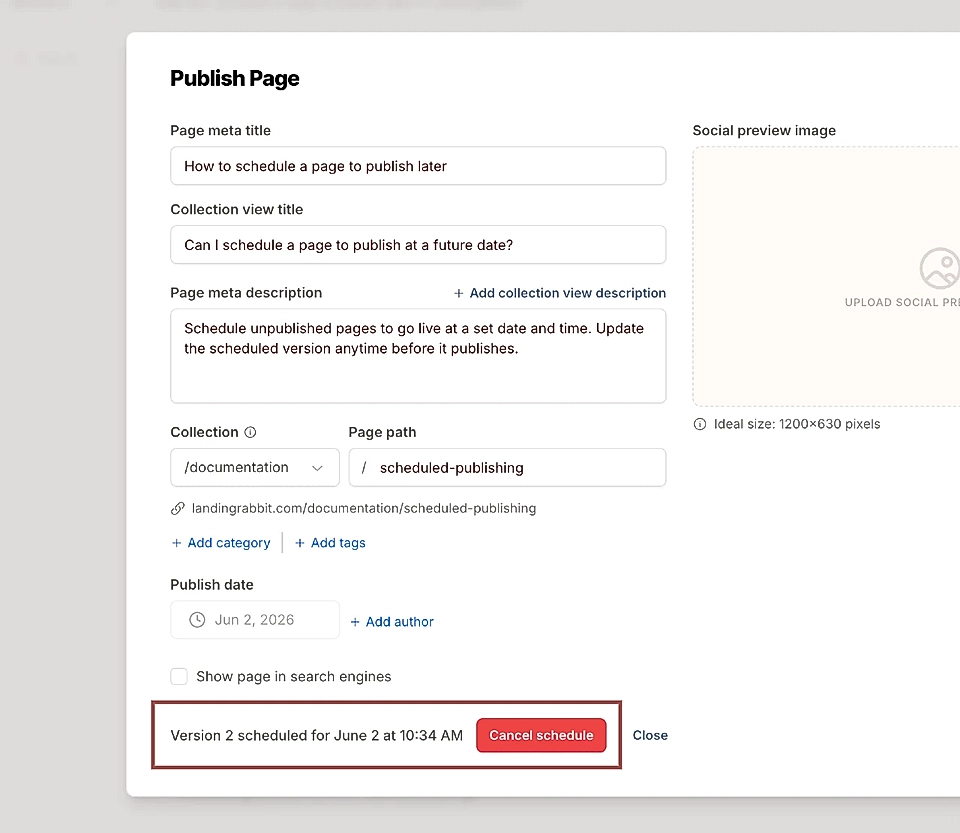
The times shown in the editor are based on your device's time zone.
Making edits after scheduling
The version of the page you are editing at the time you click Scheduled Publish becomes the scheduled version.
If you need to make changes after scheduling, go ahead and edit the page. When you are done, open the Publish modal and update the scheduled page version to include your latest changes.
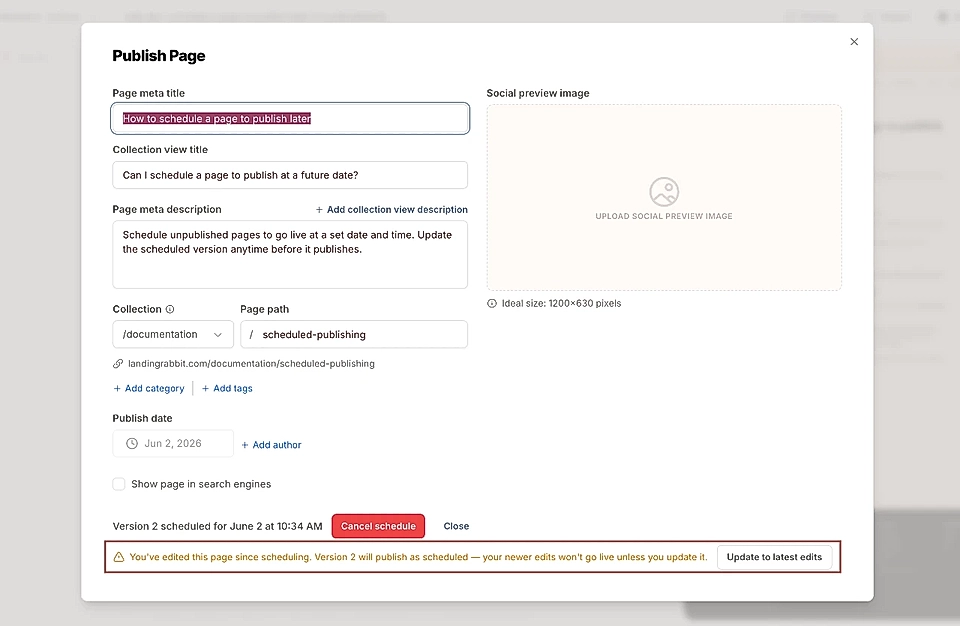
That's all there is to it. Your page will go live at the time you set, without you having to be around to hit publish.