Can I easily replace out-of-date images and videos on my site?
Totally!
LandingRabbit's Media tab allows you to view, search, and update images in your workspace.
When an image or video is out-of-date, you can replace it in all pages with a few clicks.
Here's how it works:
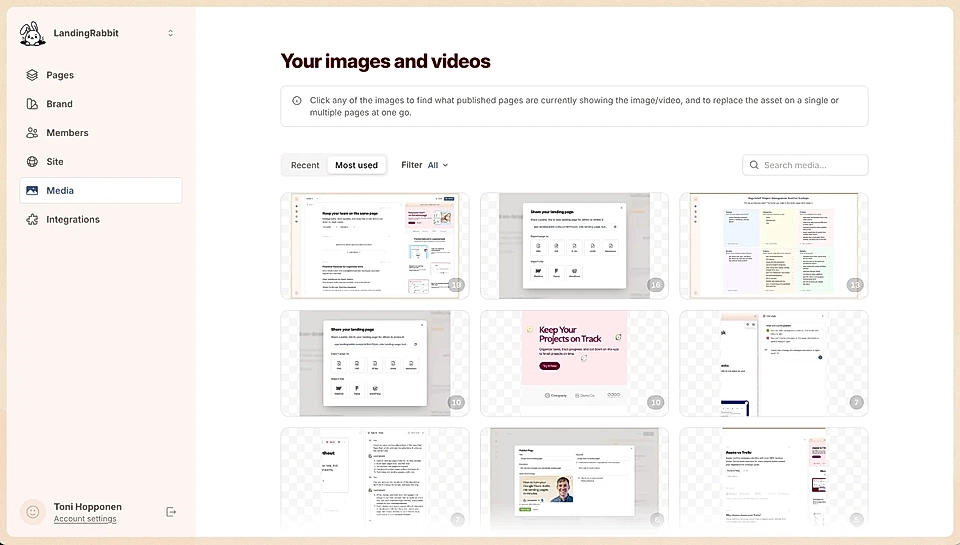
Go to the Media tab and click any item to open a preview and see where it's being used
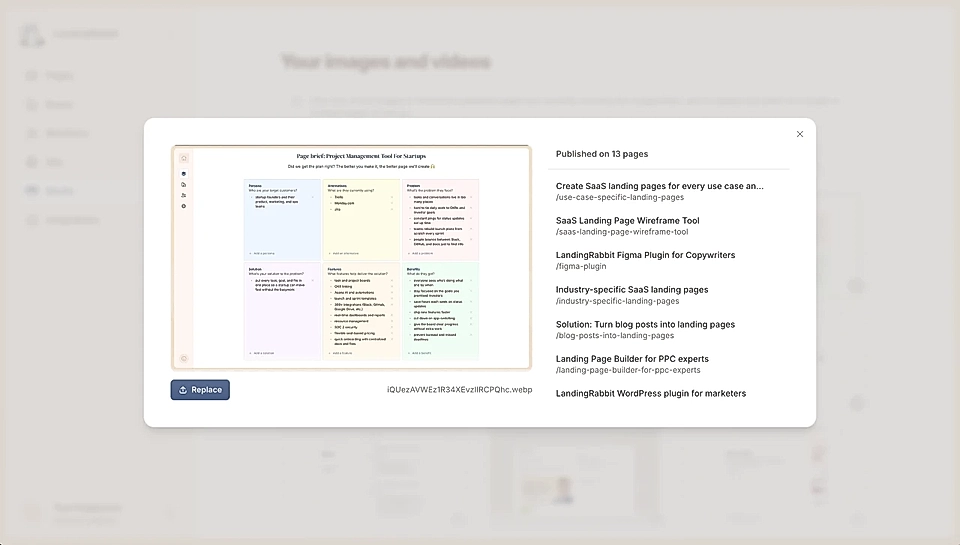
If you want to replace the image/video, click the Replace button and choose a file from your device
On the right, the list of pages becomes active. You can click to choose what pages (if not all) will be updated
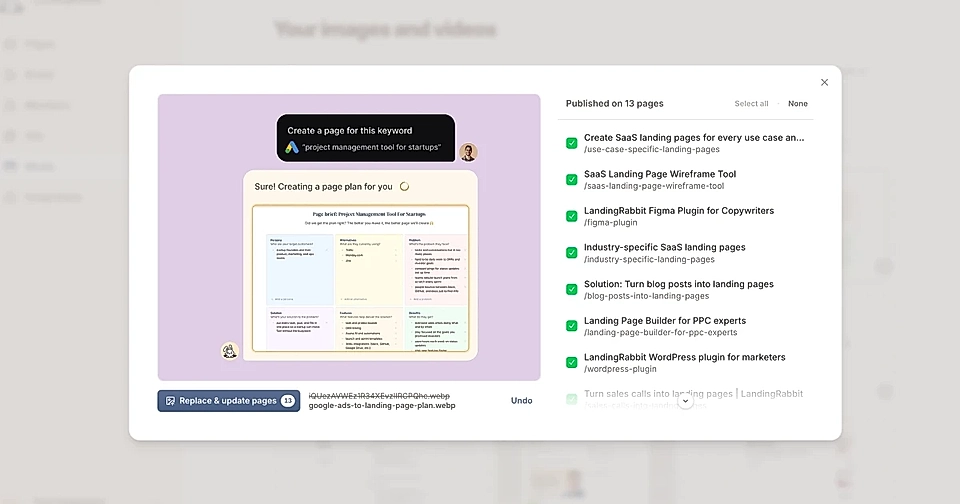
Finally, click the Replace & update pages
No more out-of-date images and videos. The Media tab makes it easy for you to update the out-of-date assets on all pages at one go.