Can I publish a full website with LandingRabbit?
Yes, you can.
After generating a page, click Publish at the top right corner of the page editor. 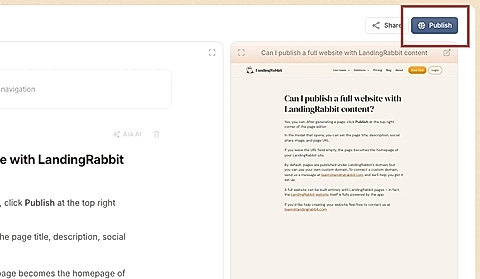
In the modal that opens, you can set the page title, description, social share image, search engine visibility, and page URL. 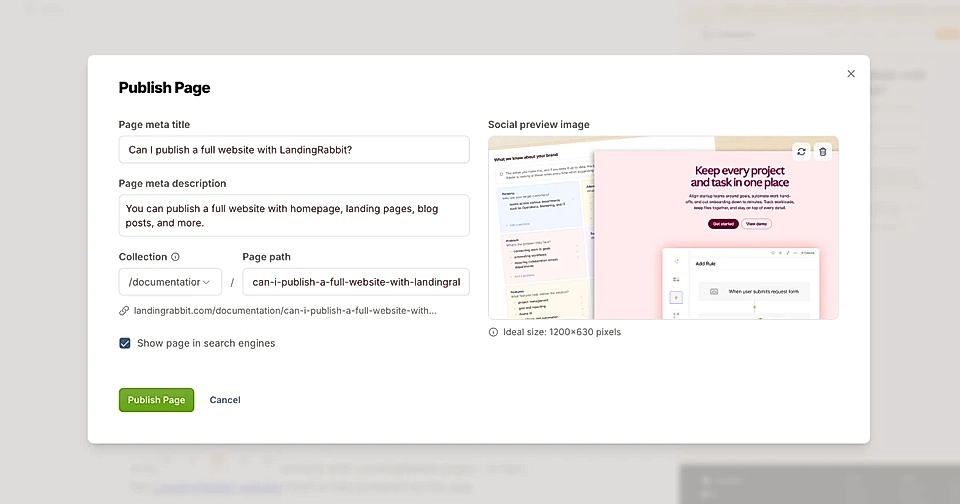
If you leave the URL field empty, the page becomes the homepage of your LandingRabbit site.
By default, pages are published under LandingRabbit’s domain, but you can use your own custom domain. To connect a custom domain, send us a message at [email protected] and we’ll help you get it set up.
A full website can be built entirely with LandingRabbit pages – in fact, the LandingRabbit website itself is fully powered by the app.
If you’d like help creating your website, feel free to contact us at [email protected]