How can I manage my LandingRabbit subscription?
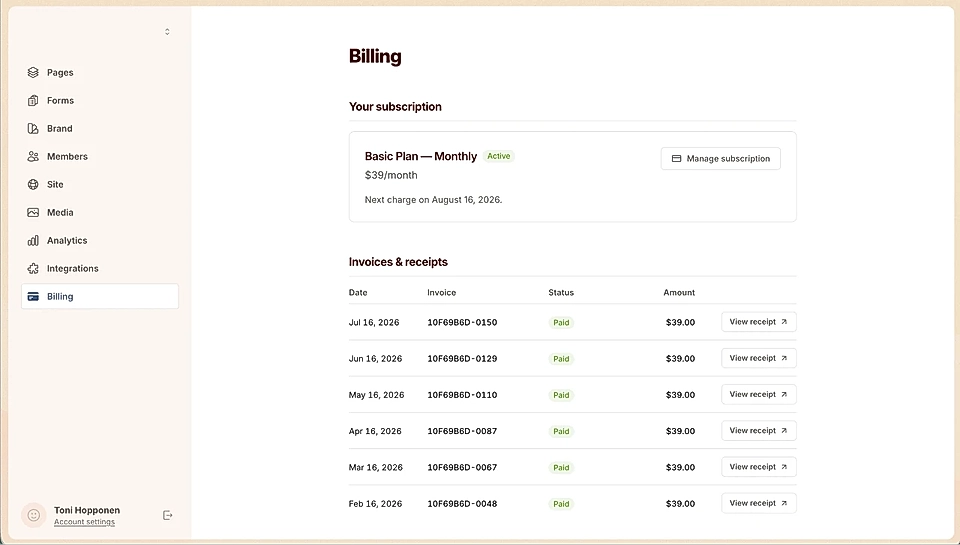
The Billing tab on the left panel is where you manage everything related to your subscription.
Subscribe to a plan
If you haven't subscribed yet, click the Billing tab and choose a Monthly or Yearly plan.
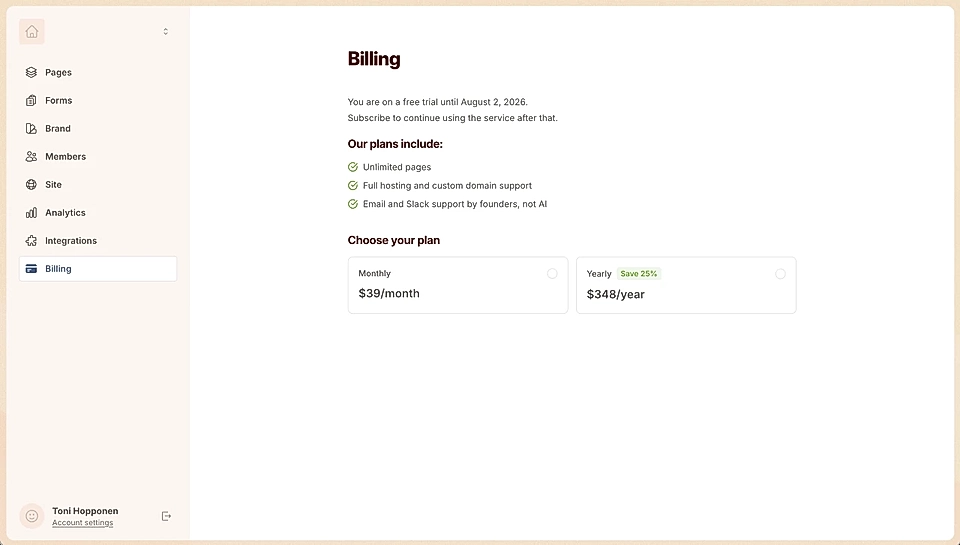
The yearly plan comes with a 25% discount ($29/month, billed yearly). The monthly plan starts at $39/month.
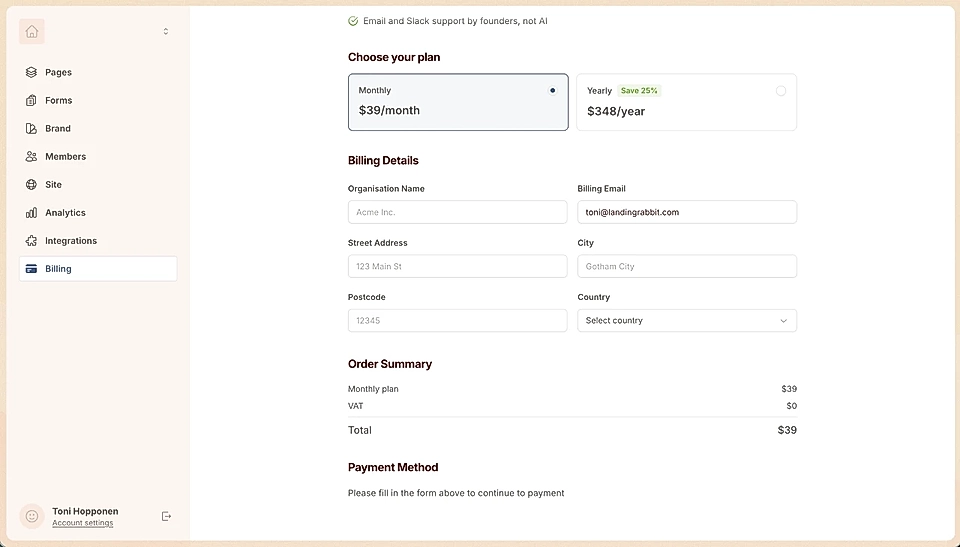
After choosing your plan, fill in your organization details, add your credit card, and you're good to go.
Change or update your subscription
You can change your subscription at any time.
Go to the Billing tab
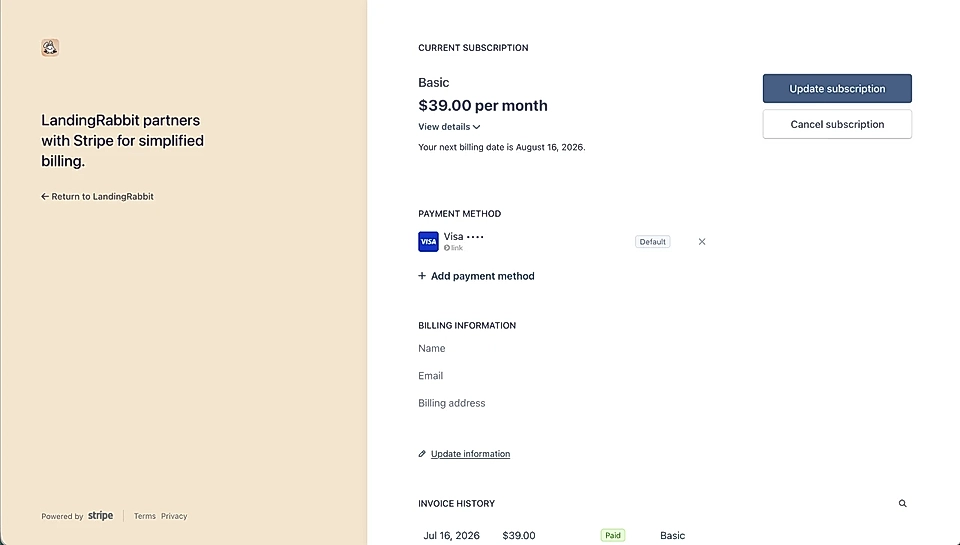
Click Manage subscription
Switch between monthly and yearly (via Update subscription), or update your invoicing details
Cancel your subscription
To cancel, go to the Billing tab, click Manage subscription, and select Cancel subscription.
Your subscription stays active until the end of the current billing period.
Download receipts
All your receipts are listed in the Billing tab. You can download them any time you need a copy.
If you have any questions about your plan, reach out to the team at [email protected].