
How to use the LandingRabbit Slack app
With the LandingRabbit Slack app, you can create landing pages and blog posts straight from Slack.
Step-by-step instructions:
Get an API key from the Integrations tab
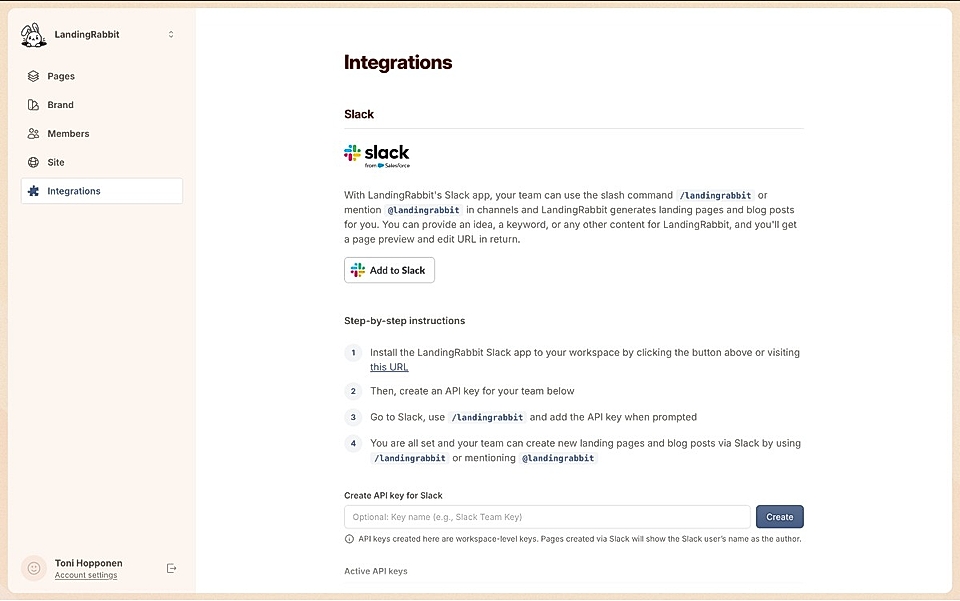
Then, use /landingrabbit in Slack. Say Hello to LandingRabbit, and you'll be prompted for the API key
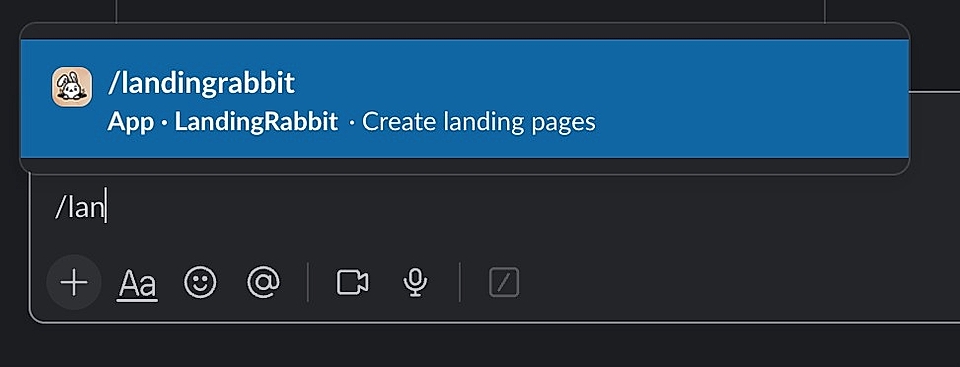
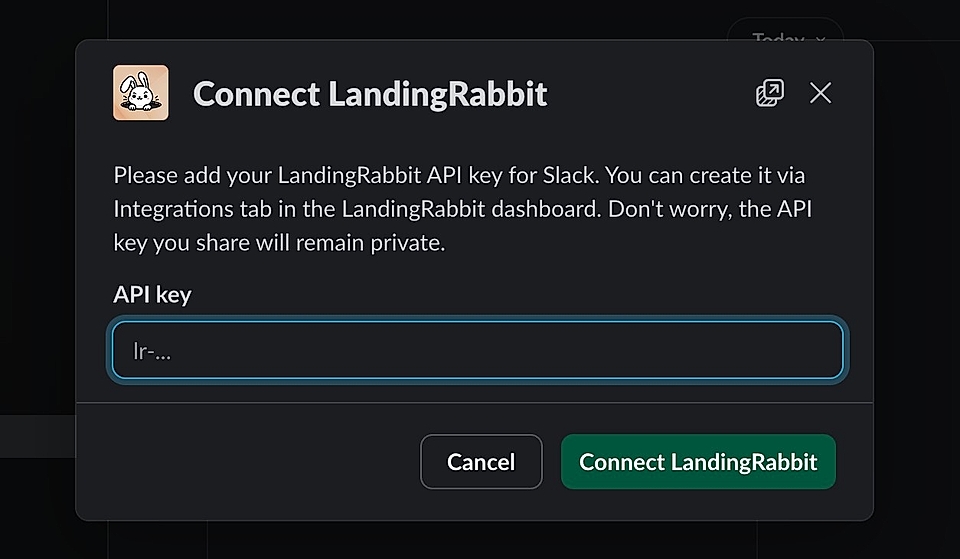
After adding the API key, everyone in your team can use /landingrabbit in any of the Slack channels or mention @LandingRabbit in threads.
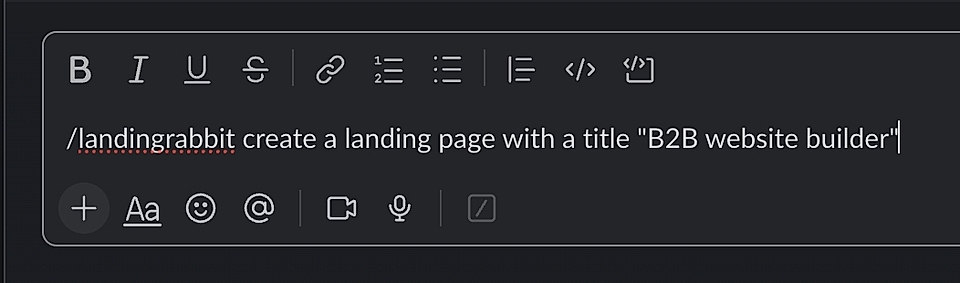
Share an idea, keyword, or any content you already have. LandingRabbit returns a page for your team to review, edit, and publish.
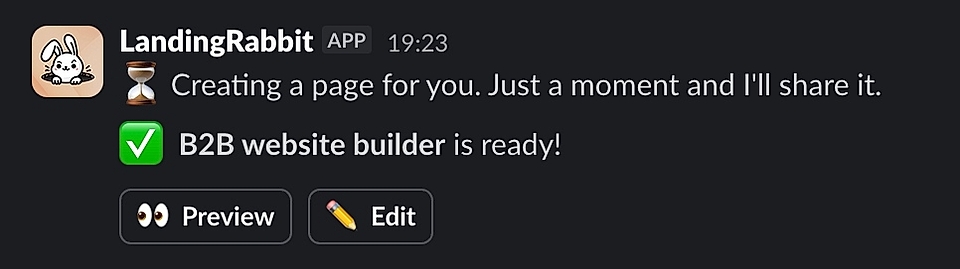
Others don't need to log in elsewhere to see what you are working on and leave the context and your team's discussion from Slack. Instead, you can quickly improve the page in LandingRabbit and create versions for others to comment on straight in Slack.