Can I export my content as a CSV file?
Yes, you can.
In the LandingRabbit dashboard, click the Site icon on the left.
There, click the Export Pages link, or scroll down to the bottom of the page.

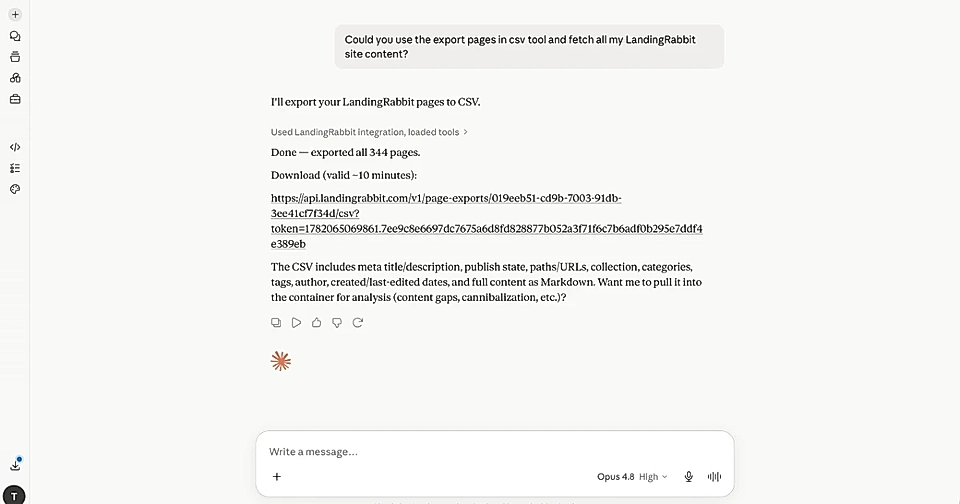
Click to Export pages a CSV file with all the content on your site. The export includes everything relevant to your pages, including meta title, meta description, collection, categories, tags, author, publish time, last edit time, and the content as Markdown.
The CSV export is helpful if you want to:
- Analyze the content you already have
- Find gaps for content that does not exist yet
- Reuse the same content elsewhere
Export via Claude or ChatGPT
In addition to the Site tab, you can also ask Claude or ChatGPT to use the export_pages_csv tool. Claude or ChatGPT will then provide you a file download link.