Can I edit and resize images in LandingRabbit?
No, LandingRabbit does not include a built-in image editing and resizing tool.
However, when you upload an image to a section, you can control how the image is displayed. You can choose whether the image fills the image placeholder and grows based on the content next to it, or whether it keeps its original aspect ratio.
Image display options
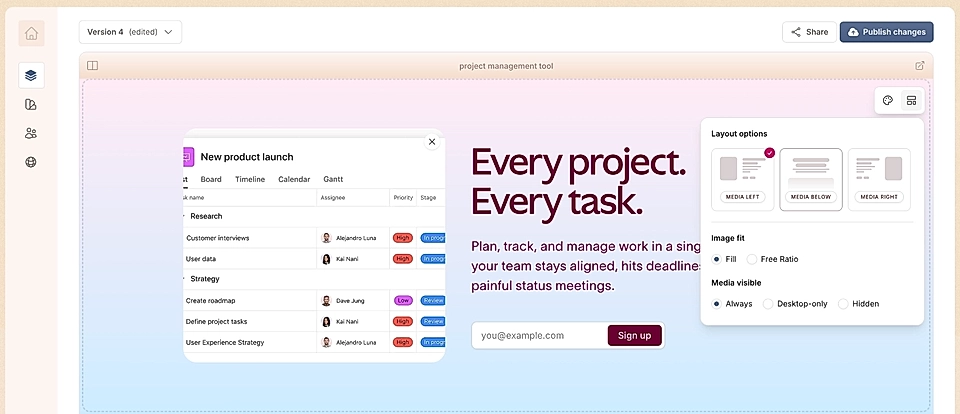
Fill: The image is placed inside a container that grows based on the content next to it.
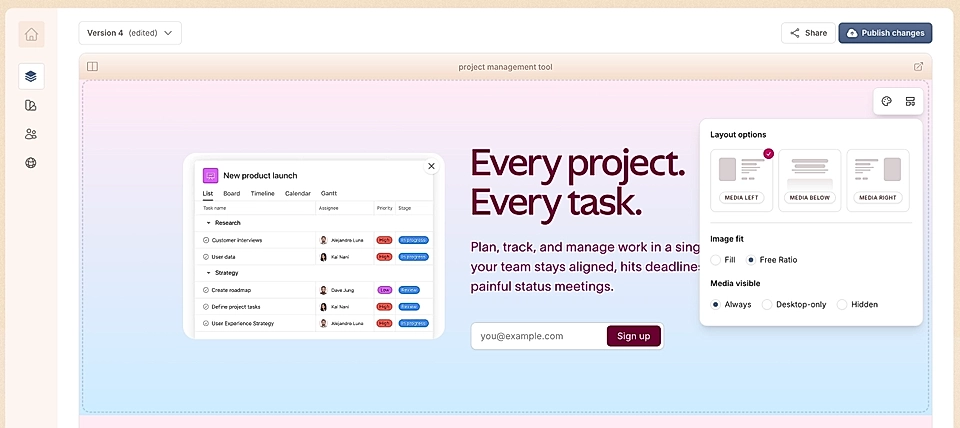
Free ratio: The image is not cropped and it keeps its original width and height, based on where it’s placed on the page.
These options give you flexibility to make sure your page looks good and your images stand out.
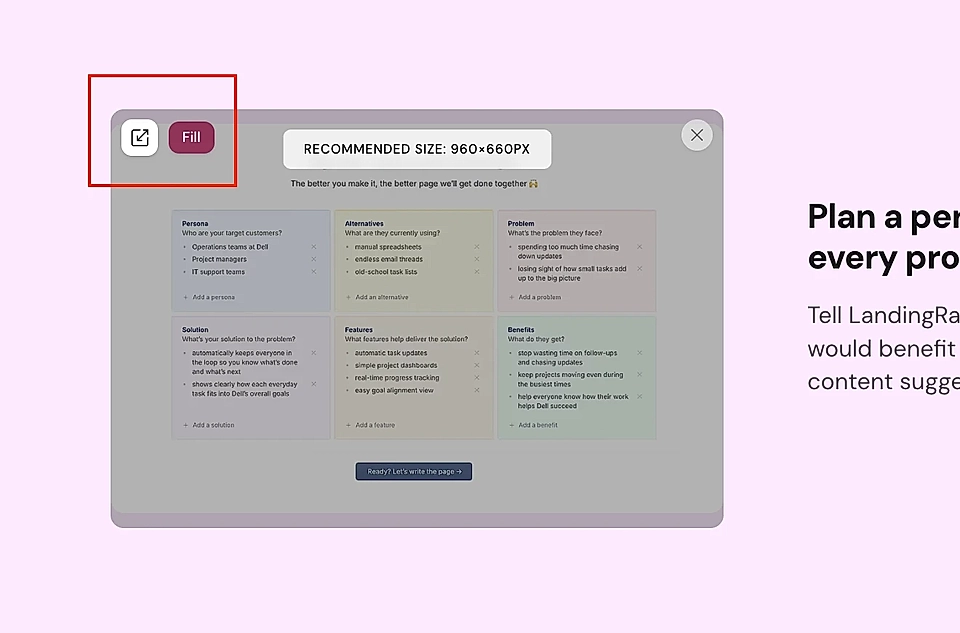
In addition to the layout options popover, you can adjust the fill vs free ratio in each section by clicking the icon at top left corner of an image.
Alt text for images
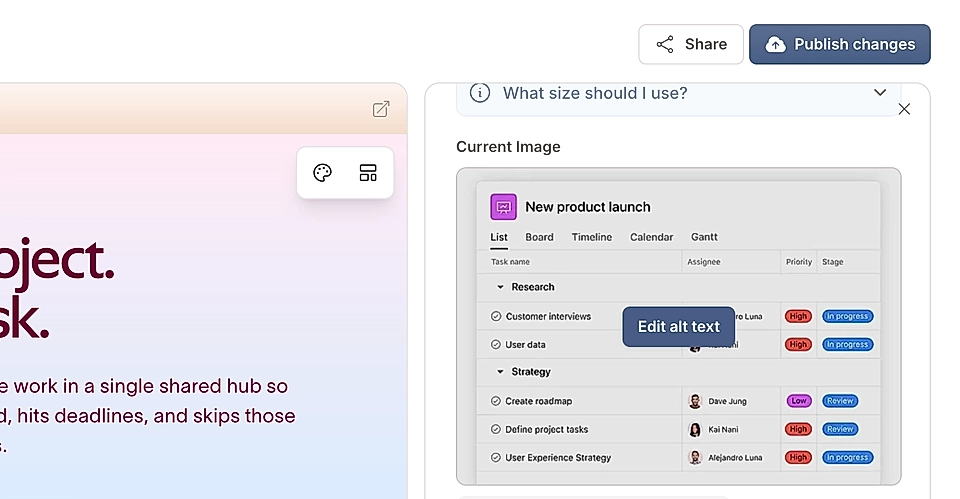
For every image you upload, LandingRabbit automatically generates an alt text description. You can edit this by opening the side panel and clicking 'Edit alt text'.