Can I duplicate a page in LandingRabbit?
Yes, you can.
Duplicating a page is useful when you want to create a similar page but change some of the content (e.g., ABM pages) or testing different versions of the same offer.
How to duplicate a page
In the Pages list view, hover over the page you want to duplicate and click the duplicate icon that appears.
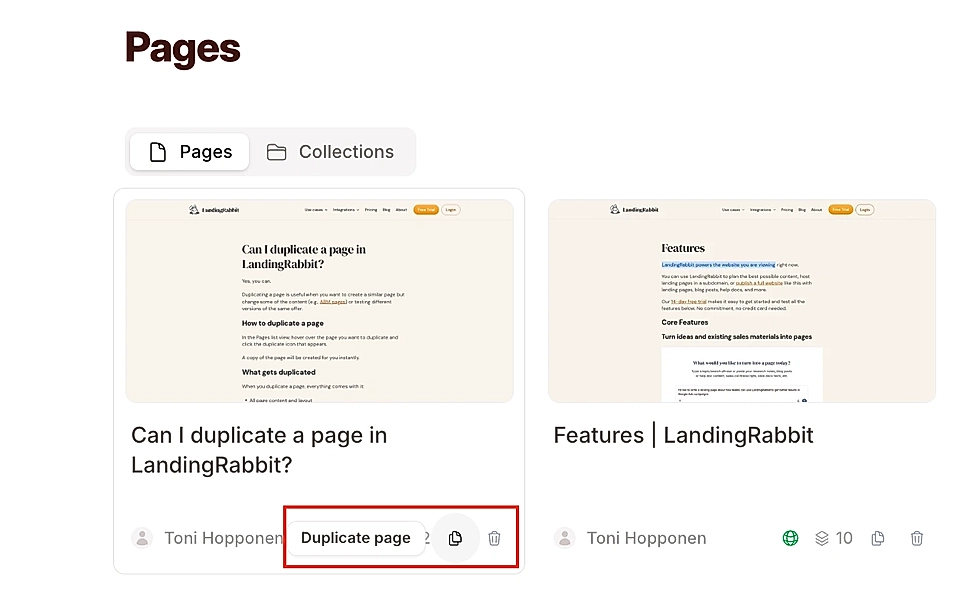
A copy of the page will be created for you instantly.
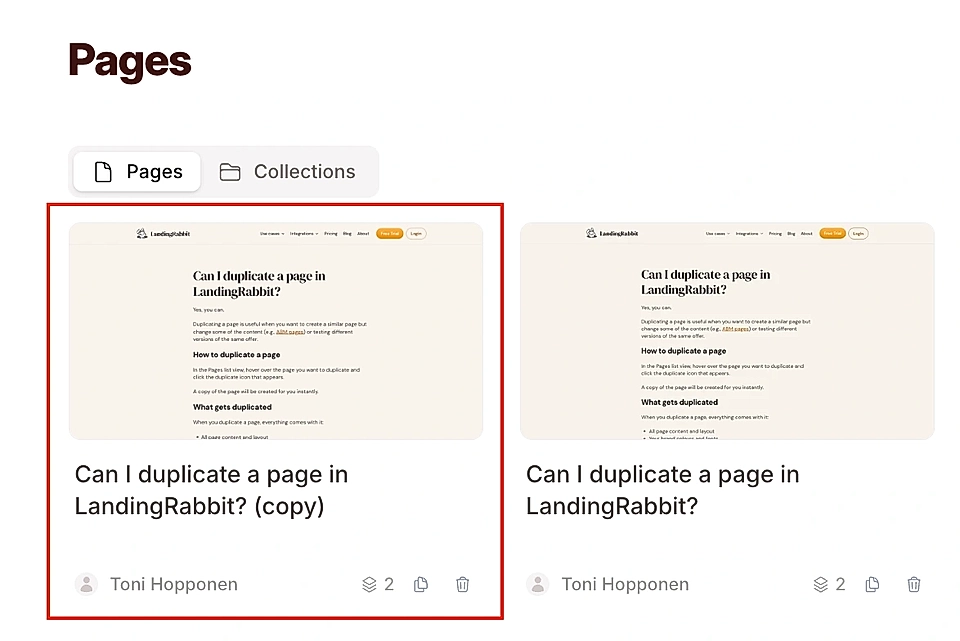
When you duplicate a page, everything comes with it: page content and images, layout and styles, version and drafts of the original page, etc.