Can I add a footer to LandingRabbit pages?
Yes, you can.
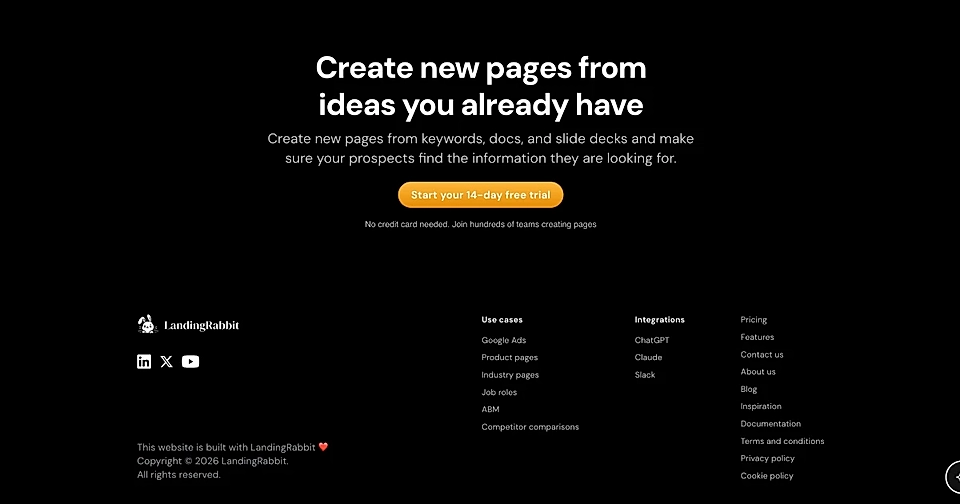
In the page editor at the bottom, click the Add/Edit site footer bar.
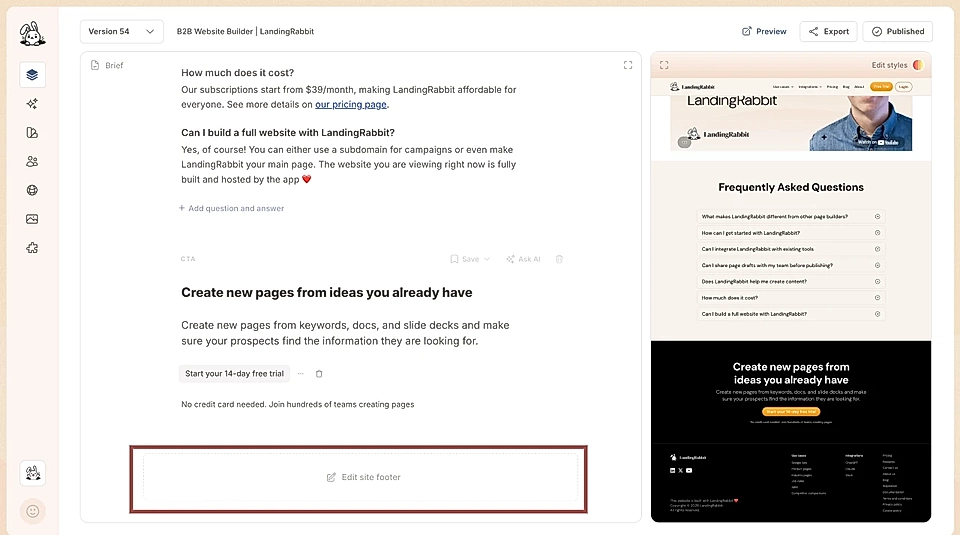
This opens settings where you can add:
Logo to the left
Links and text boxes in multiple groups to the right (shown in columns)
Social media icons below the logo
Text below the logo
Smallprint for disclaimer text at the bottom left or in the middle
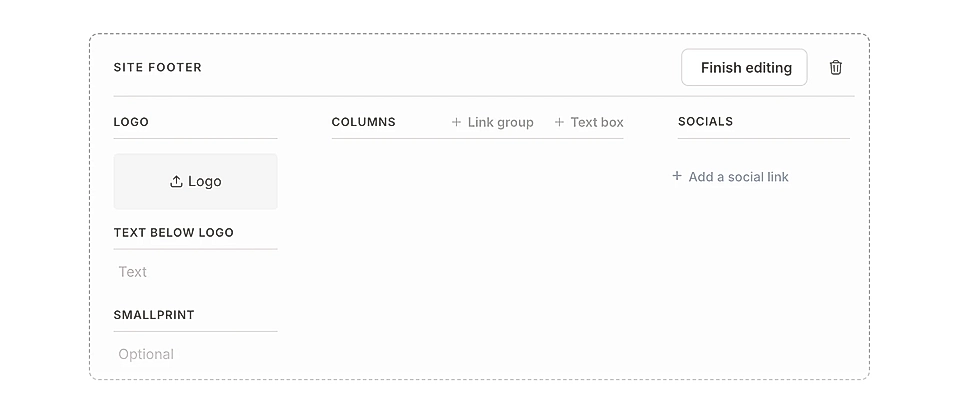
Add and organize footer links
You can add multiple links and social media icons to your footer.
To add a single link or a group of links, click + Add link group. If you add multiple links to a group, they show up as a list, starting from the right.
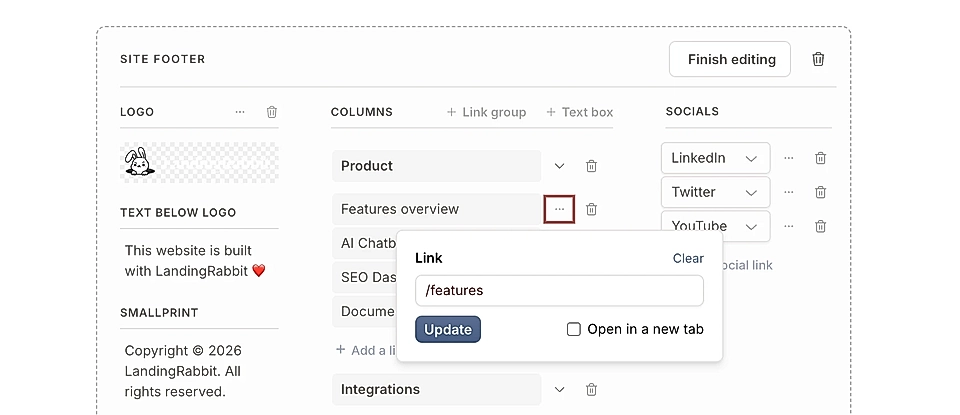
Click the three dots next to a link to open the link editing popover.
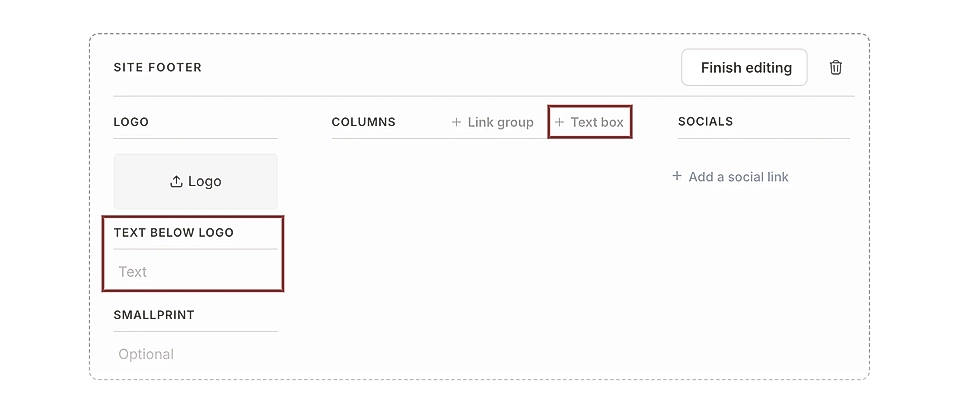
If you'd like to add a text box, you can add it as a column or under the logo.
Here's an example text box with contact details. You can edit the styles to make text boxes wider than link lists.
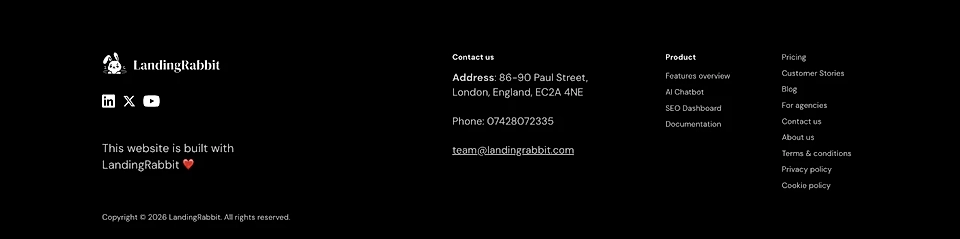
Each column can have a title. You can have as many columns as you like and they'll start a new row when the space runs out.
To add the most common social media icons, click + Add a social link. Then, choose the social media icon you'd like to show in the footer.
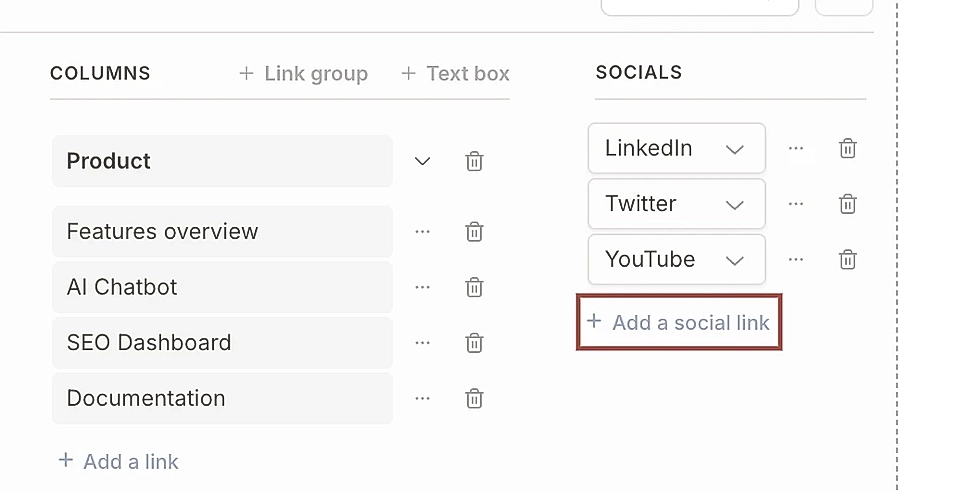
At the moment, you can add Facebook, LinkedIn, Twitter/X, Instagram, YouTube, Reddit, and GitHub. Let us know if you'd like to add another icon, and we'll add it for you.
You can drag and drop to change the order of links and social media icons.
Change footer styles
Click the Edit styles icon in the page preview to adjust how your footer looks.
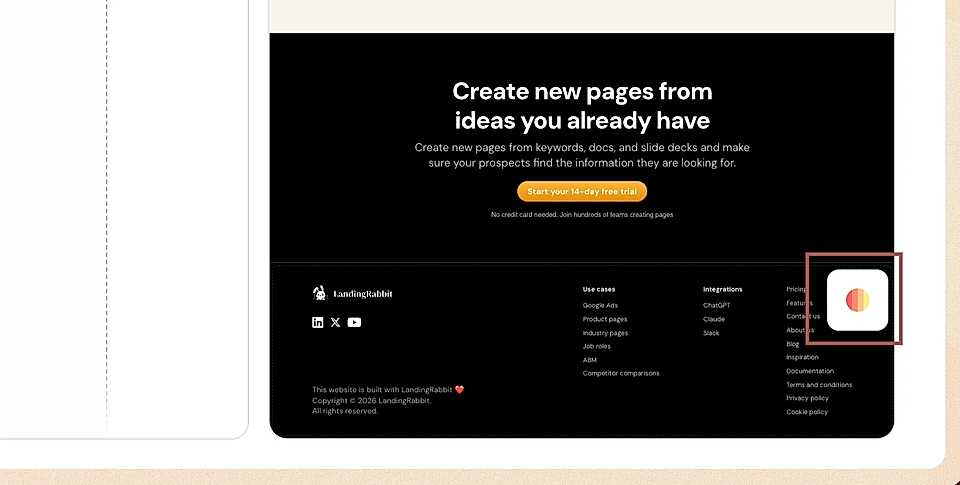
You can change:
Background image
Footer background colour and social media icon colours
Font type, colours, and sizes
Increase/decrease logo size
Increase/decrease the column width (useful for text boxes)
Set max width for the columns (useful if you'd like to limit the number of columns)
Footer width (useful if you've changed your content max width from the default 984px to something wider)
Move the smallprint from left-aligned to centre-aligned at the bottom of the page
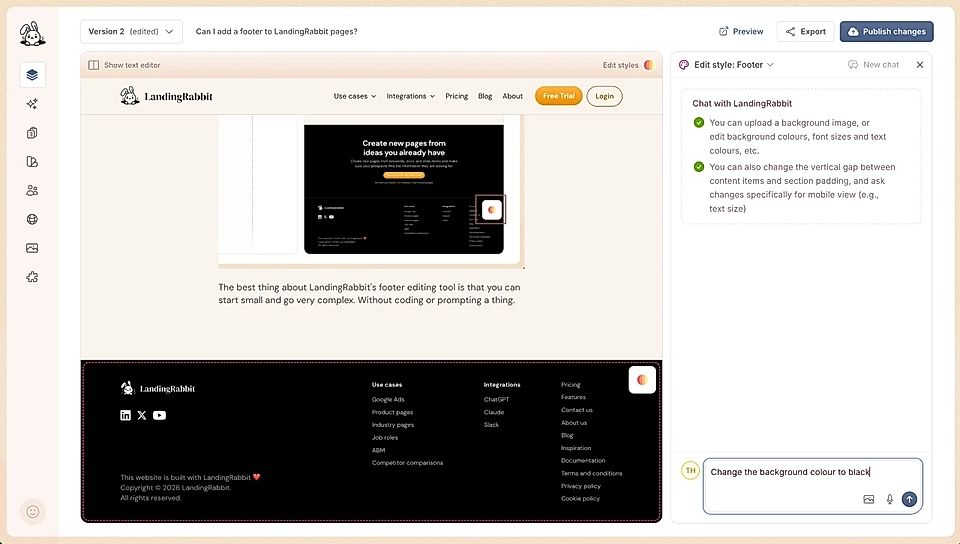
The best thing about LandingRabbit's footer editing tool is that you can start small and go very complex. Without coding a thing.