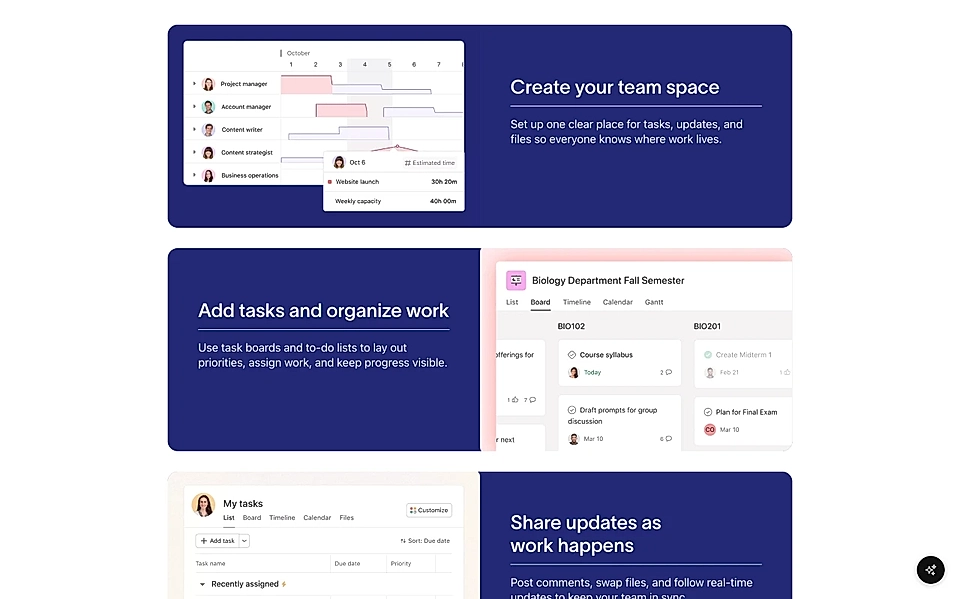
Add a decorative line below or above section and item titles
When you click Edit Styles for any section, you can add a decorative line above or below the section title or any of the item titles.
What you can adjust
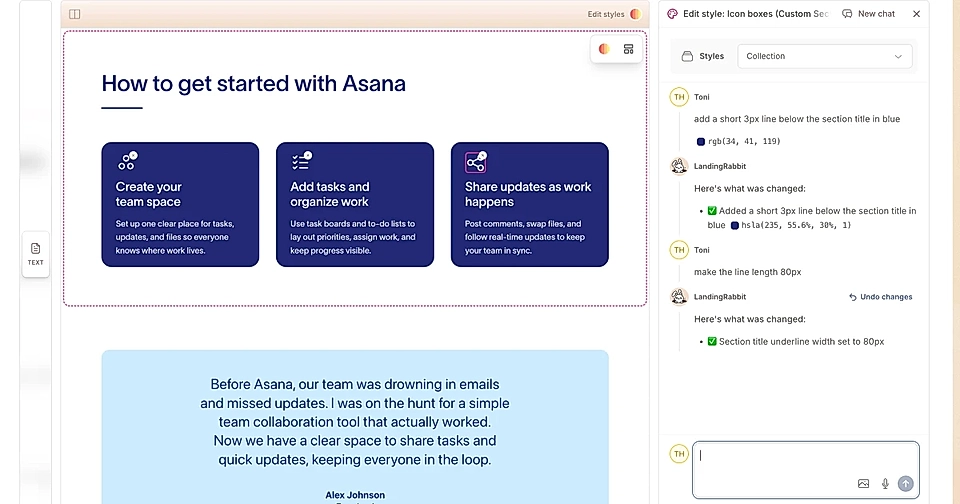
Once you open the Edit Styles chat for a section, you can ask AI to add a decorative line and control:
Position: above or below the title
Length of the line
Thickness of the line
Gap between the title and the line
Where it can be useful
A few examples of how you might use this:
A short line just below the section title to visually separate it from the body text or section items
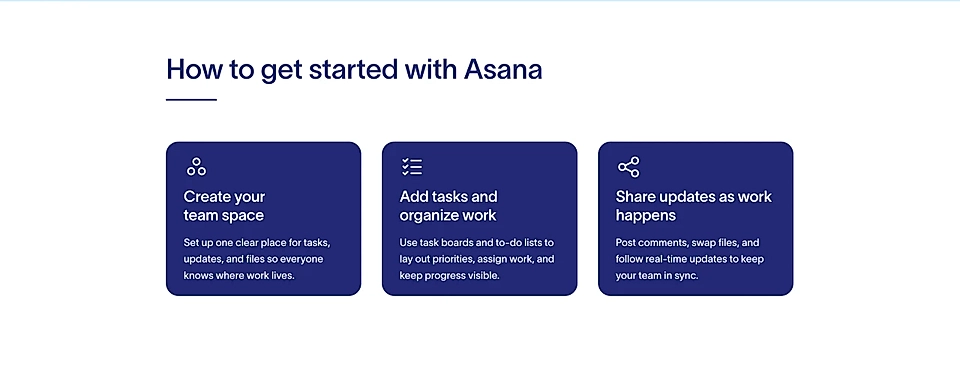
Alternating item titles in a features or benefits section, each with a decorative line underneath