Can I add customer profile images and logos to testimonials?
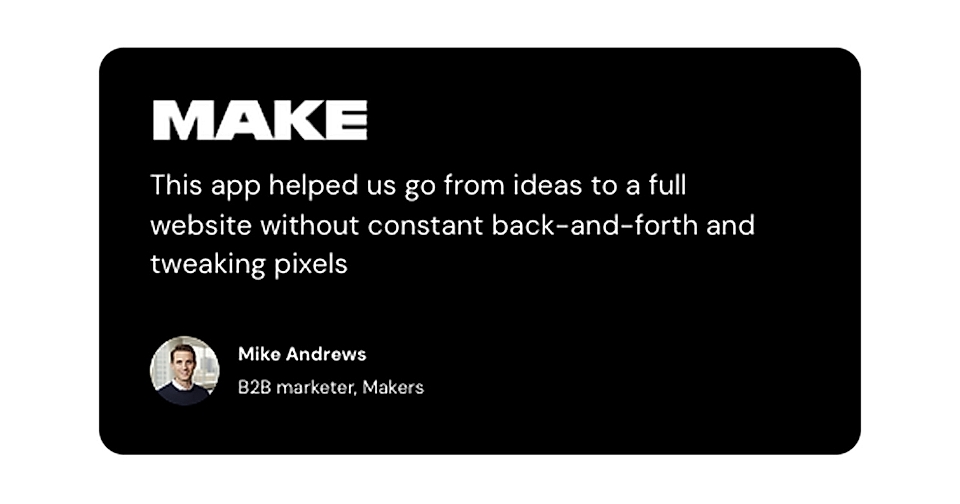
Yes, you can.
You can add both customer profile images and company logos to any testimonial in LandingRabbit.
Add a logo to a testimonial
When you're in the page editor, you'll see a plus icon next to each testimonial.
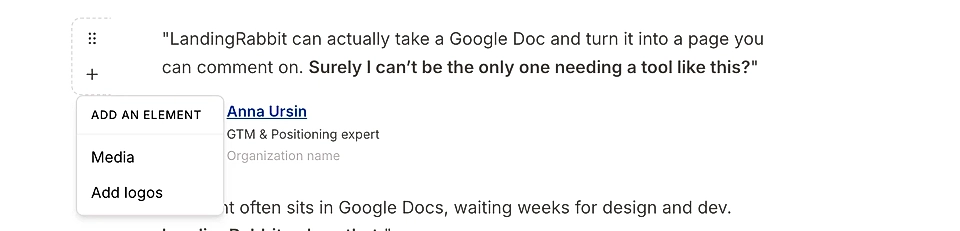
Click it and you'll find the logo field. Upload your customer's company logo there.
Add a customer profile image
In the editor, you'll see a customer profile placeholder.
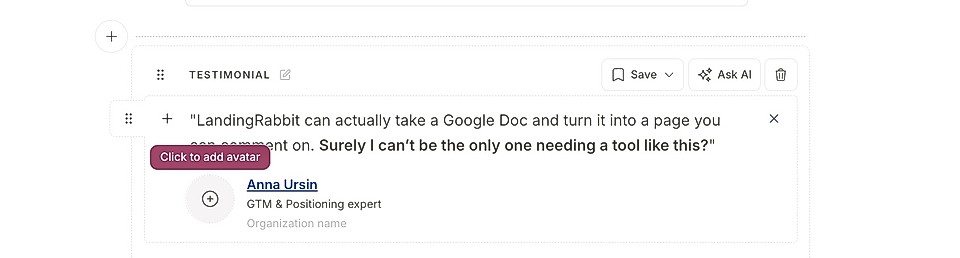
Click it and upload the customer's photo.
Add an image or video
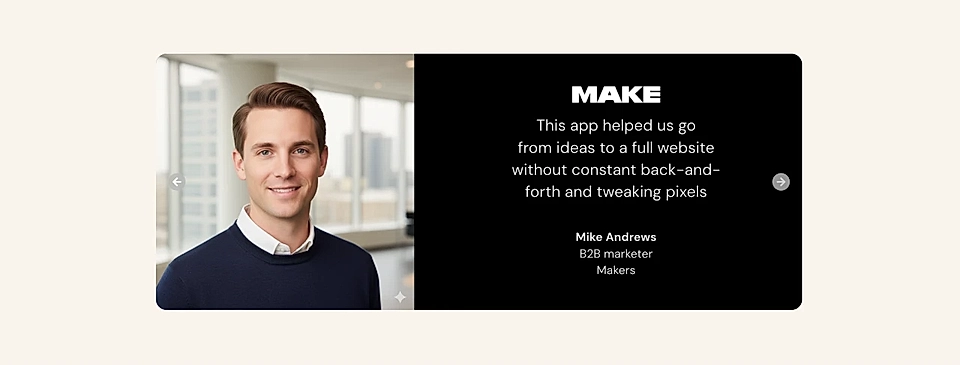
In addition to customer profile image, you can also upload images and videos to show project results or the customer image in a large size.
Edit customer profile image styles
You can adjust how the customer photo looks by hovering over the page preview and clicking the "Edit styles" button.
Once the chat opens, you can ask it to make changes. For example:
Reduce the rounded corners of the customer photo if you want to make it more square-like
Double the size of the photo
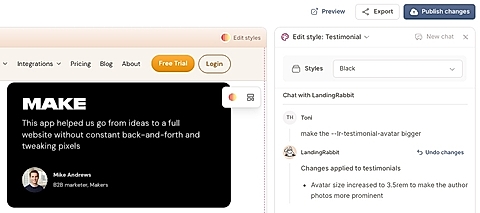
Change the spacing between the name or the testimonial above
Change the size of the name, author, organization, or job role
Adjust logo size
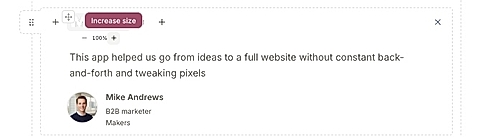
You can increase the size of the logo in two ways:
Ask the chat (for example, "make the logo bigger")
Click the percentage numbers in the editor to change the size manually
Adding customer profile images and logos helps your testimonials feel more real and builds trust with visitors.