SaaS Landing Page Builder

Turn sales call notes into pages prospects want to read

Paste your call notes and get a ready-to-share, on-brand landing page that hits prospect’s pain points and keeps your deals moving.

Join 200+ teams creating marketing pages

Keep sales moving with personalised pages straight after a call
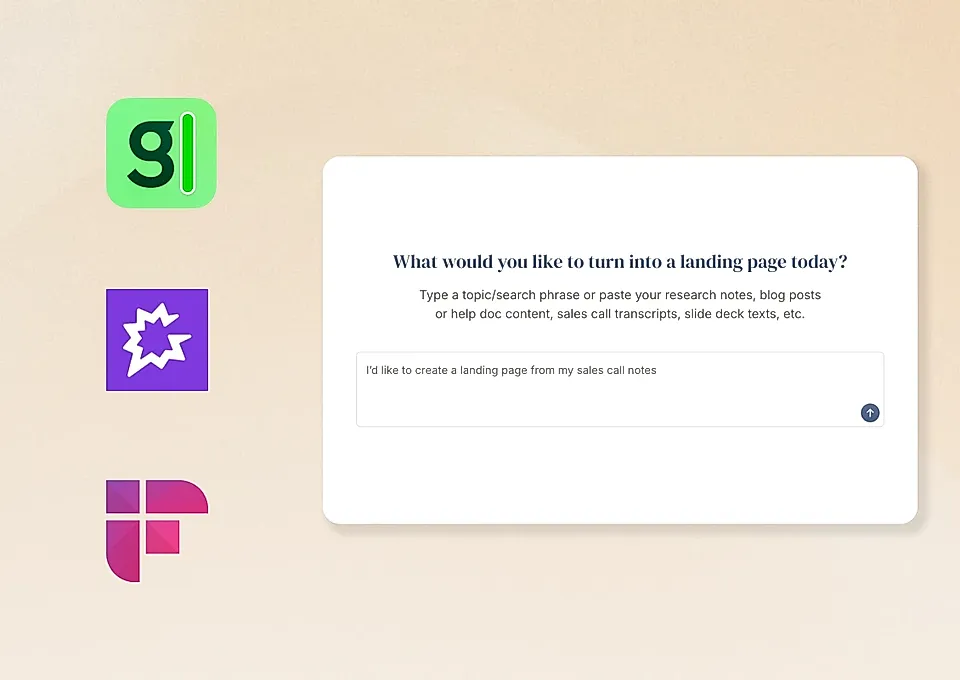
STEP 1

All you need is a call transcript

Paste your transcripts as is, and LandingRabbit turns them into polished, on-brand pages that highlight what matters most to each prospect.
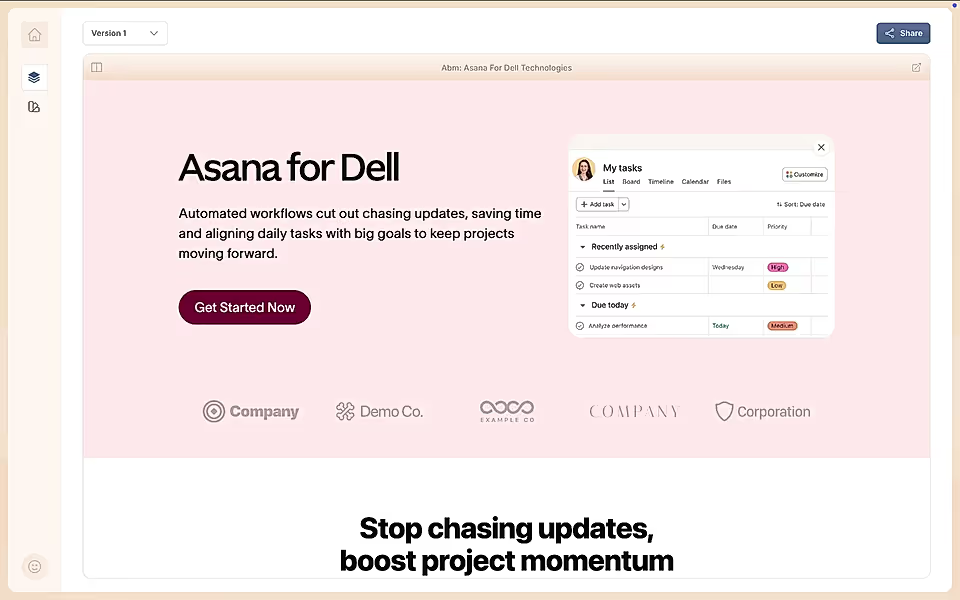
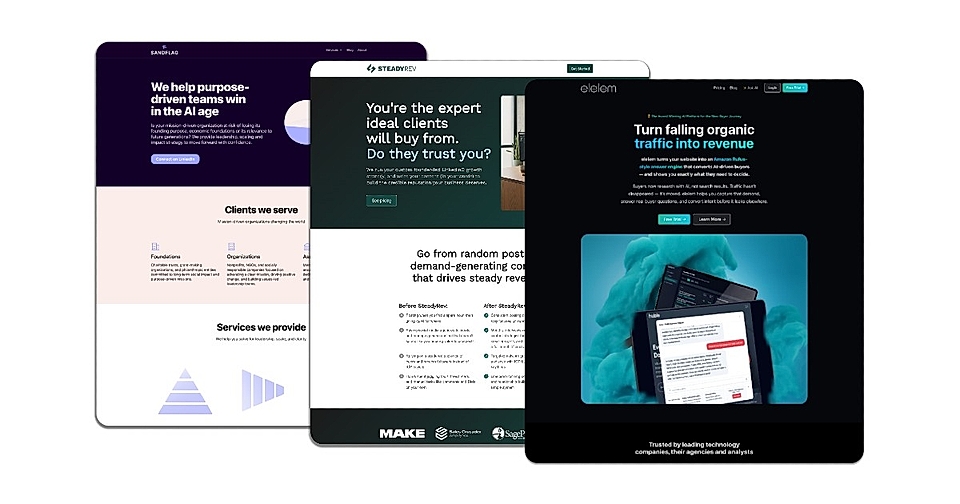
An example of a landing page created from a sales call
STEP 2

Get pages that hit every pain point the buyer mentioned

LandingRabbit takes your notes and writes in your prospect’s voice, making sure your page answers their biggest questions and objections.

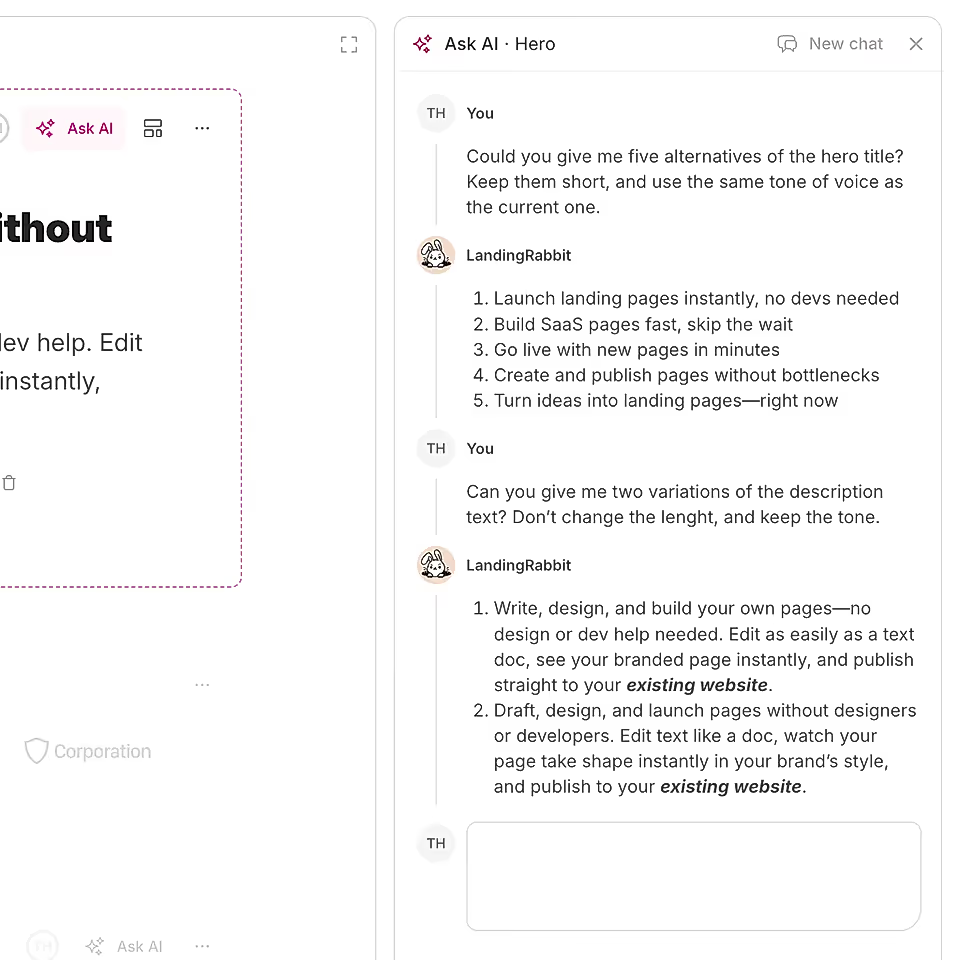
A user editing landing page styles with AI
STEP 3

Make changes without chasing design help

Create a tailored page in minutes on your own, so you’re not stuck waiting on marketing or designers to get back to you.
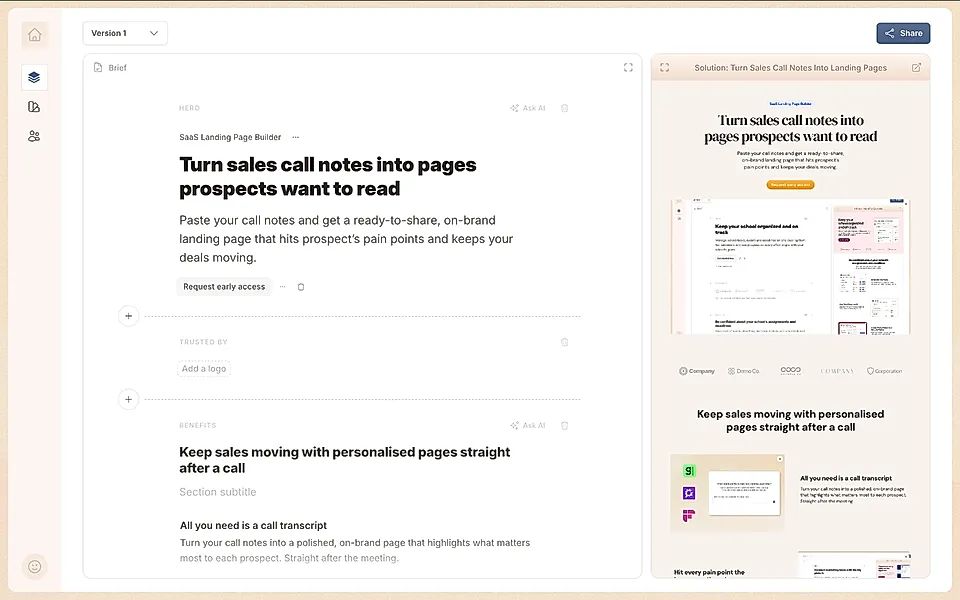
Convert sales notes into standout pages fast

Live editing with instant preview

See your texts and layout updates side-by-side, so you know what your buyer will see.

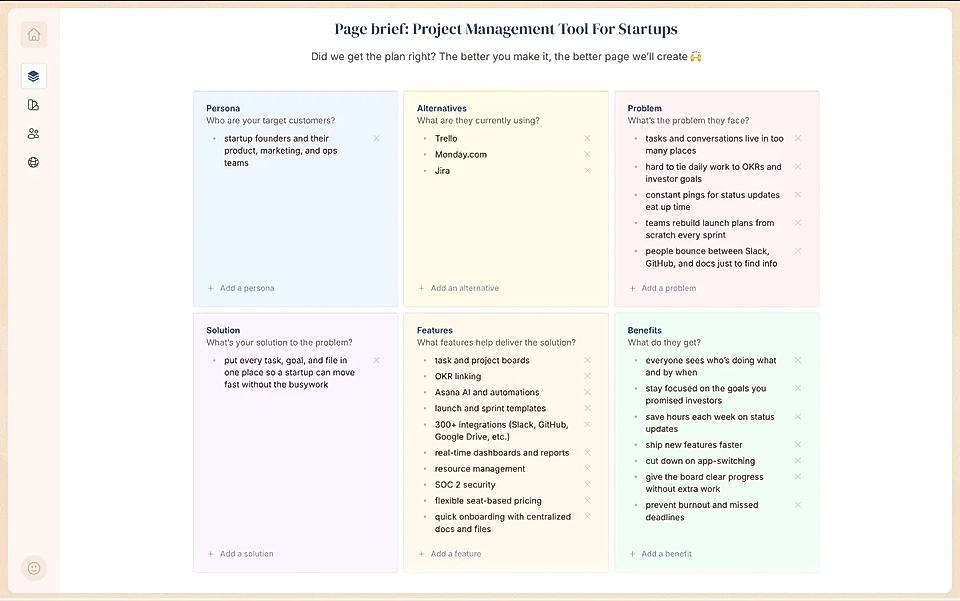
Perfect page plan for every page

Paste in your notes and get a focused, tailored page plan right away.

Work on the copy together with AI

LandingRabbit suggests edits using the exact language and pain points from your calls.

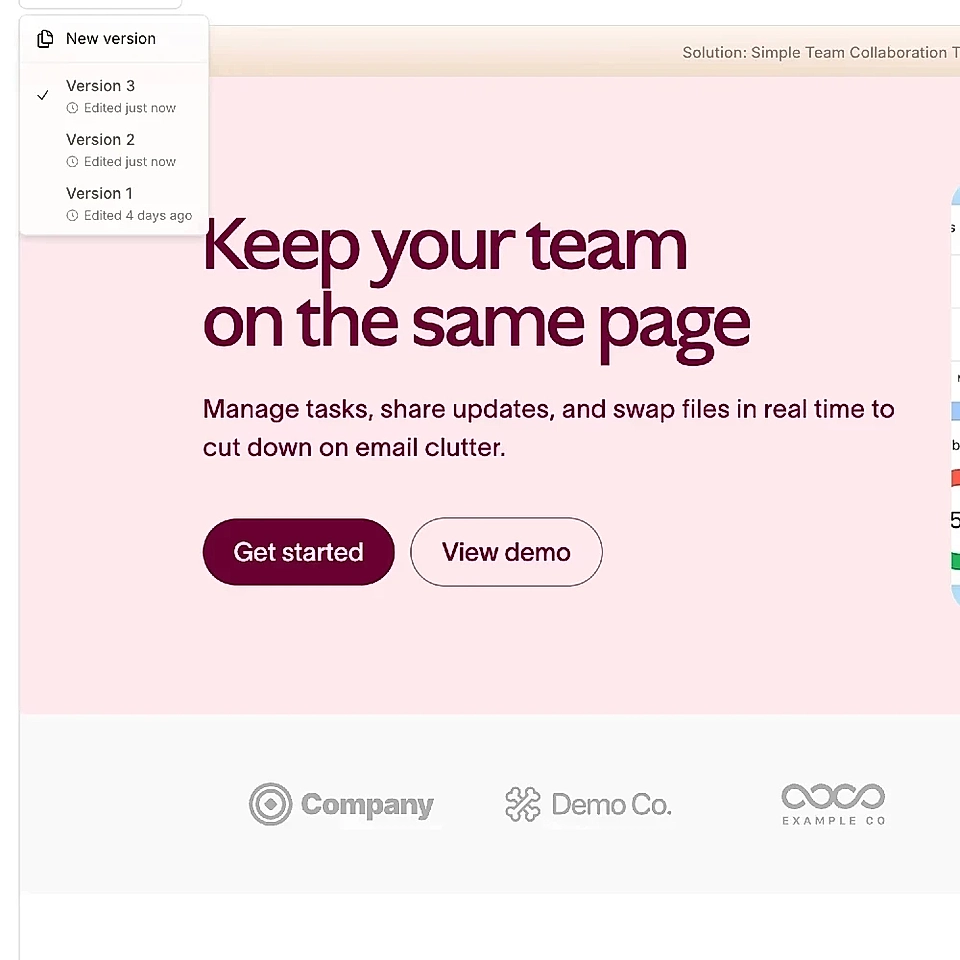
Your brand, every page

Company colors and fonts appear automatically, keeping every page on-brand without a hassle.

LandingRabbit’s page version editor

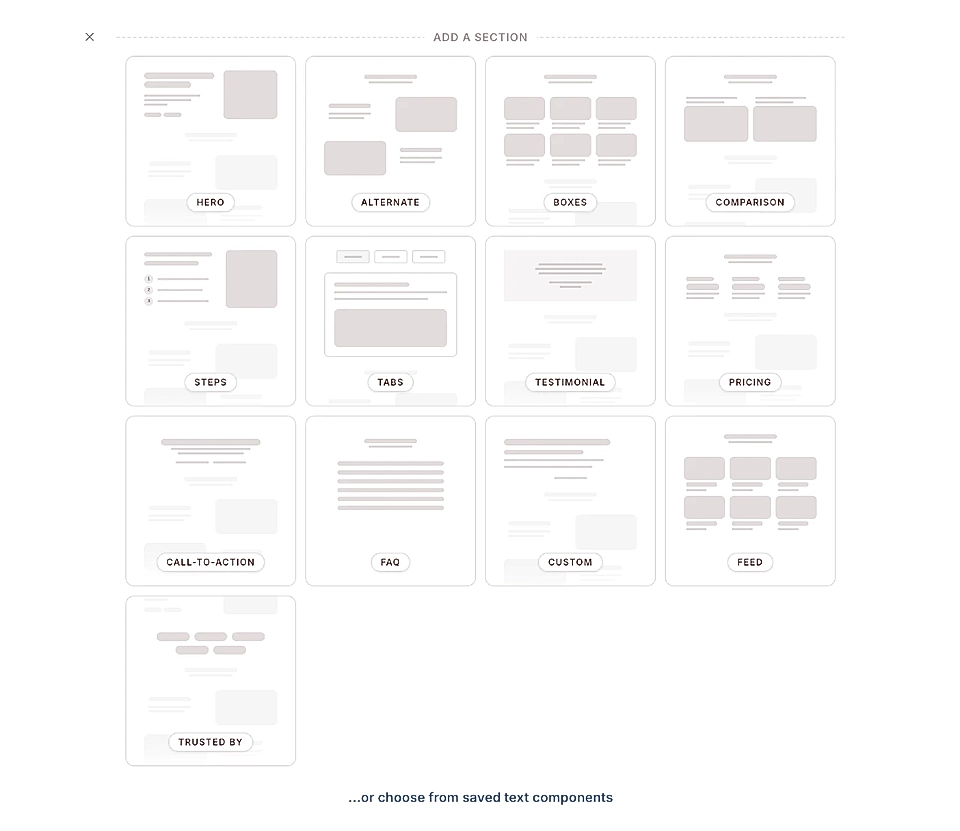
One-click content blocks

Add more content blocks anywhere on the page. With LandingRabbit writing drafts based on your instructions, of course!

User adding a new section in LandingRabbit

Simple sharing and export

Share a link for comments with your team and get comments in real-time. Then, publish with LandingRabbit, or import to Webflow, WordPress, and Figma with one click.

Frequently Asked Questions

What does LandingRabbit actually do?

LandingRabbit takes your sales call notes, like transcripts or bullet points, and turns them into a ready-to-share landing page for your prospects.

In just a few minutes, you can have a polished page that speaks directly to what your customer talked about in a call.

Do I need to write perfect notes or transcripts for it to work?

No, you don't.

Even messy notes or rough call transcripts work fine. Just paste them in, and the AI will figure out what matters.

Of course, you can tweak the details and make changes if you want.

How much editing do I need to do myself?

LandingRabbit writes and designs a draft for you, so most of the heavy lifting is done.

You'll probably want to review and make some small changes to match your style or add a personal touch, but you can skip most of the page editing hassle.

Can I use my company’s colors and fonts?

Yes, LandingRabbit automatically matches your brand style.

If you want to adjust fonts, colors, or layout, you can do it easily. Just ask LandingRabbit in plain English.

How do I share the landing page with my team or prospects?

Once your page looks good, you can get a shareable link to send to anyone.

You can also export the page as a Figma file, PDF, HTML, or publish it straight to platforms like Webflow and WordPress.

Is this only for marketers, or can sales teams use it too?

Sales teams love using LandingRabbit.

If you’re in sales and want to send clients a page that speaks to their needs, this tool helps you do it fast, without waiting on marketing or design to help out.

Turn calls into landing pages in minutes

No more waiting on design help with slide decks. Build a custom landing page for every deal and impress your prospects straight after the call.

Join 200+ teams creating marketing pages