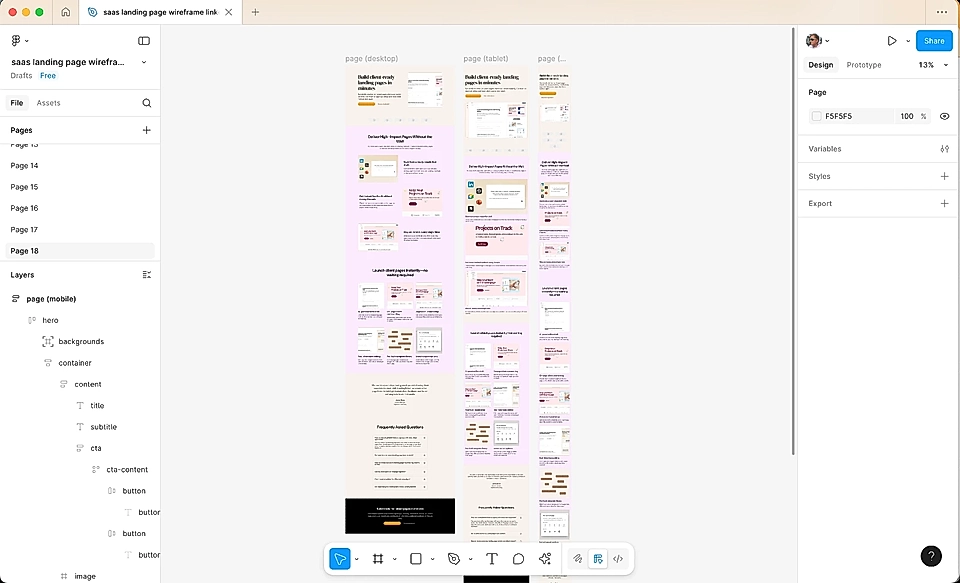
How to import your LandingRabbit pages into Figma
Instead of publishing pages with LandingRabbit, your team might want to continue the work in Figma. That’s when the LandingRabbit Figma plugin comes in handy. The plugin imports your page preview from LandingRabbit and creates a Figma design with layers (designers love it ❤️).
Here’s how it works in five steps:
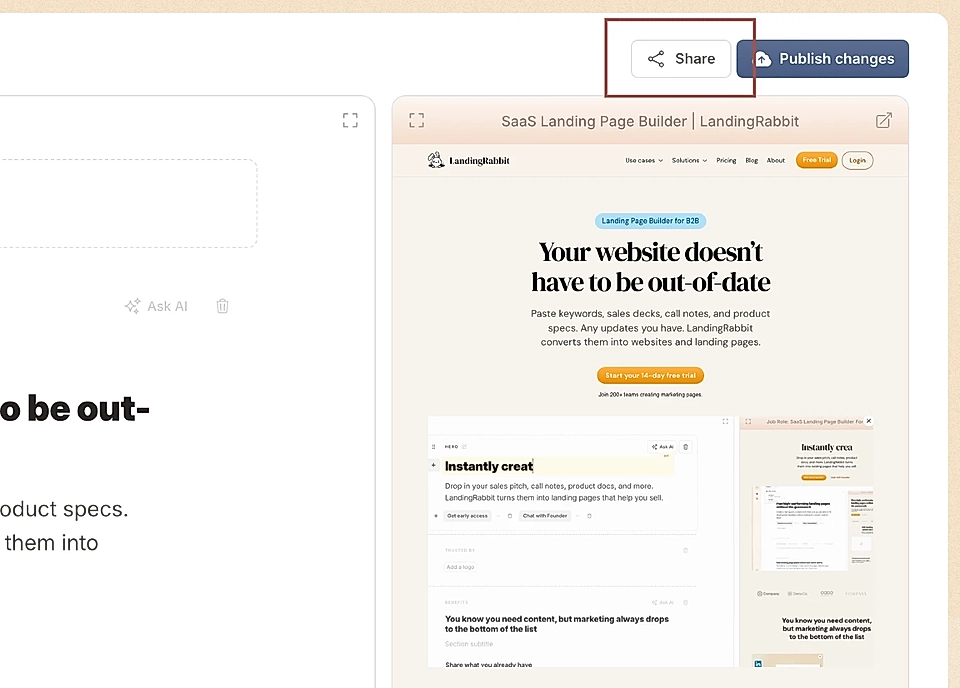
Click the 'Share' button to get your page preview URL in LandingRabbit
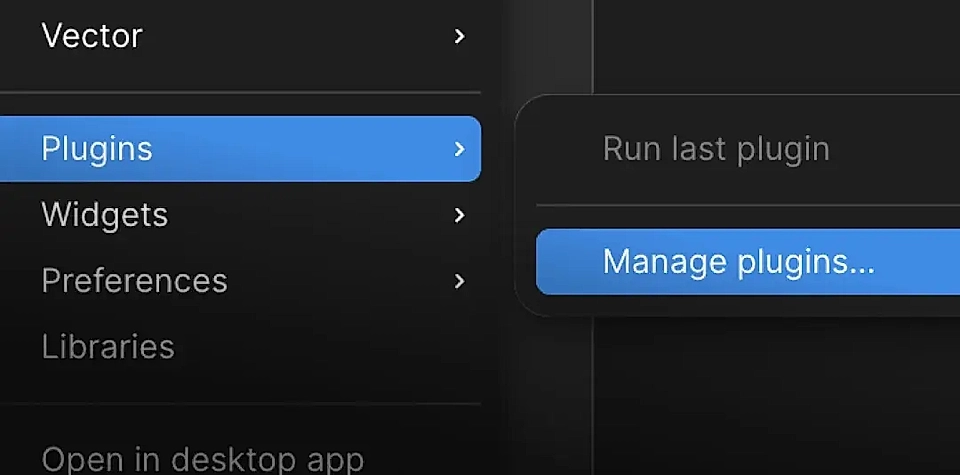
Log in to your Figma, open a file, find Plugins from the dropdown, and click Manage plugins…
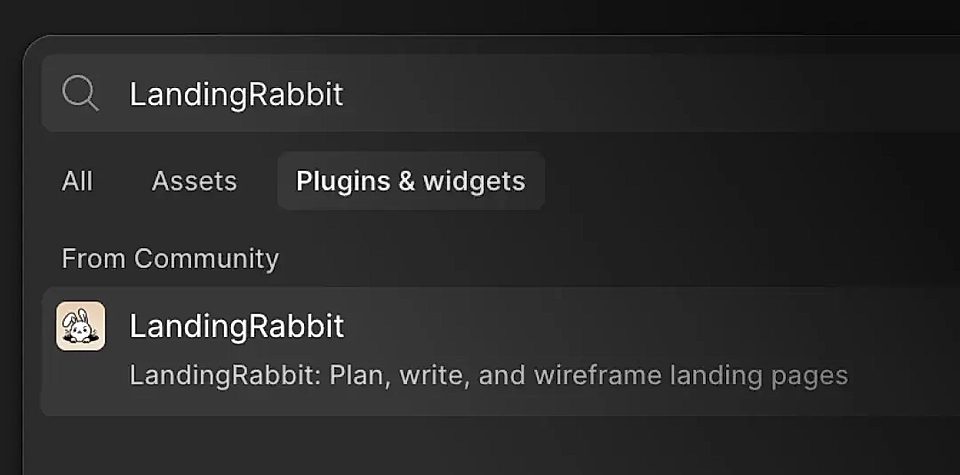
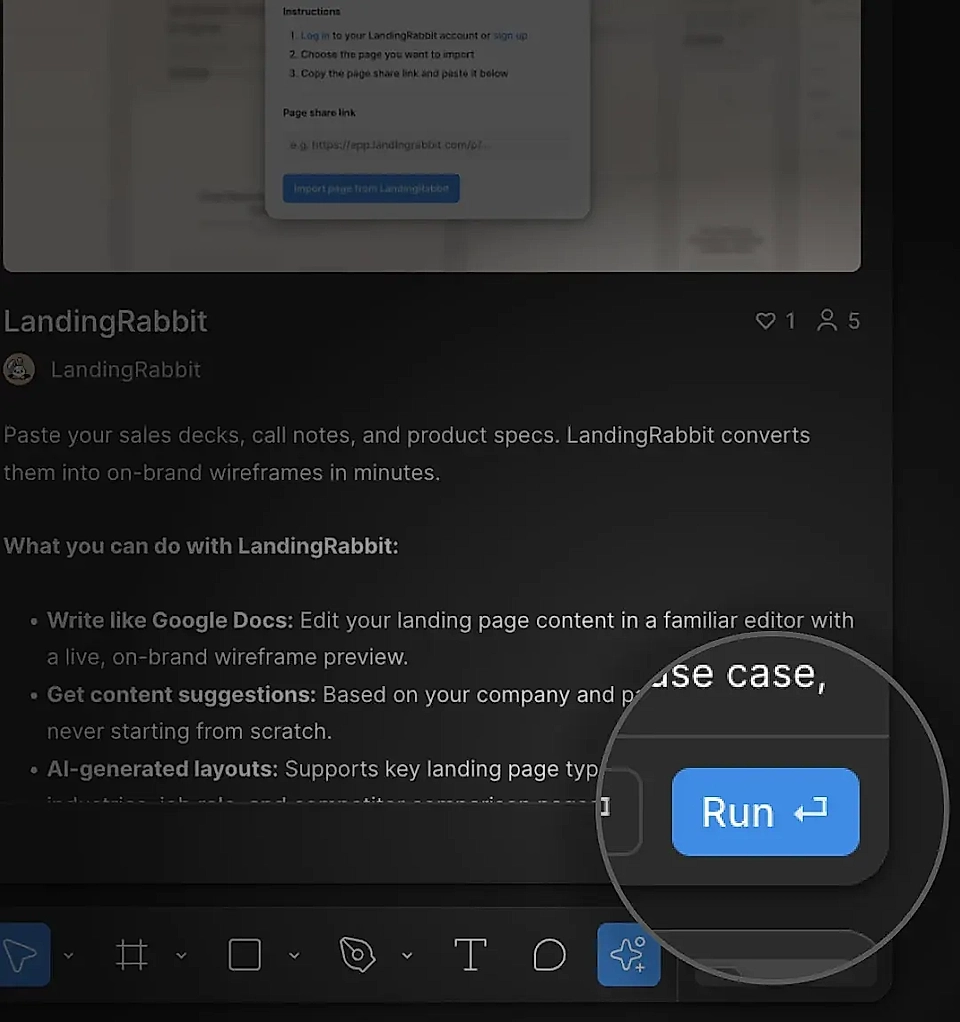
Search for LandingRabbit and choose it from the plugins list
After the plugin opens, click Run
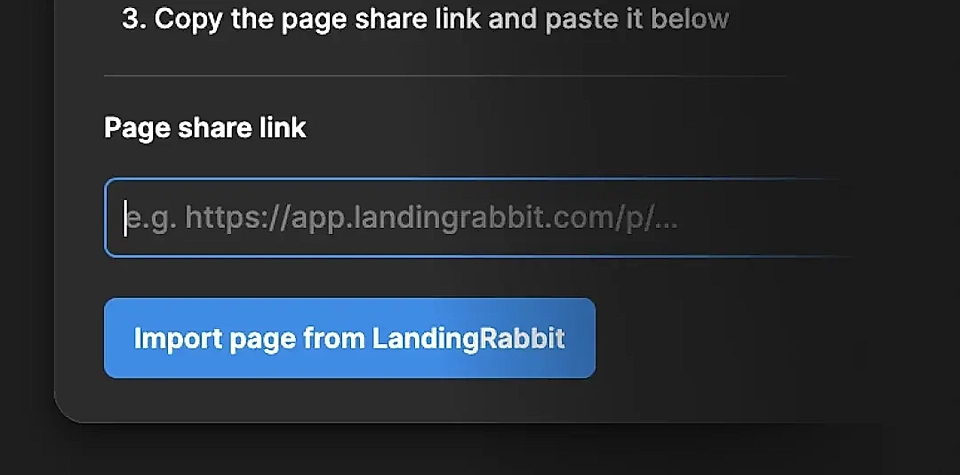
Add the preview URL of any page you've created in LandingRabbit and click Import page from LandingRabbit
That’s all. The design is created in three sizes (desktop, tablet, and mobile), and your team can now continue the work in Figma.