Why B2B companies move their websites to LandingRabbit
If you’ve ever tried to create landing pages in Webflow, WordPress, or Framer, you know the drill:
Create a copy of an existing page.
Try to squeeze your content inside the layout.
Tweak tablet and mobile views after every bigger edit.
Wait for designers and devs to help when you get stuck and don’t have the right template.
It’s not that these tools aren’t good. They’re powerful.
But their usage is based on fixed page templates in a world where marketers and content teams create landing pages content-first using Claude and ChatGPT as their thinking partner.
That’s why more small businesses are moving their websites to LandingRabbit. A content-first website builder built for founders and service businesses.
In this post, I’ll walk you through the three biggest reasons why companies choose LandingRabbit when they want to ship pages that help prospects buy and keep their sites up-to-date when product evolves.
1. You don’t need to fit copy into a fixed template
In most website builders, the marketer’s workflow is the same: you copy an old page and then try to fit your new content into it.
With LandingRabbit, we’ve decided to turn the process upside down.
You start with your content idea, keyword, or any notes you already have. LandingRabbit reads what you shared and automatically generates a full page in your brand’s layout, colours, and typography.
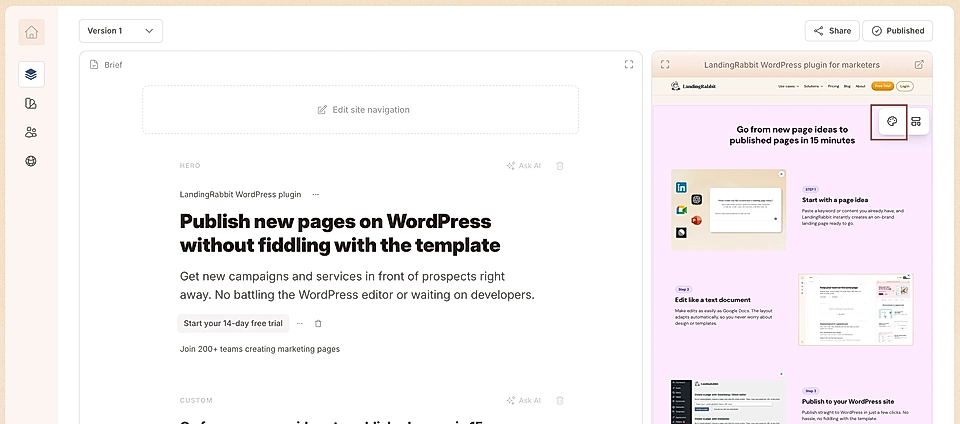
No wrestling with a template that wasn’t built for your content.
The page is ready instantly with pretty good copy. I usually use 80-90% of the AI-generated content and tweak the page for 15-30 minutes in a Google Docs -style editor before going live.
This saves me hours. I get most of the content ready and don’t need to copy and paste the content into a page template that is currently in use for something different.
2. Edit content without breaking the page
If you want to create marketing pages in Webflow, WordPress, or Framer, you’re often editing structure and copy at the same time. When you write a bit longer sentence than previously, something else tends to break.
With LandingRabbit, you edit everything in a simple, Google Docs -style text editor. As you type, the page adjusts for desktop, tablet, and mobile automatically, and you don’t need to worry about breaking the layout.
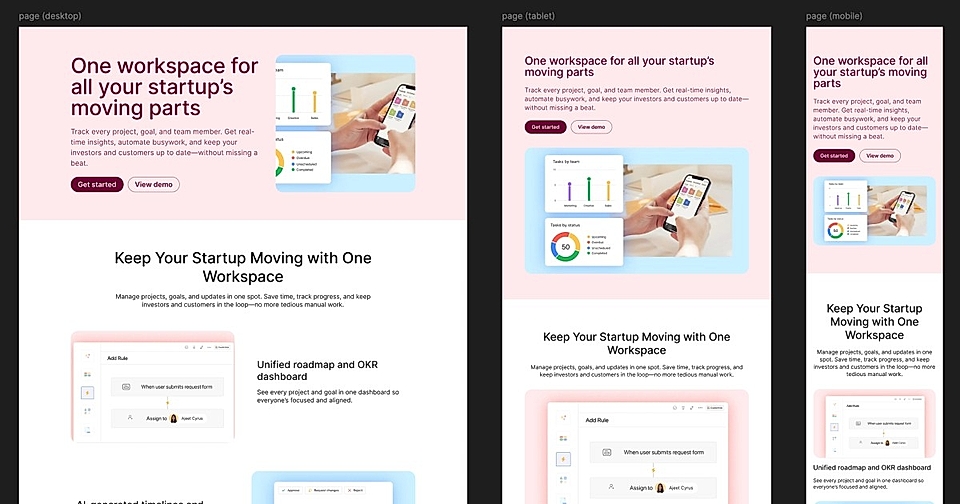
Want to add a new section?
Click the ‘Add a section’ button.

Then describe what content you’d like to add. Based on your choice, LandingRabbit generates a draft for you to edit and makes sure the content fits the layout perfectly.
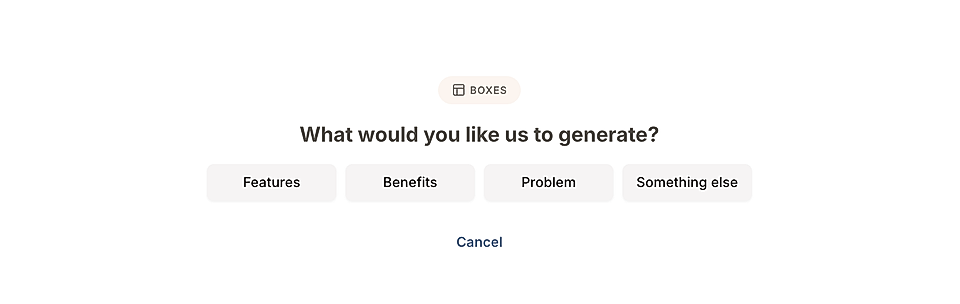
This is what makes publishing with LandingRabbit so fast. You can focus on the best possible landing page copywriting.
3. AI helps with every step: planning, writing, and design
Most marketing teams use Claude or ChatGPT for content, but LandingRabbit goes a step further.
You can:
Plan your page together with AI

Get help writing the best possible content and ask for improvements, edits, or alternative angles
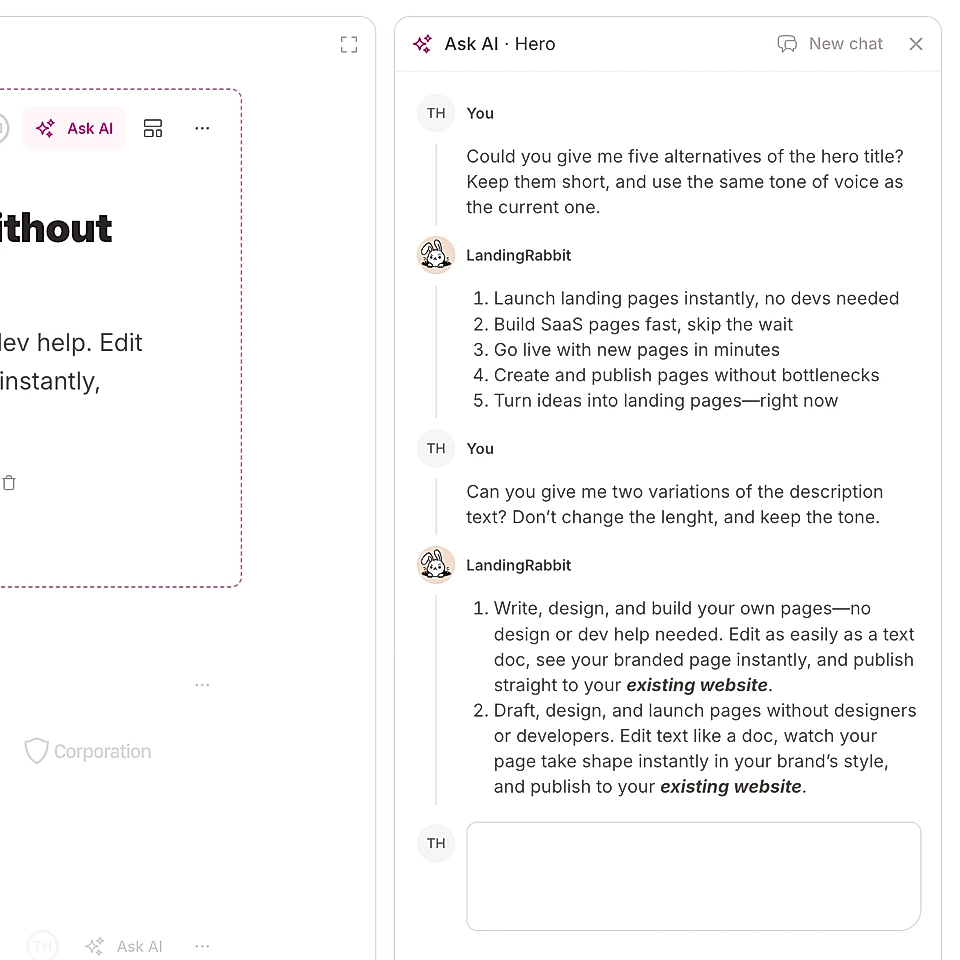
Get a ready layout in your brand colours every time, and you can adjust layout details with natural language
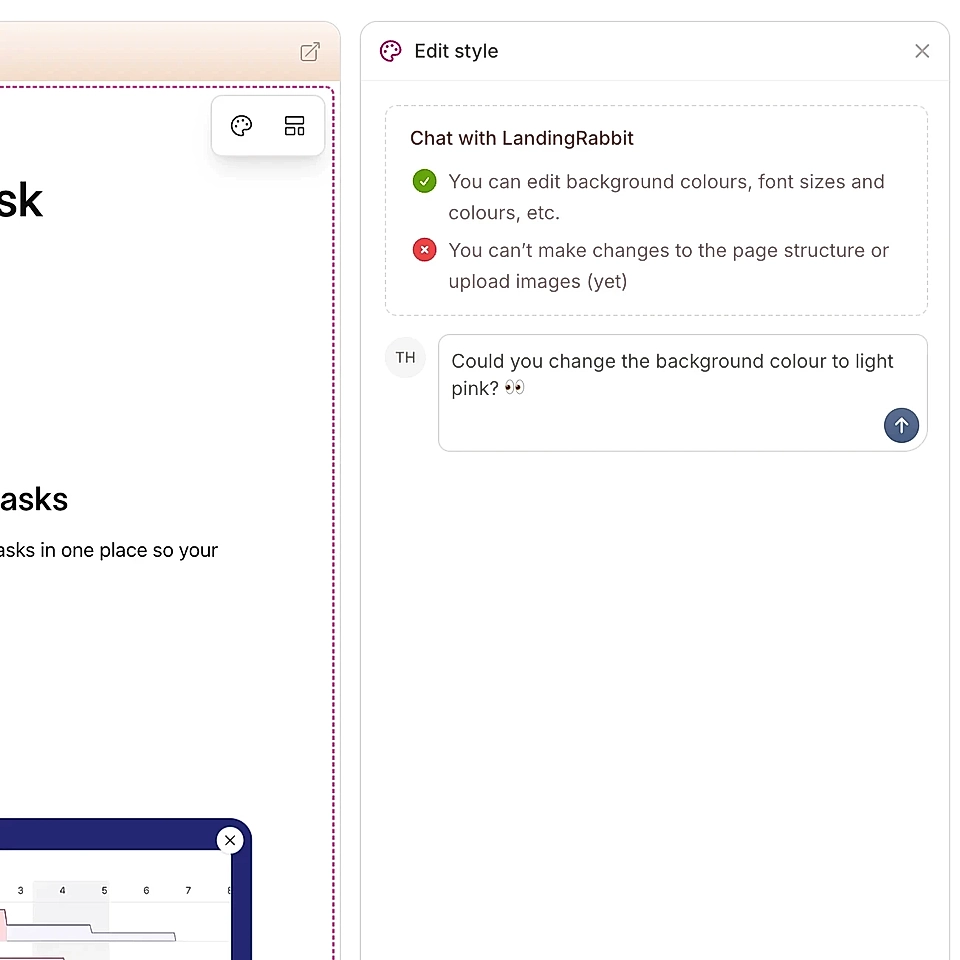
In LandingRabbit, AI helps across the whole workflow from ideas to published pages.
Why B2B founders and marketing teams pick LandingRabbit over Webflow, WordPress, and Framer
Those platforms are fantastic for designers and developers.
If you want to create a website with a fully custom design and you aren’t likely to create and update pages often, go for them instead of LandingRabbit. There are a lot of designers and developers who specialise in those three.
But if you are like me, a marketer in a B2B company who needs new marketing pages all the time and needs the best possible tools to keep the website up-to-date when the offer changes, then LandingRabbit might be your choice.
LandingRabbit is built for founders, consultants, coaches, and service businesses who:
- Need clear pages that explain their services and win over potential clients
- Want to save time by using AI to turn keyword ideas, slide decks, customer call recordings, etc., into live pages in 15-30 minutes
- Look for tools to keep their website up-to-date without help from designers and devs
Want to give it a try?
Sign up for a 14-day free trial. No credit card needed.